About the schematic viewer
Three ways to look at a build
Orbit the whole structure, fly through the inside in first person to check rooms and redstone, or slice it one layer at a time like a blueprint. There is also a walkthrough that places the build block by block, in the order you would actually build it.
Five formats, including the old ones
Opens .litematic, .schem, .nbt and Bedrock .mcstructure — plus the legacy .schematic that downloads from before Minecraft 1.13 still use, which stores numeric block ids and is translated to modern blocks as it loads.
Know what it costs before you start
The materials panel counts every block in the build, sorted by how many you need, so you can gather for a build before placing a single block of it.
Nothing leaves your device
The file is read and rendered in your browser. There is no upload, no account, and no install — and no size limit beyond what your own machine can hold.
Need the build in a different format? Convert it to Litematica, WorldEdit, a structure block file or Bedrock — also without uploading anything.
Latest schematics
Browse all »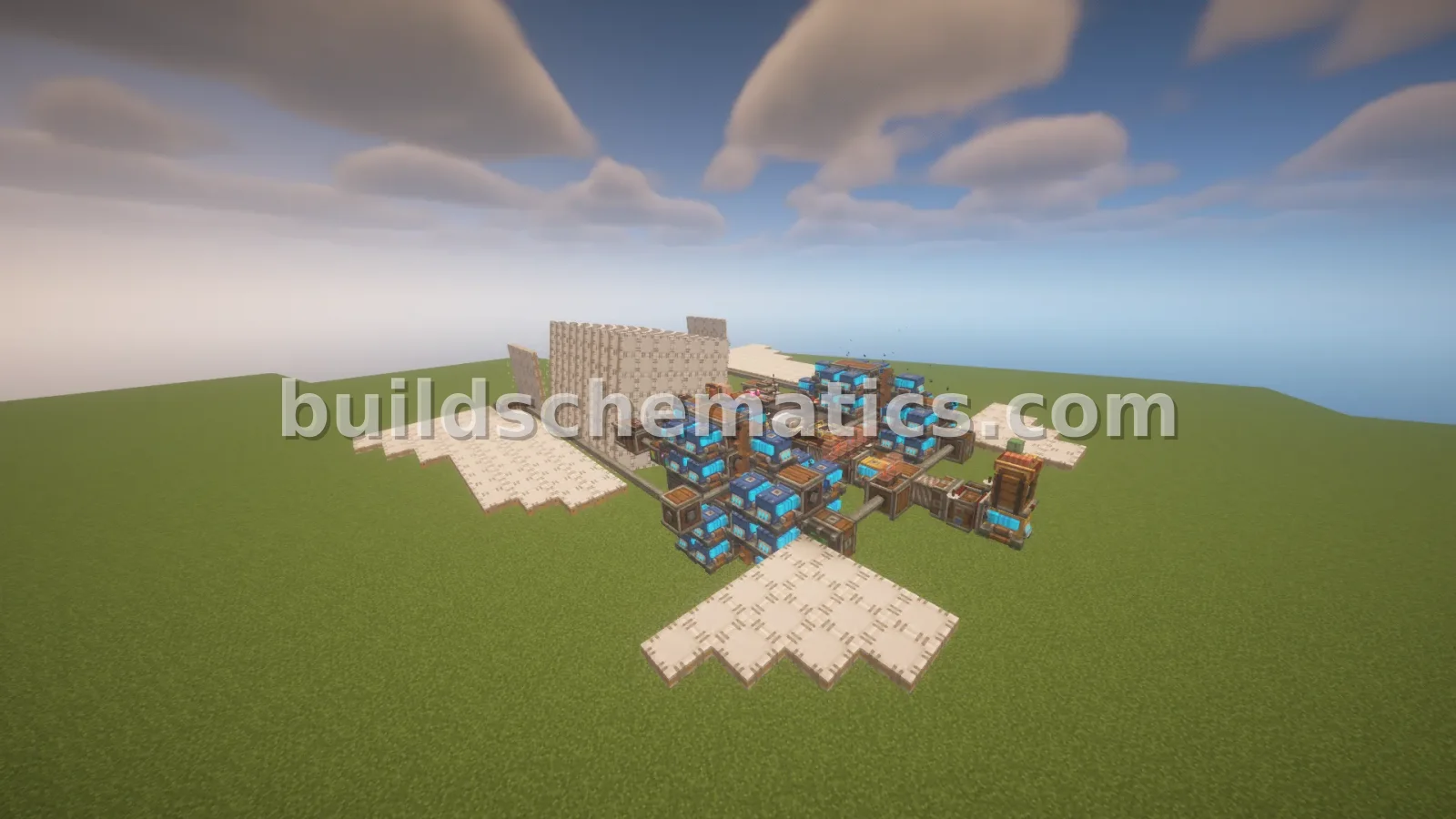 Flying Machines · 1.21.1 · 27 x 9 x 28Fast Flying Machine
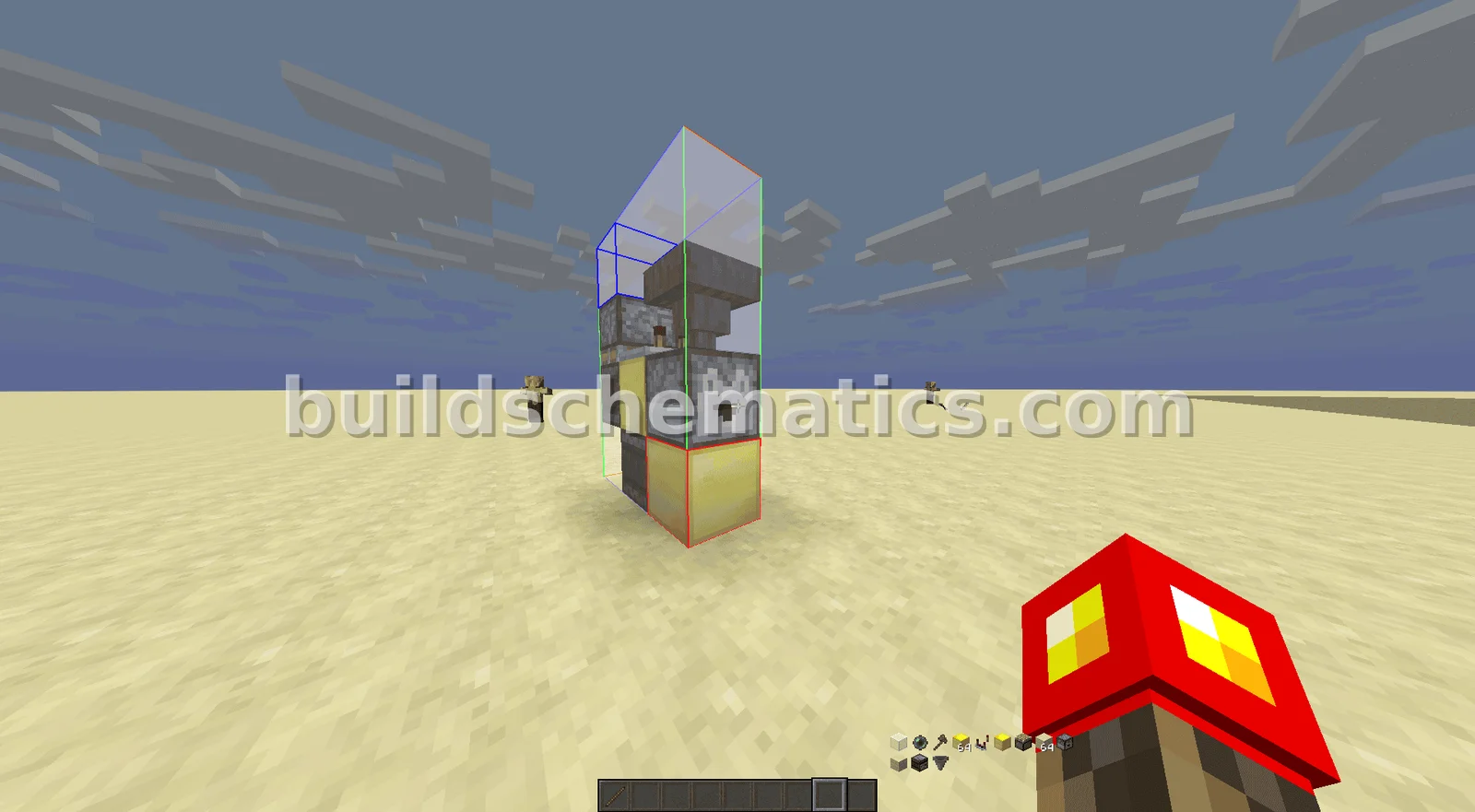 Structure · 1 x 4 x 3Automatic Player Launcher
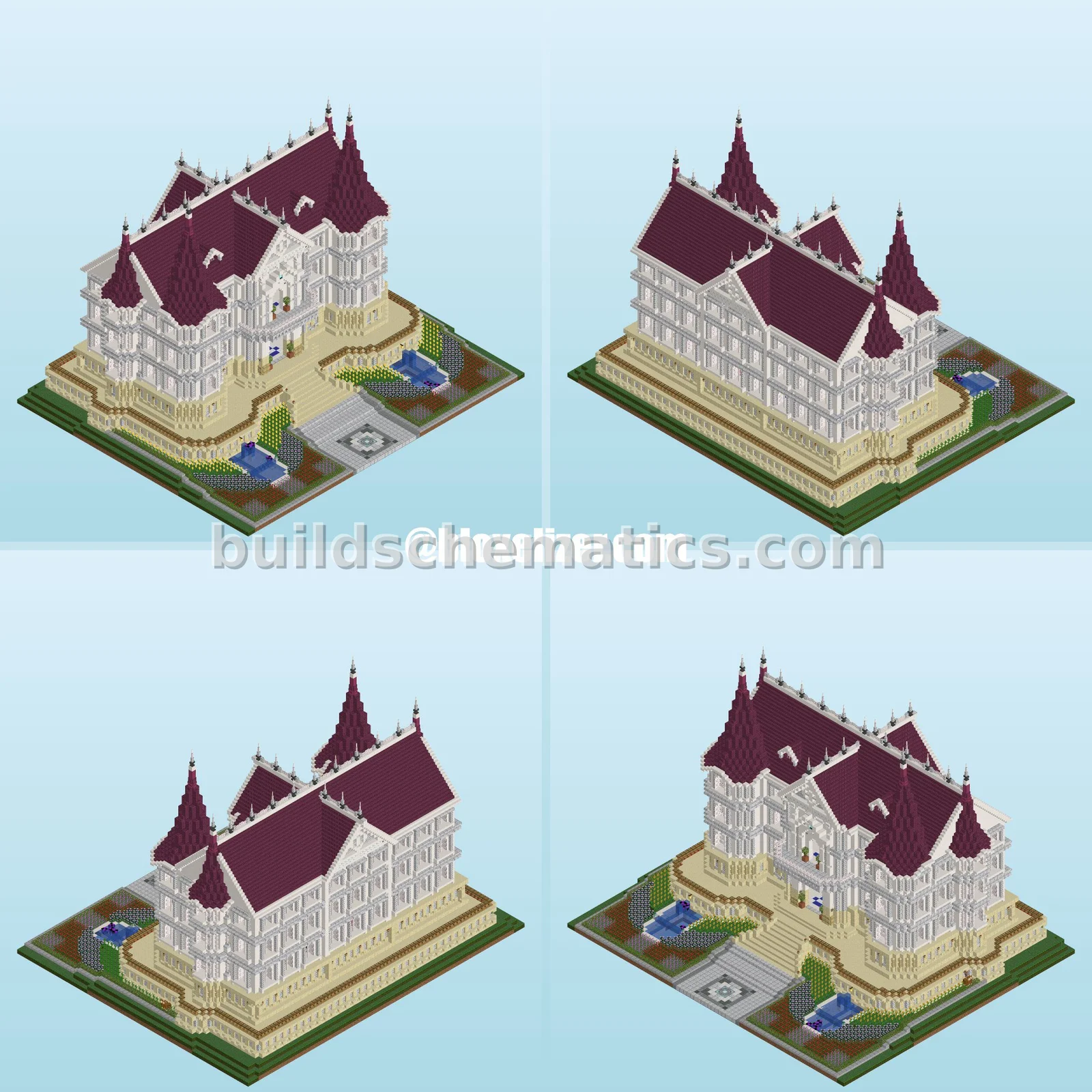 Exterior · 26.1.2 · 80 x 64 x 80Elegant White Mansion
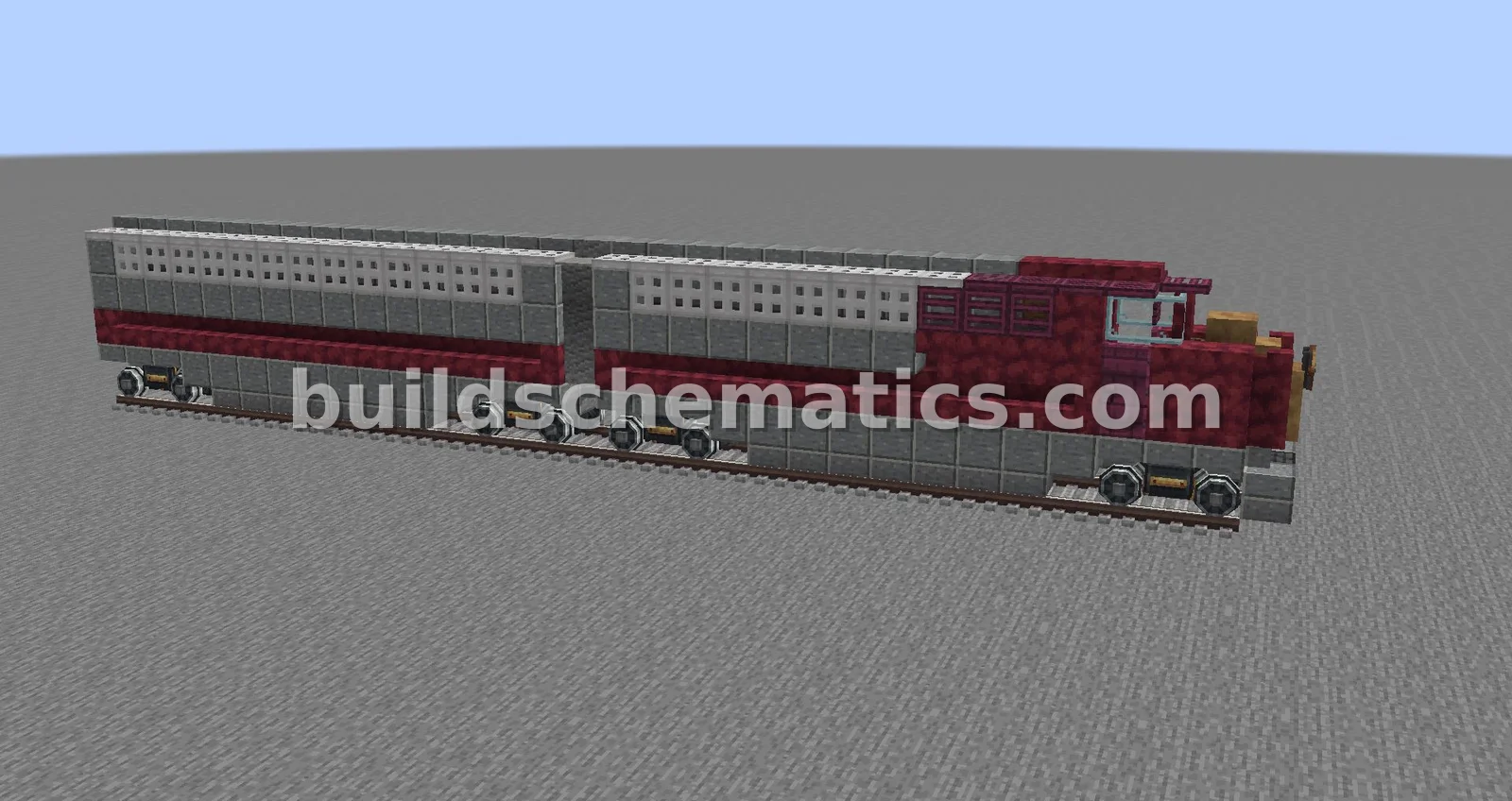 Ground Vehicles · 1.18.2 · 5 x 6 x 33Santa Fe Super Chief Locomotive Replica
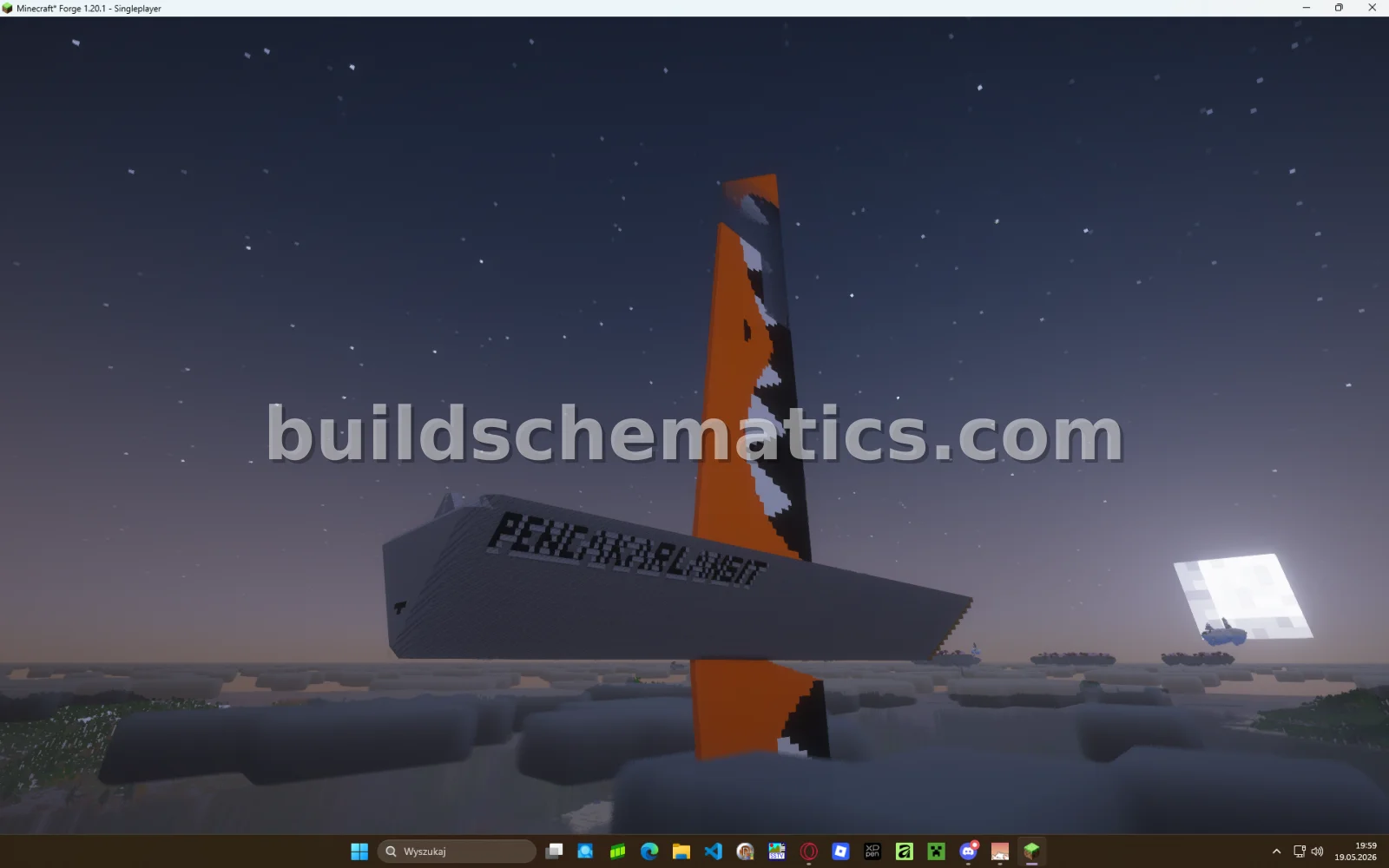 Towers · 1.20.1 · 107 x 214 x 25Skyscraper Build
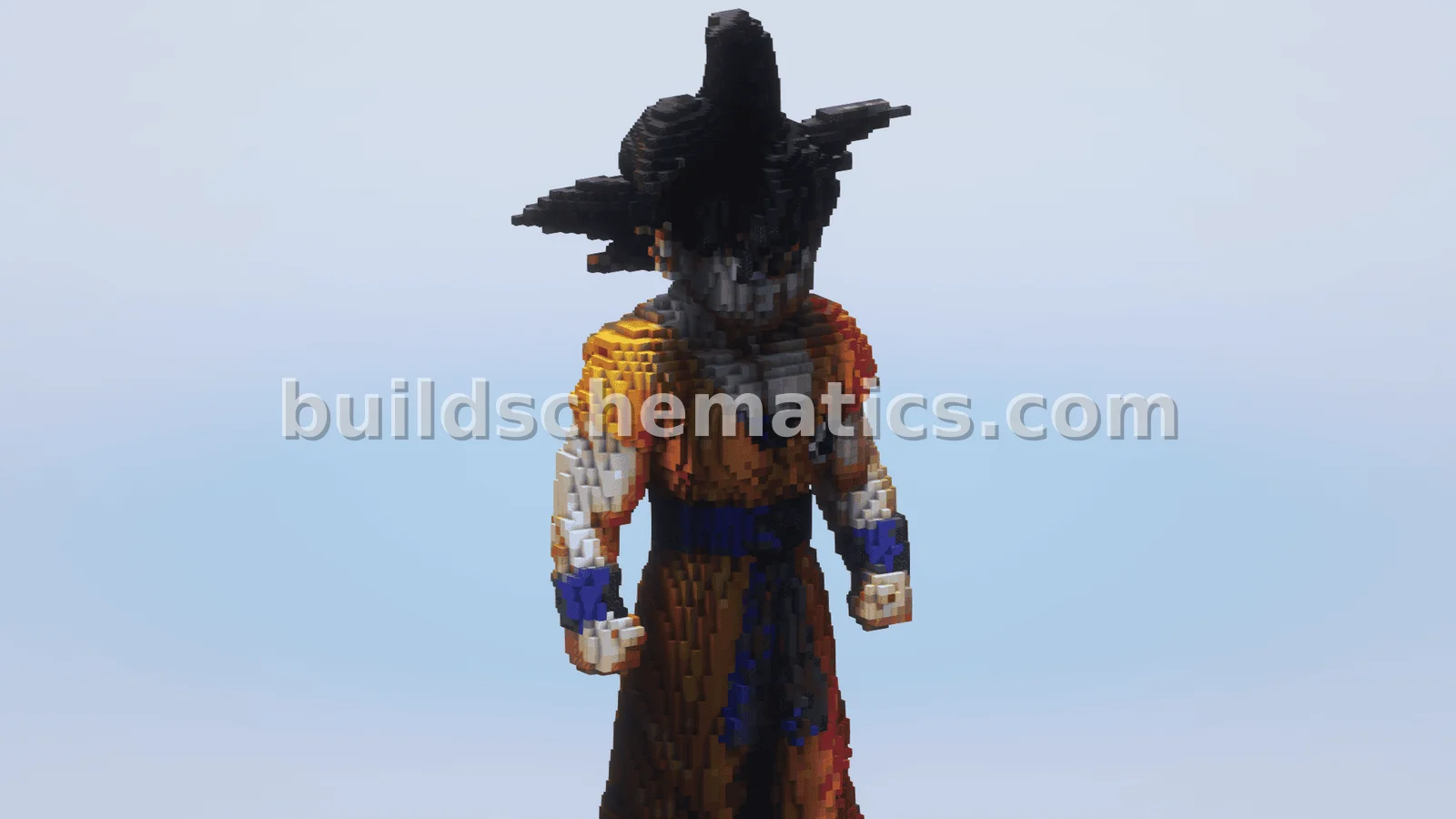 Statues And Sculptures · 1.19 · 26 x 66 x 36Goku Statue
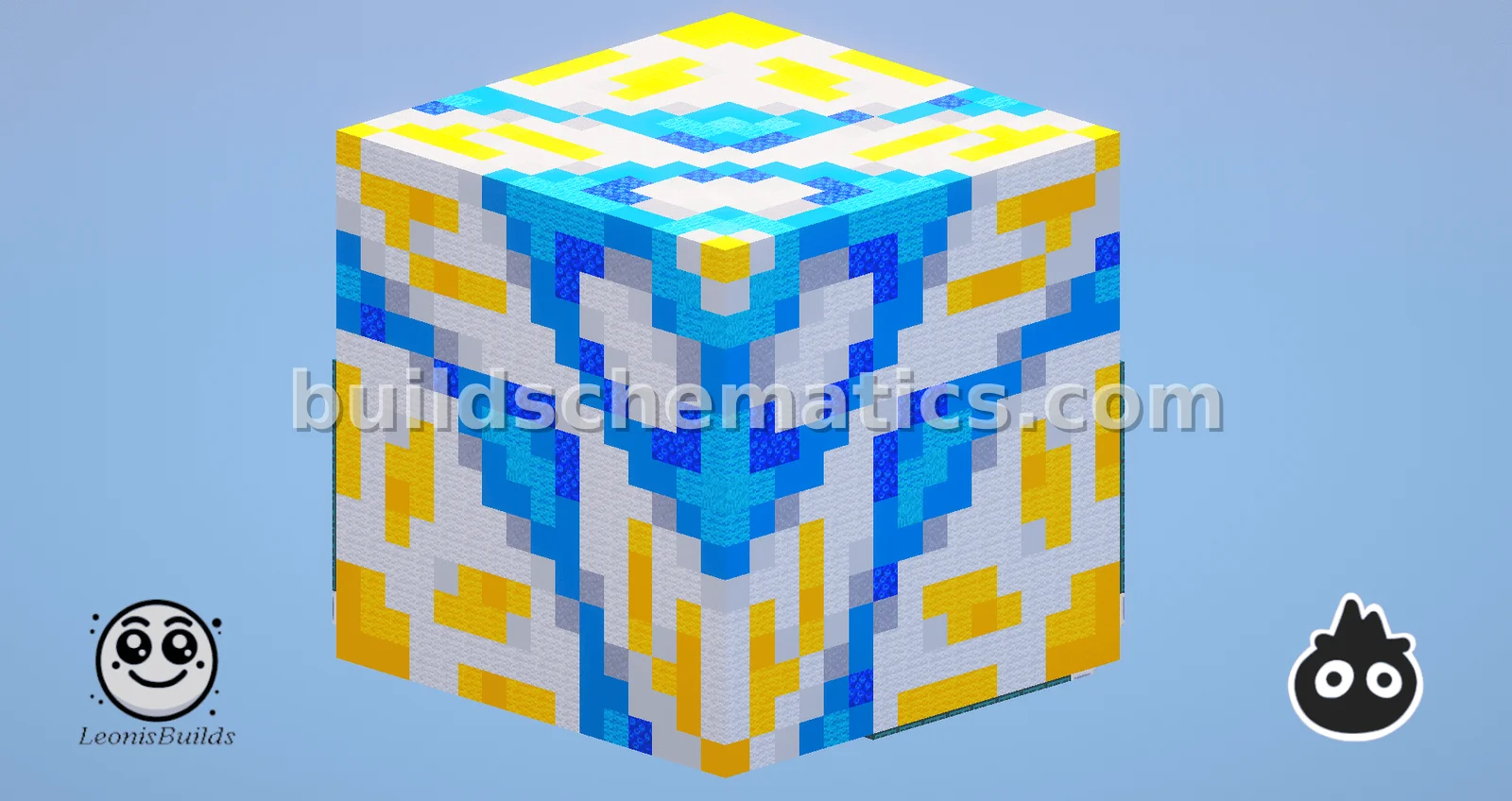 Miscellaneous · 1.21.8 · 17 x 17 x 17White Glazed Terracotta Build
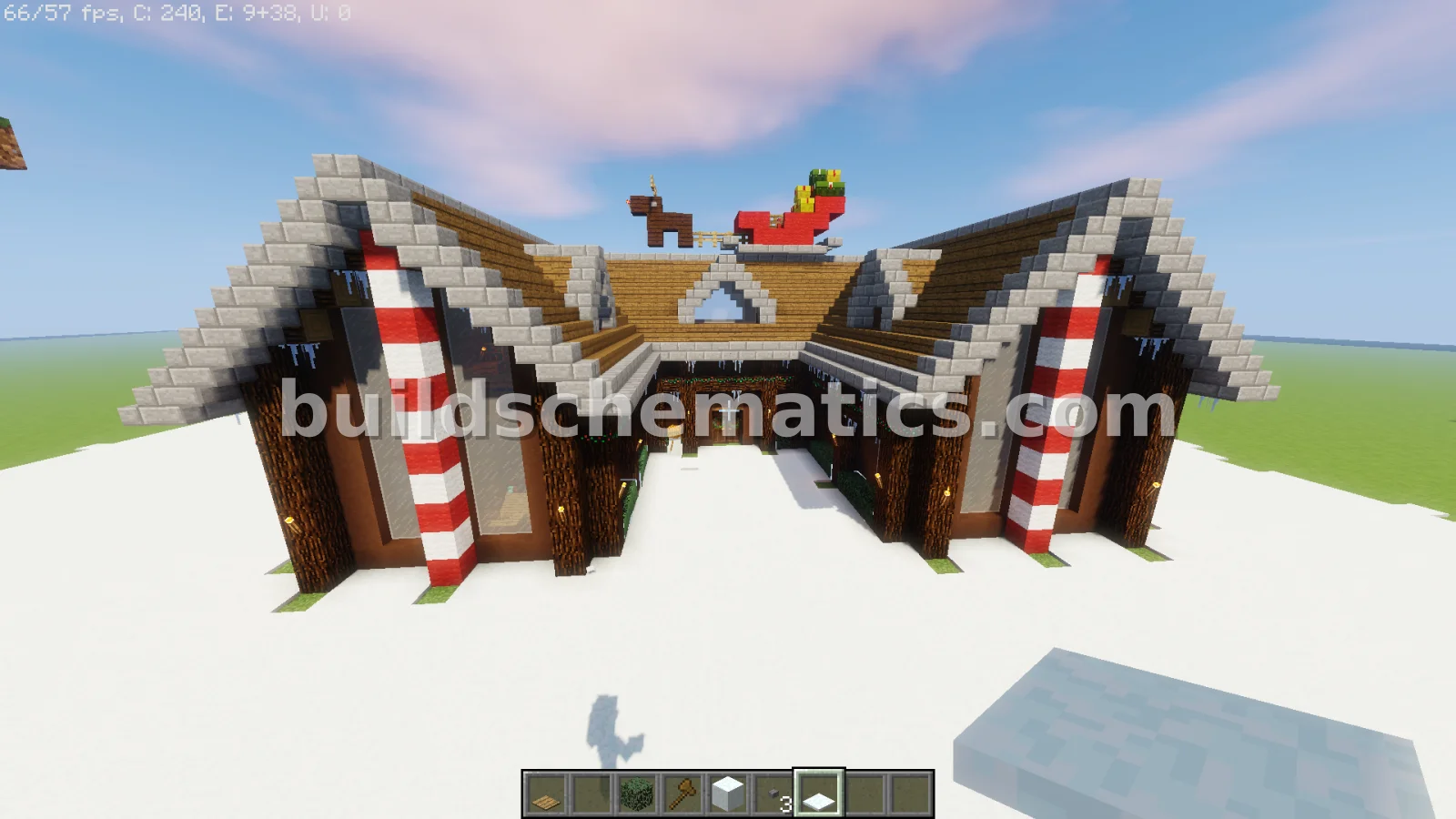 Houses · 36 x 15 x 27Christmas Villa
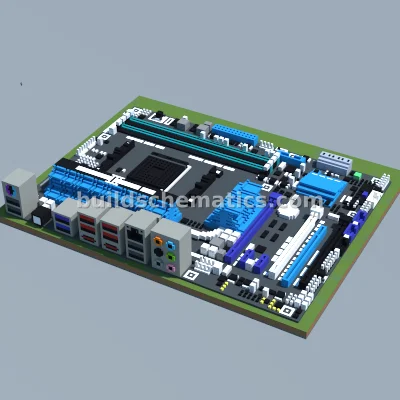 Decoration · 113 x 22 x 150ASUS M5A99X EVO R2.0 Motherboard Pixel Art
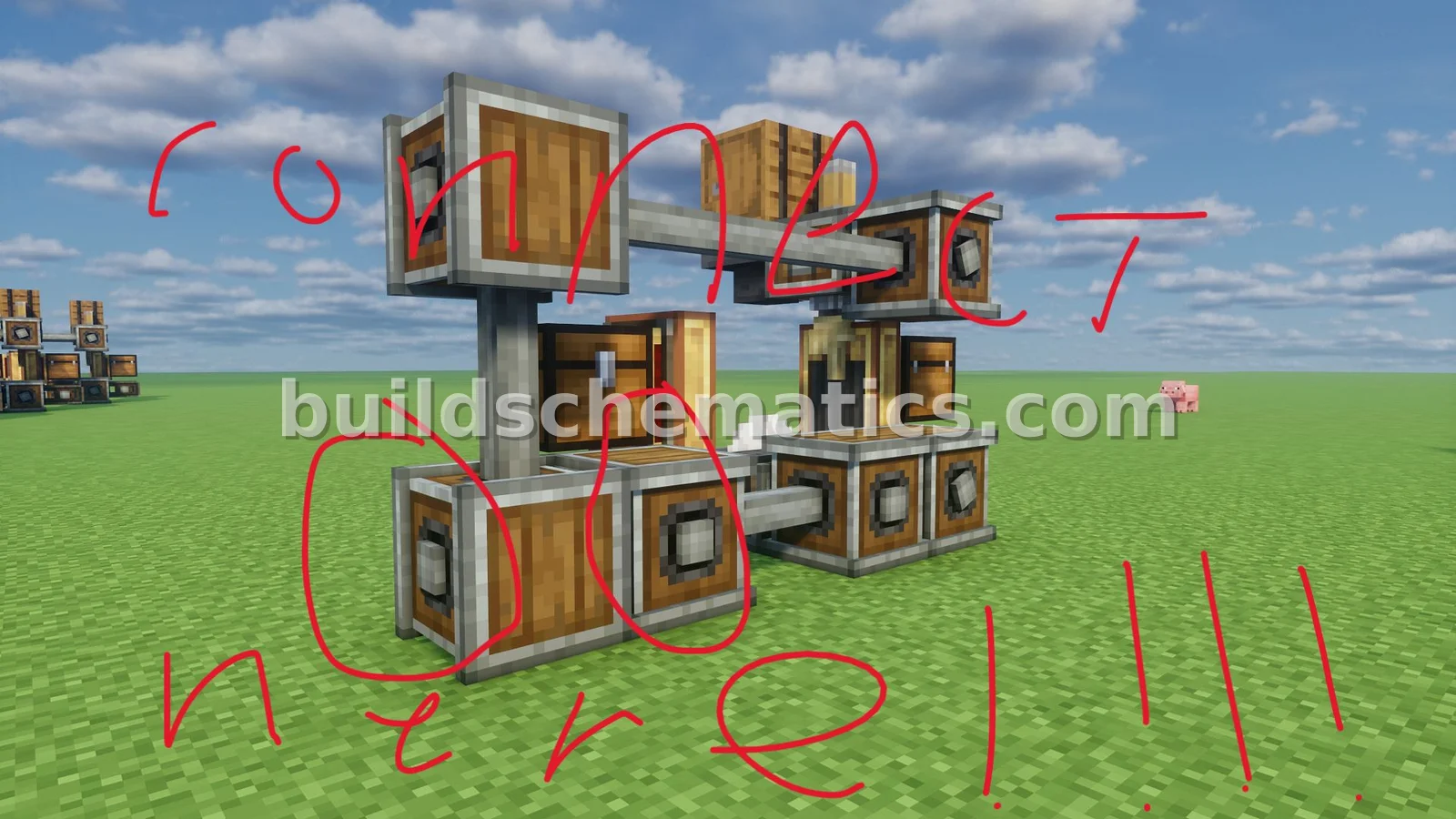 Utility · 1.20.1 · 4 x 4 x 6Small Gearbox Item Processor
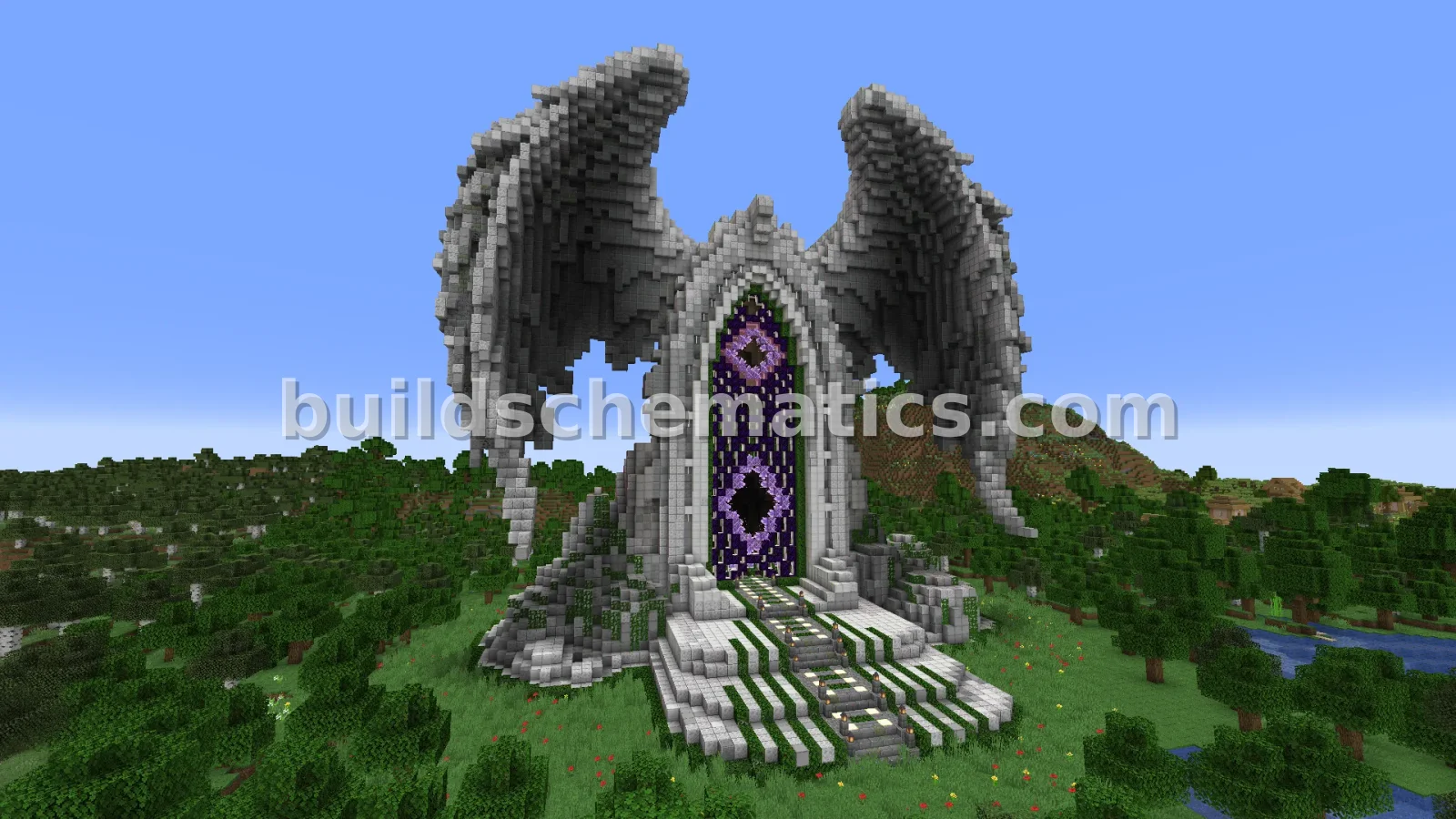 Miscellaneous · 1.19 · 78 x 72 x 64Angel Wings Elysium Nether Portal Statue Build
 Miscellaneous · 223 x 43 x 5Kylian Colin Nameplate in 3D Block Letters