Frequently asked questions
Which schematic formats can I convert between?
You can open .litematic (Litematica), .schem (WorldEdit / Sponge), .nbt (structure block), .mcstructure (Bedrock) and the legacy pre-1.13 .schematic, and write out .litematic, .schem, .nbt or .mcstructure.
Can I open an old .schematic file?
Yes. Files saved before Minecraft 1.13 store numeric block ids rather than names, and they are read here and translated to modern blocks, so an old download can be converted to Litematica or WorldEdit and used in a current world.
Are my files uploaded anywhere?
No. The conversion runs entirely in your browser. The file is read on your own device and the converted copy is written there too.
Why will my converted file not open in Litematica or WorldEdit?
Both refuse a schematic that claims a Minecraft version newer than the one reading it. Set the Minecraft version control to the version you actually play and convert again.
How good is the Java to Bedrock conversion?
Blocks and their positions carry over, and stairs, logs and slabs keep their orientation. Other rotations fall back to a default, container contents are not carried across, and any block with no Bedrock equivalent will be missing. Preview the result before you build on it.
Why is the structure block option sometimes unavailable?
A vanilla structure block cannot load anything larger than 48 blocks on any axis, so the .nbt option is switched off for builds above that rather than handing you a file the game will refuse.
Schematics to try it on
Browse all »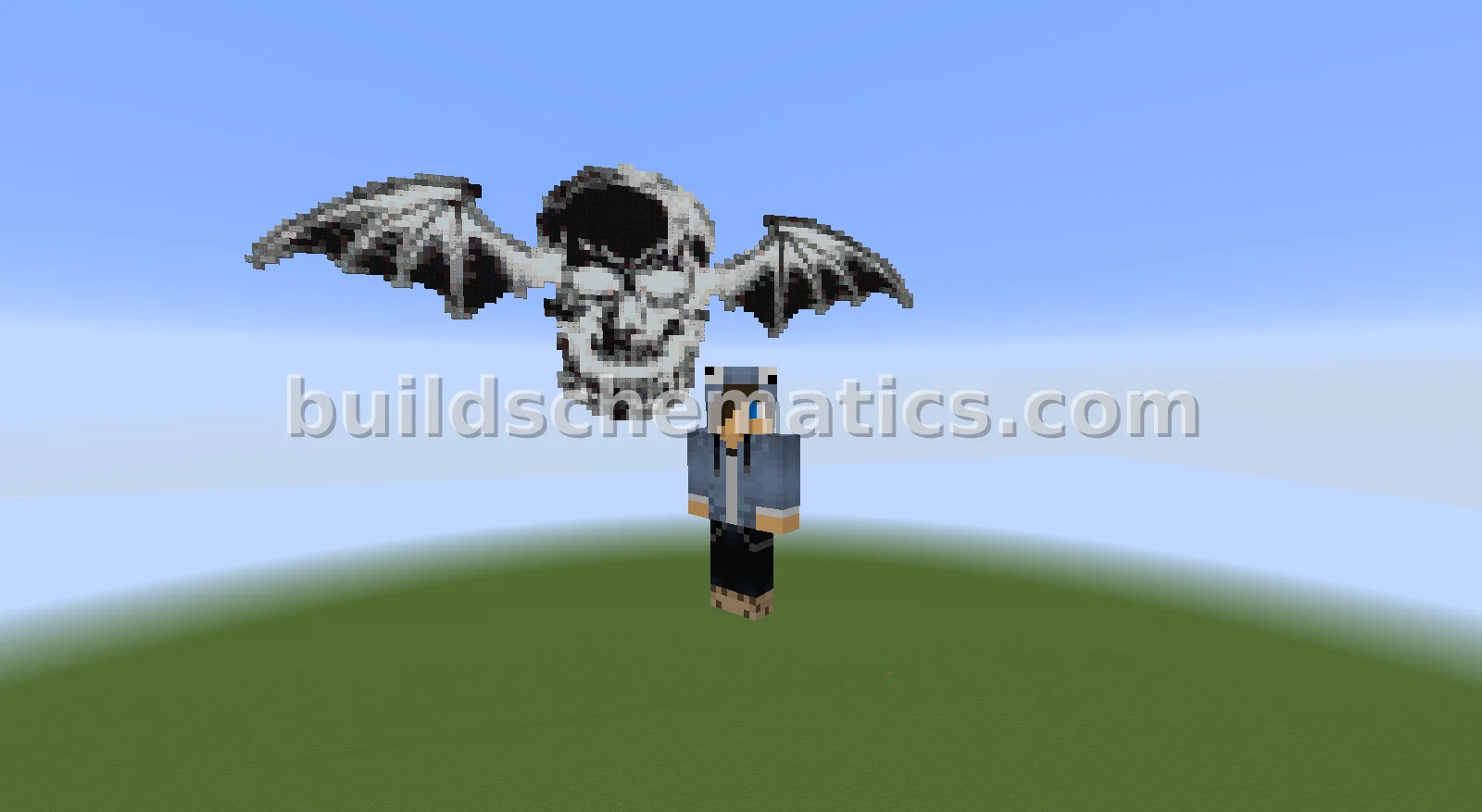 Decoration · 120 x 120 x 1Avenged Sevenfold Pixel Art Logo
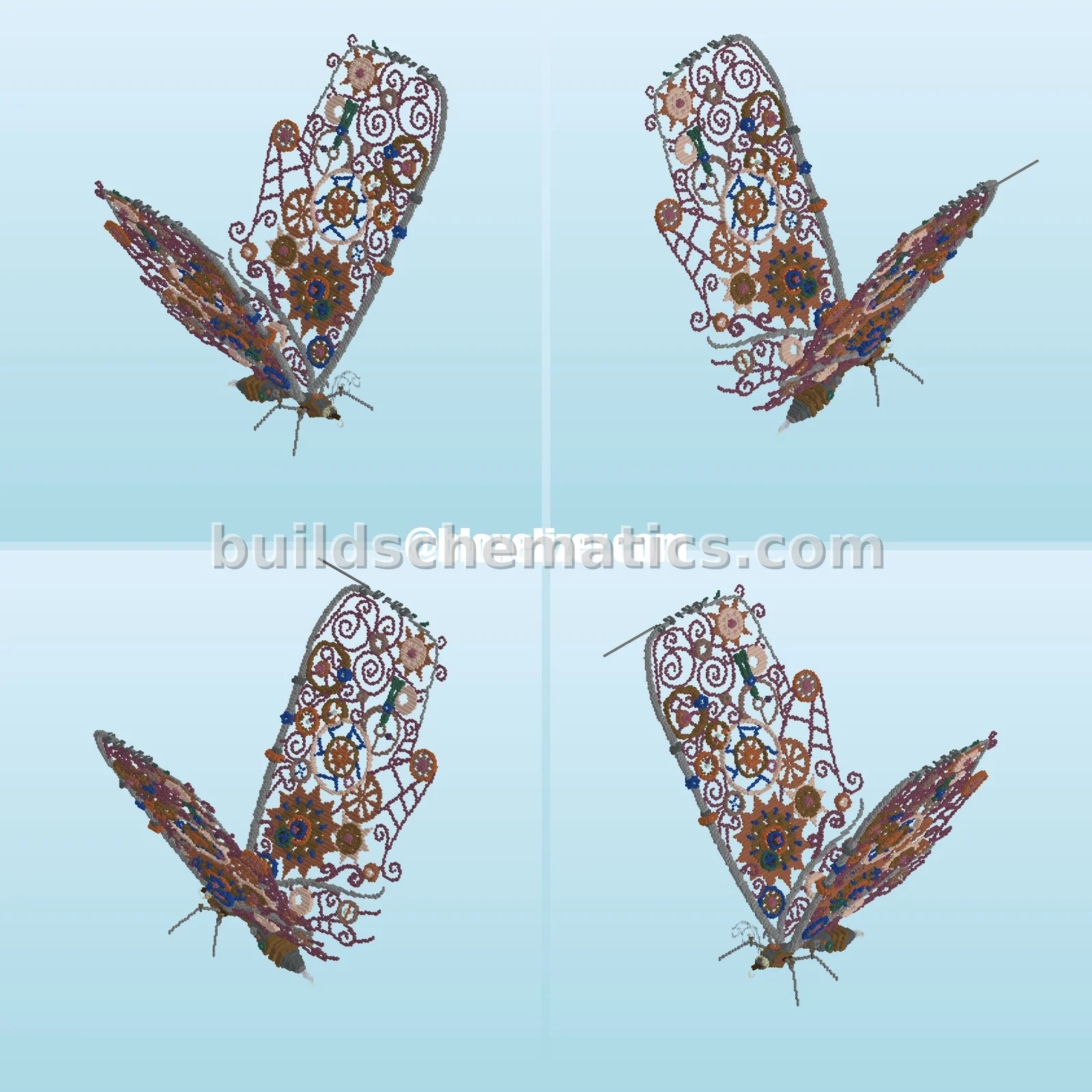 Structure · 1.21.10 · 144 x 192 x 208Steampunk Butterfly Structure
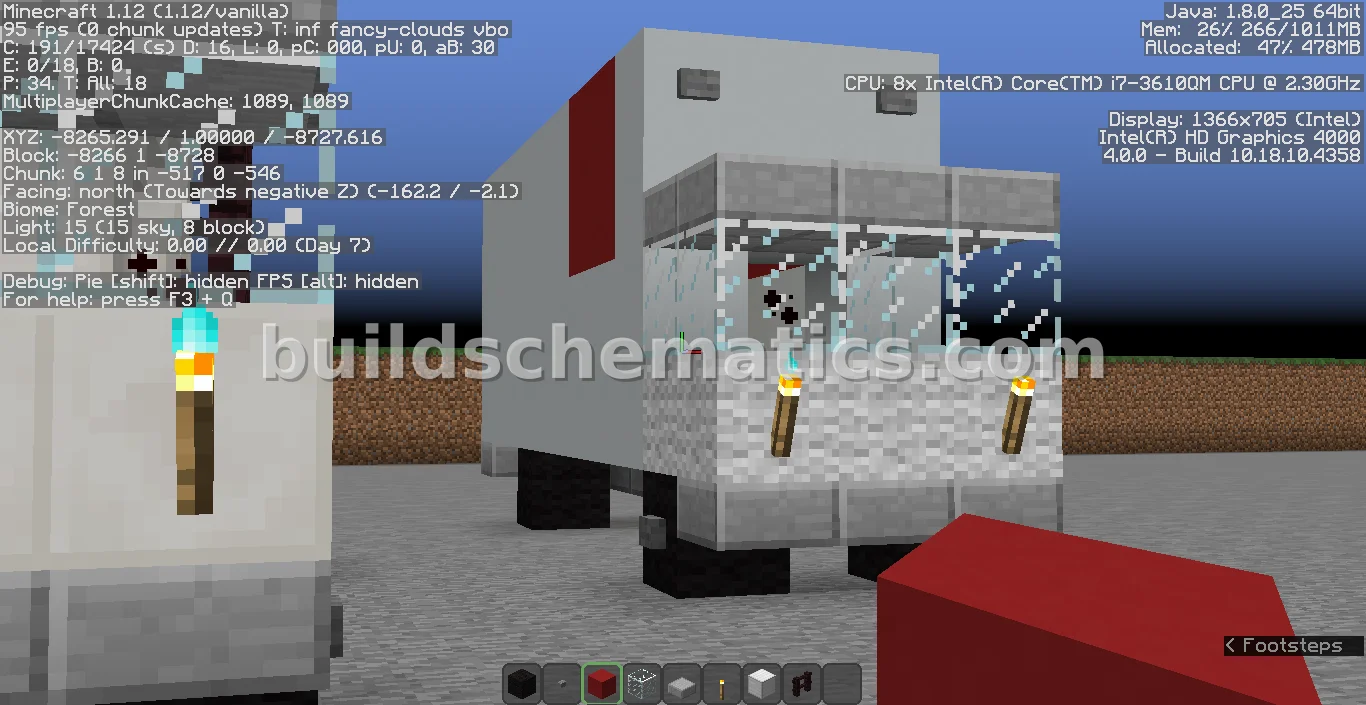 Ground Vehicles · 5 x 5 x 131998 Isuzu Freezer Truck
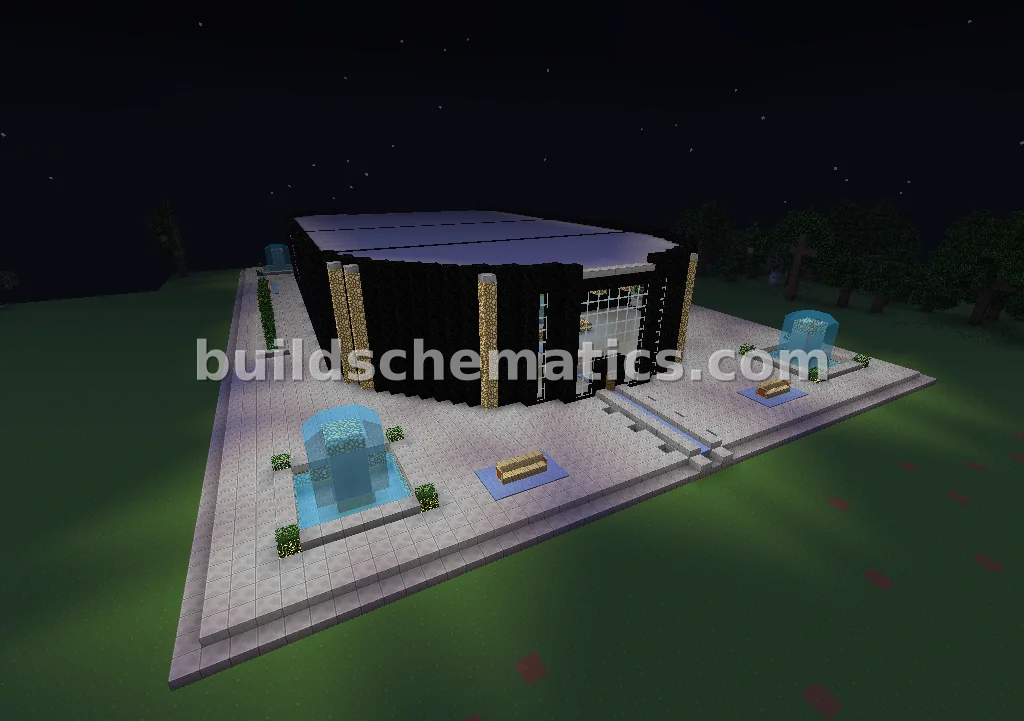 Arenas · 89 x 36 x 59Large Aquatic Games Centre
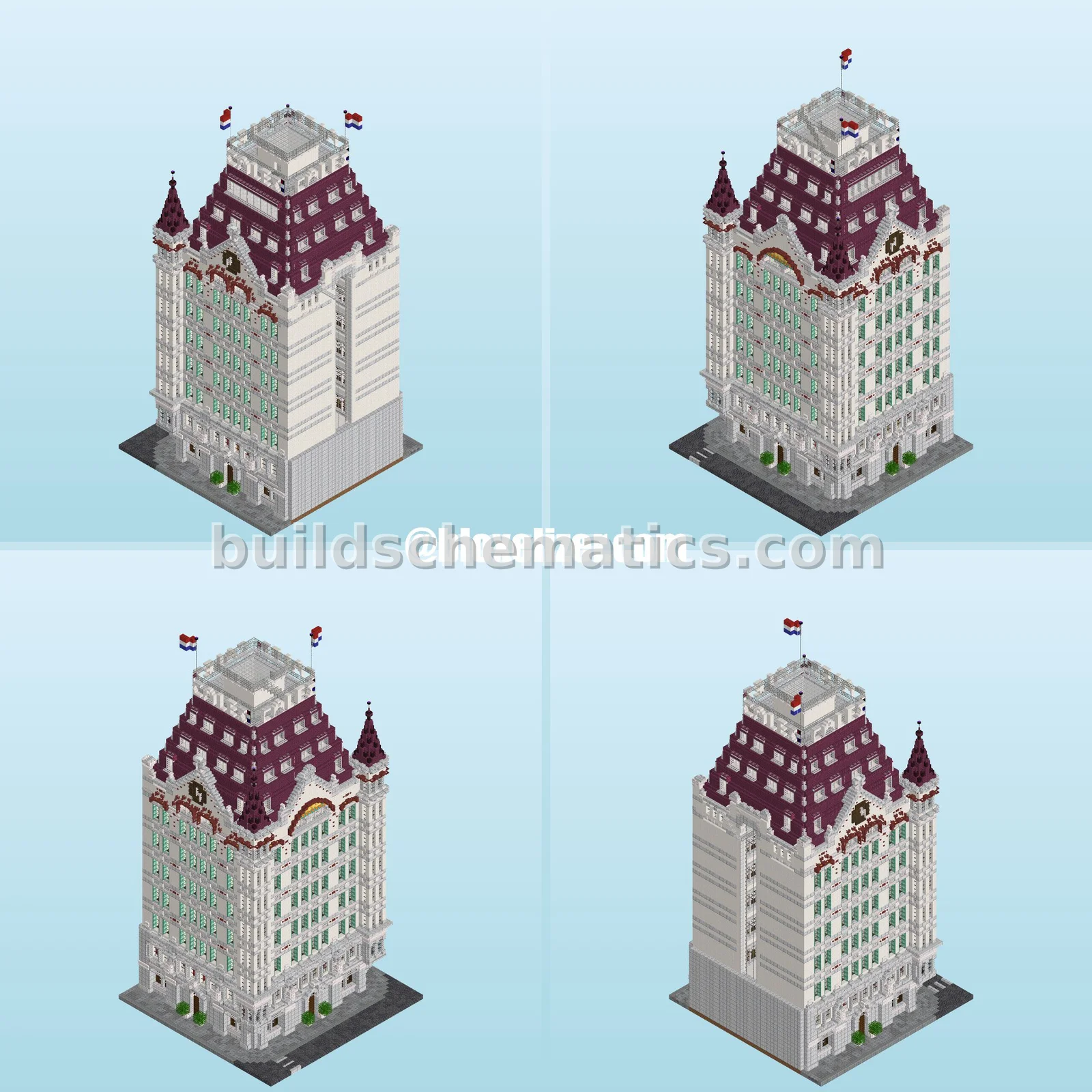 Towers · 26.2 · 48 x 96 x 48Elegant White Tower - 42k Blocks
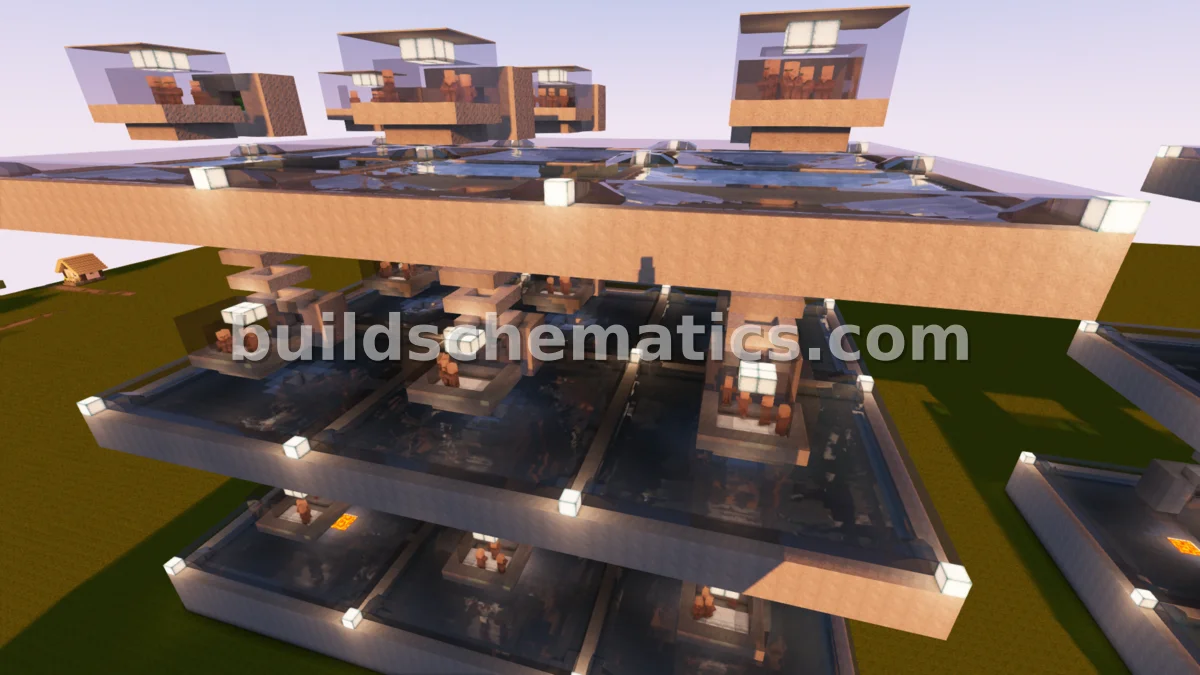 Miscellaneous · 1.16.4 · 41 x 48 x 60Massive Iron Golem Farm Design
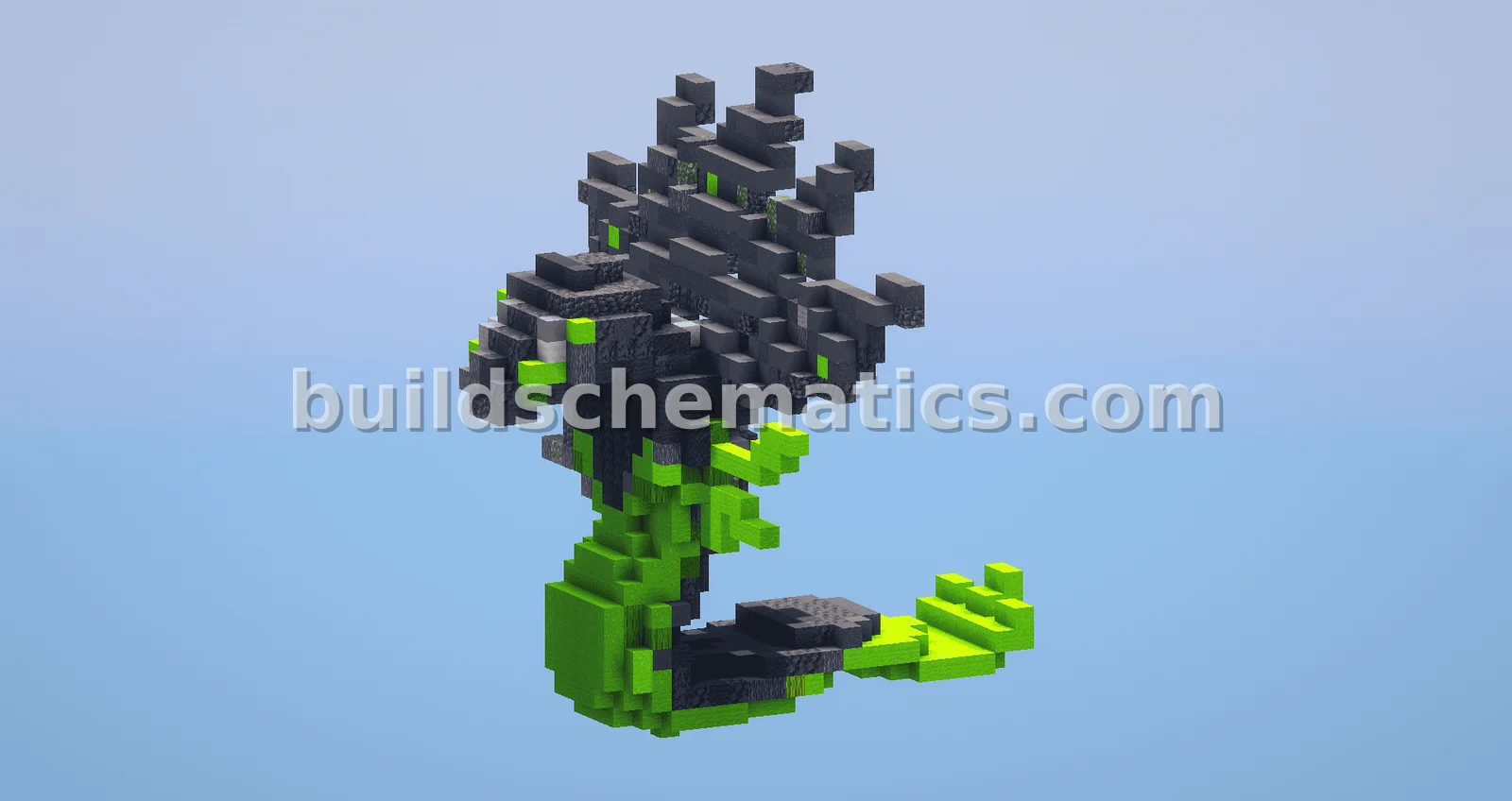 Statues And Sculptures · 1.19 · 28 x 31 x 32Pokemon Zygarde Build
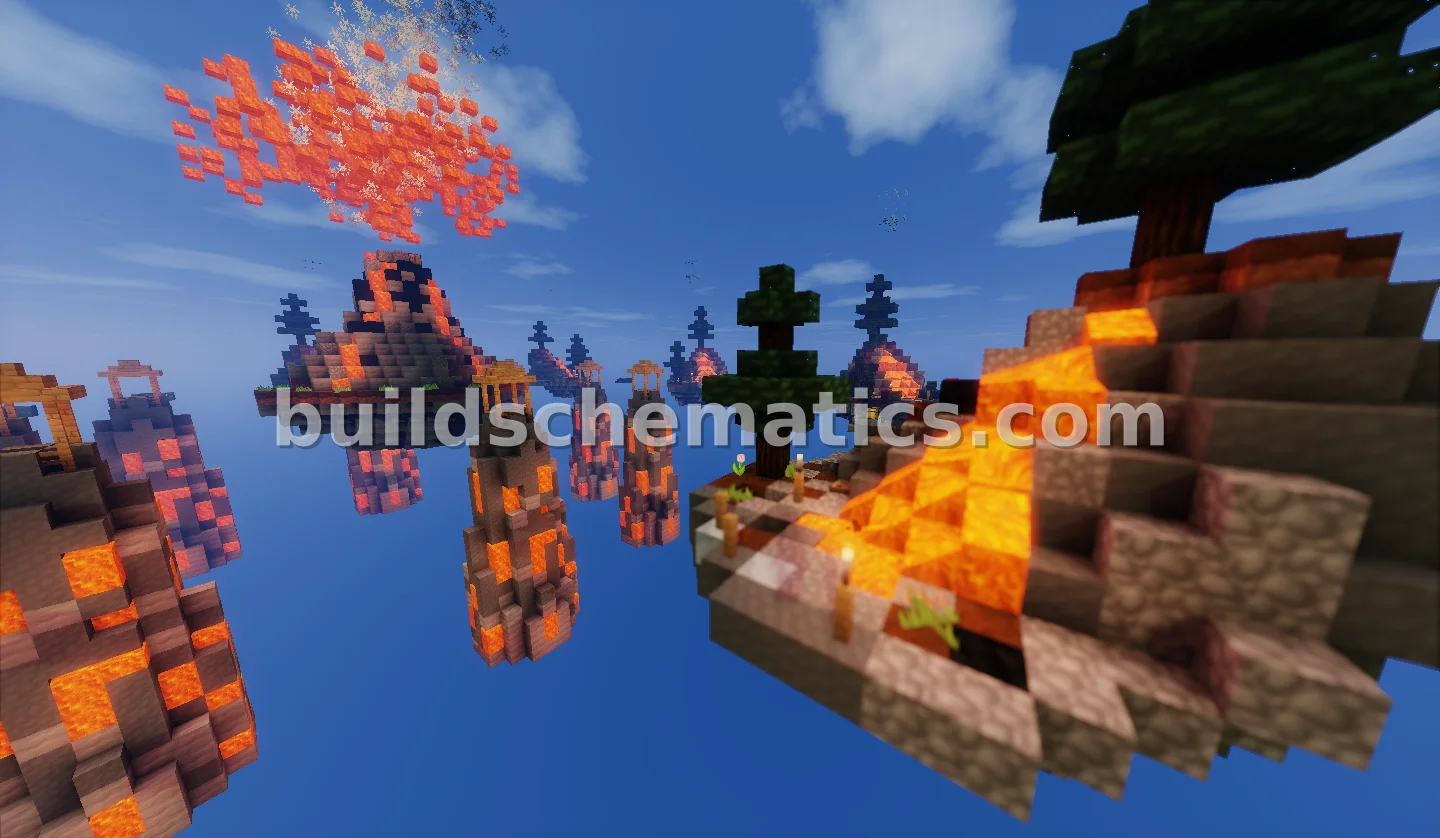 Structure · 184 x 118 x 191Volcanic Skywars Arena
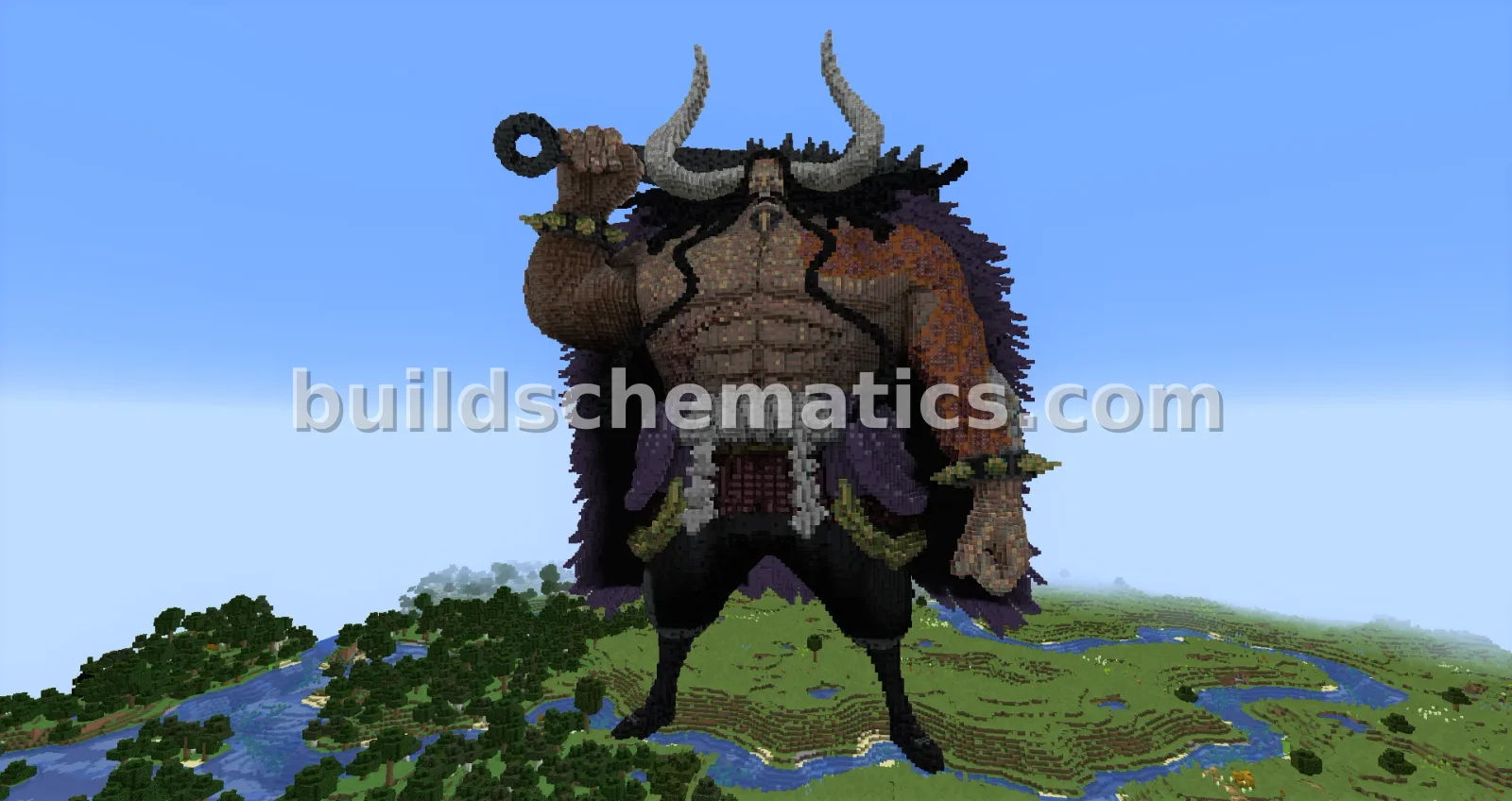 Statues And Sculptures · 161 x 190 x 136Kaido God Level Structure
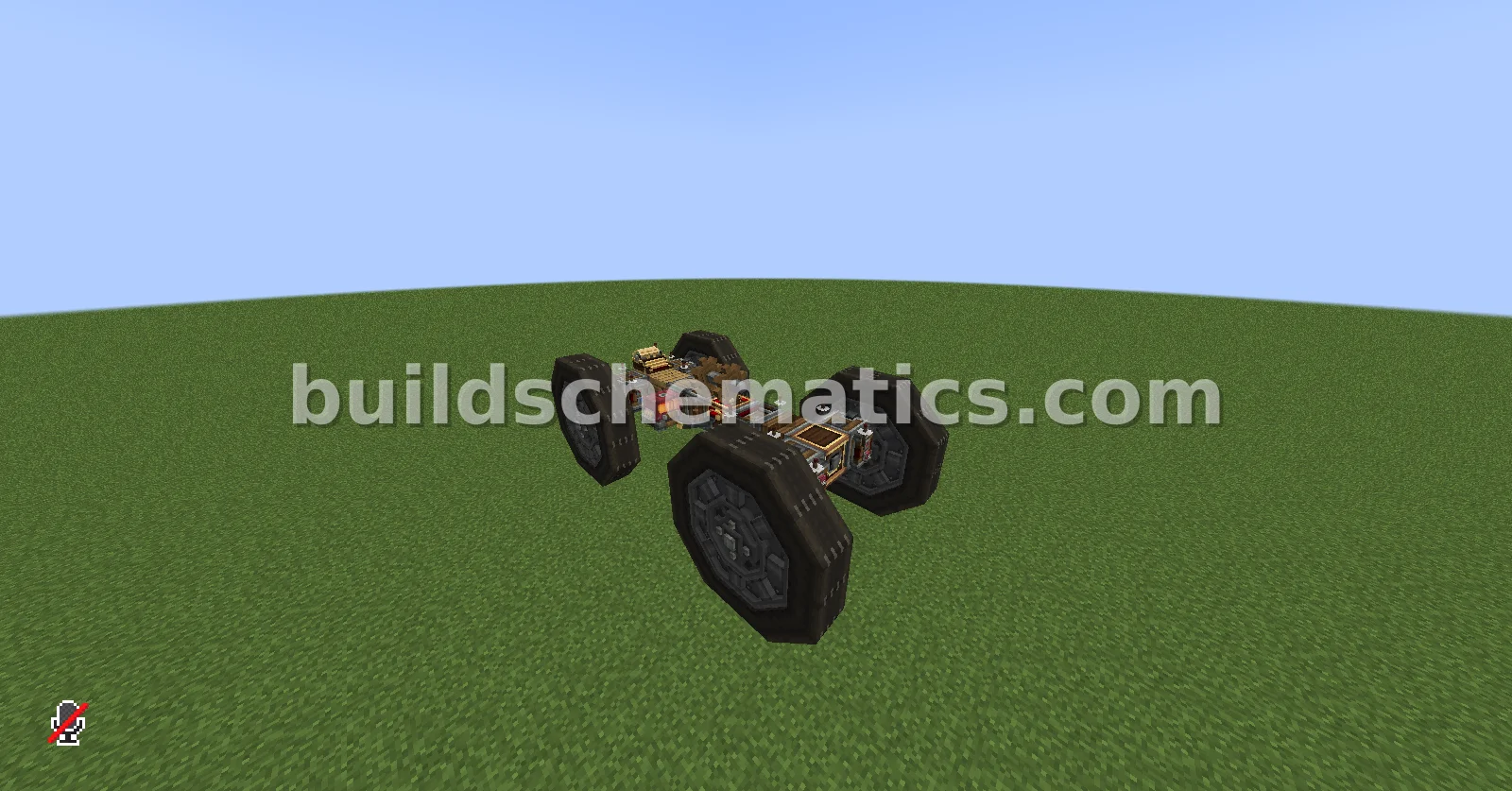 Component · 1.21.1 · 6 x 3 x 11Car Schematic With Working Wheels
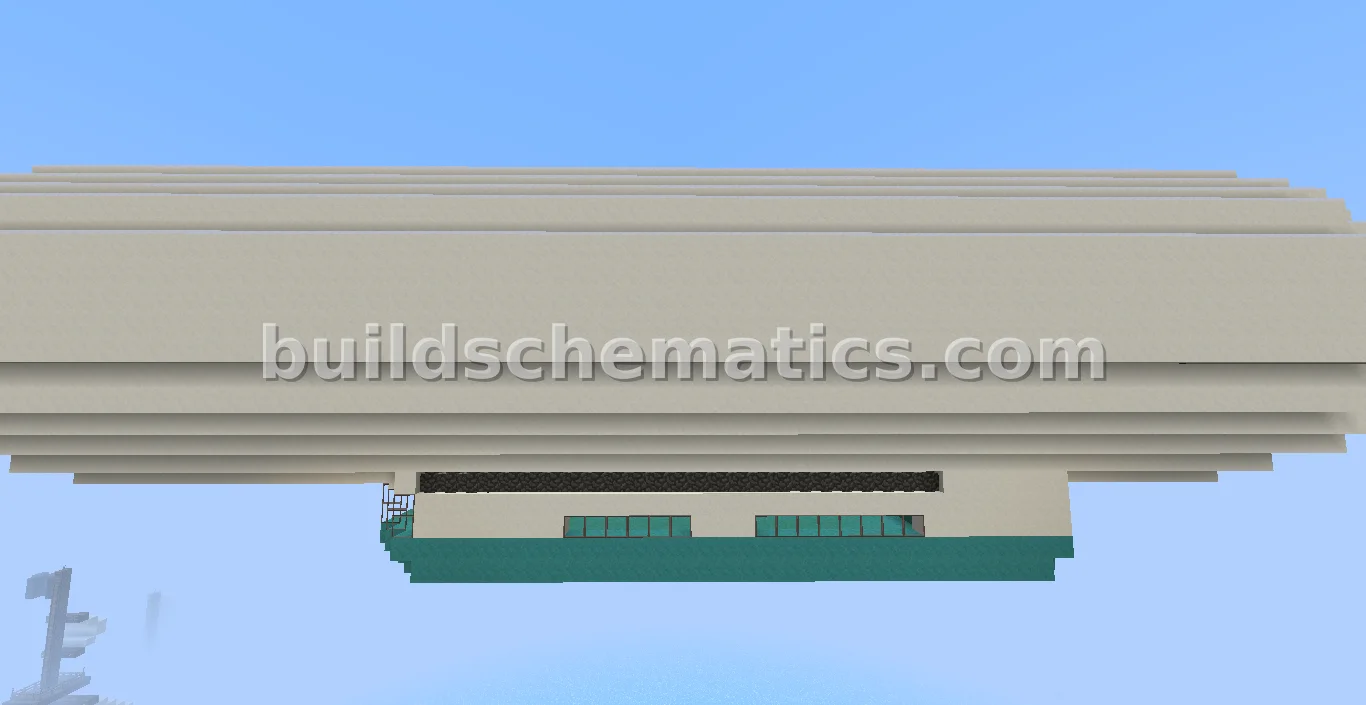 Structure · 73 x 22 x 17Giant Blimp In The Sky
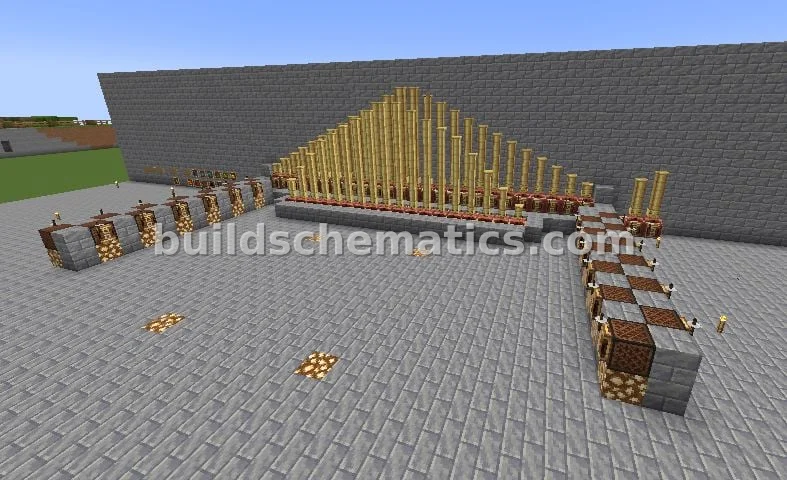 Miscellaneous · 1.20.1 · 140 x 4 x 53Redstone Music Sequencer - Little Soldier