About the schematic viewer
Three ways to look at a build
Orbit the whole structure, fly through the inside in first person to check rooms and redstone, or slice it one layer at a time like a blueprint. There is also a walkthrough that places the build block by block, in the order you would actually build it.
Five formats, including the old ones
Opens .litematic, .schem, .nbt and Bedrock .mcstructure — plus the legacy .schematic that downloads from before Minecraft 1.13 still use, which stores numeric block ids and is translated to modern blocks as it loads.
Know what it costs before you start
The materials panel counts every block in the build, sorted by how many you need, so you can gather for a build before placing a single block of it.
Edit it before you download
Switch on Edit to place, remove and pick blocks straight in the 3D view, or drag out a box and fill, replace, hollow or clear it in one go. Editing works in Layer view too, one slice at a time. Undo is unlimited, and the edited build downloads as .litematic, .schem, .nbt or .mcstructure — the file you opened is never touched.
Nothing leaves your device
The file is read and rendered in your browser. There is no upload, no account, and no install — and no size limit beyond what your own machine can hold.
Need the build in a different format? Convert it to Litematica, WorldEdit, a structure block file or Bedrock — also without uploading anything.
Latest schematics
Browse all »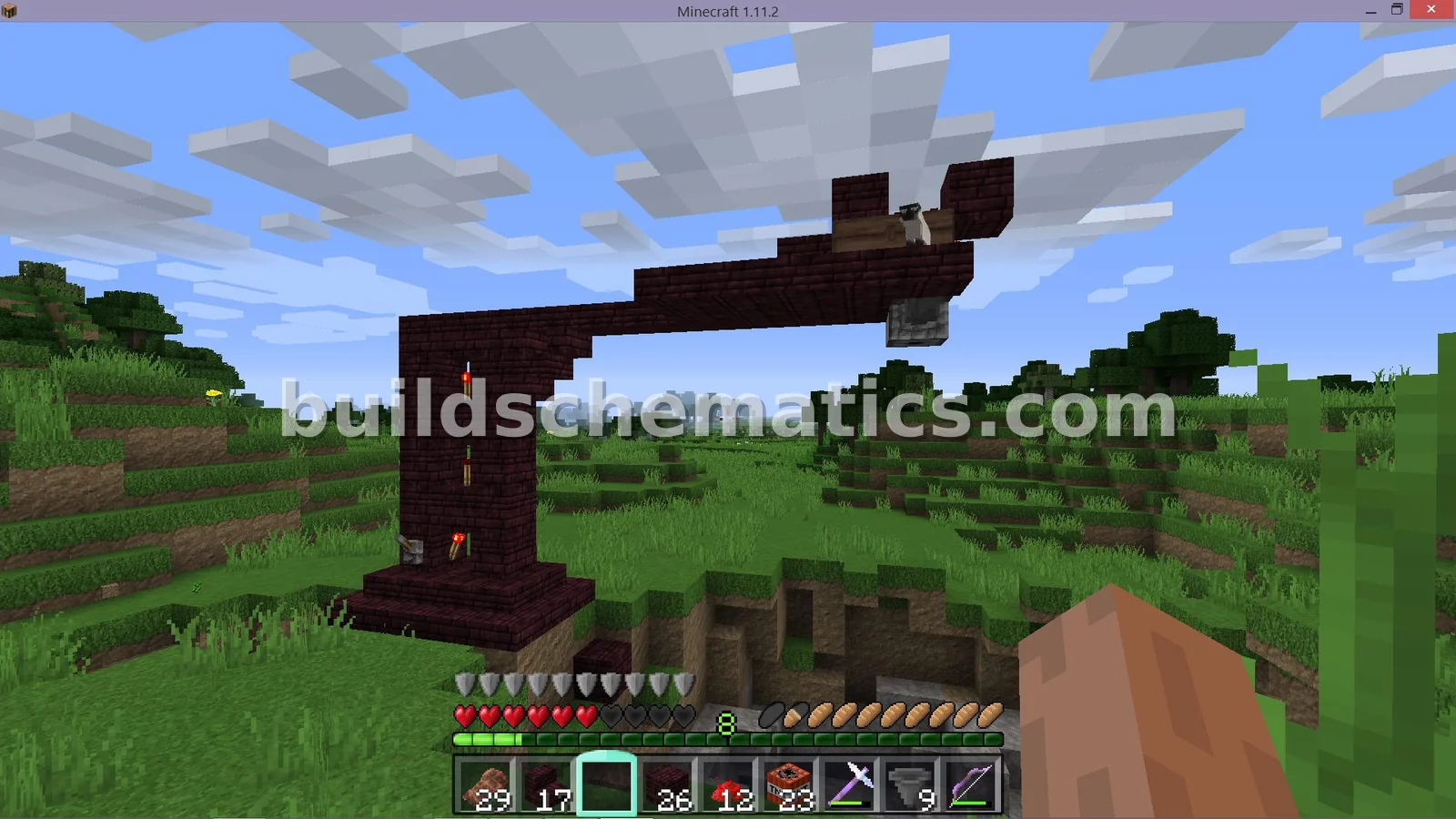 Redstone · 5 x 11 x 19Automatic TNT Mining Machine
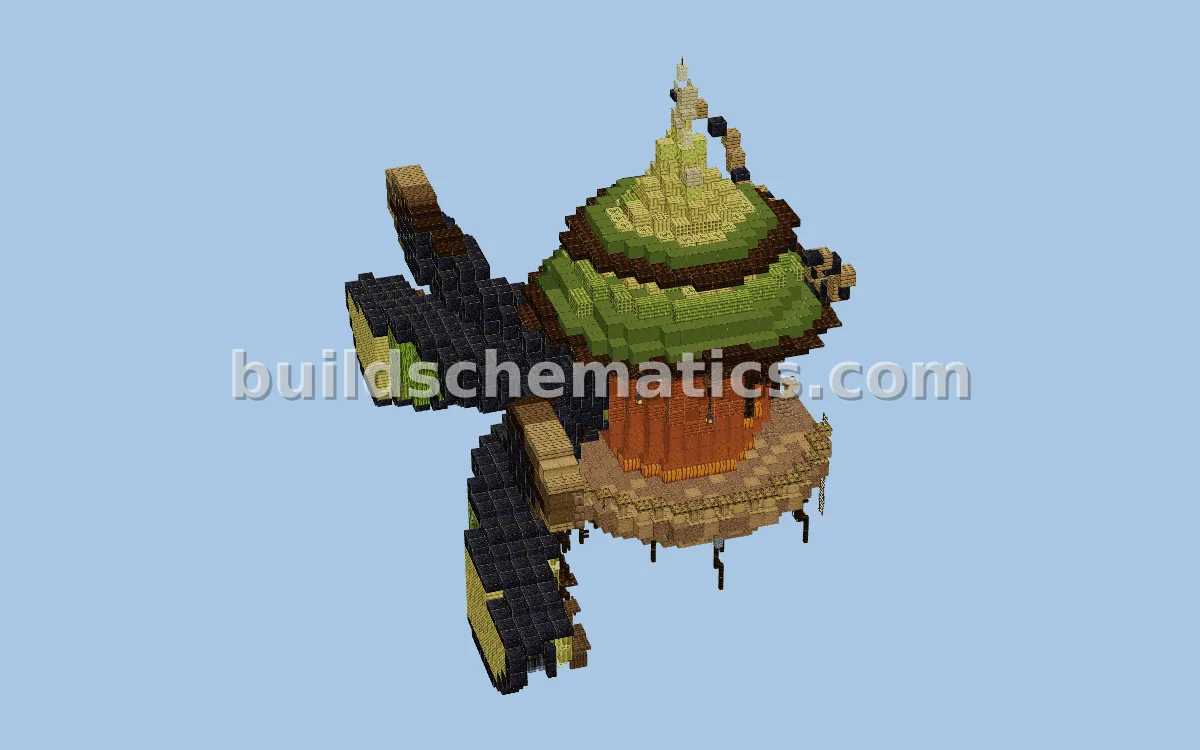 Statues And Sculptures · 1.20.1 · 36 x 51 x 53Moon Light Guardian Statue
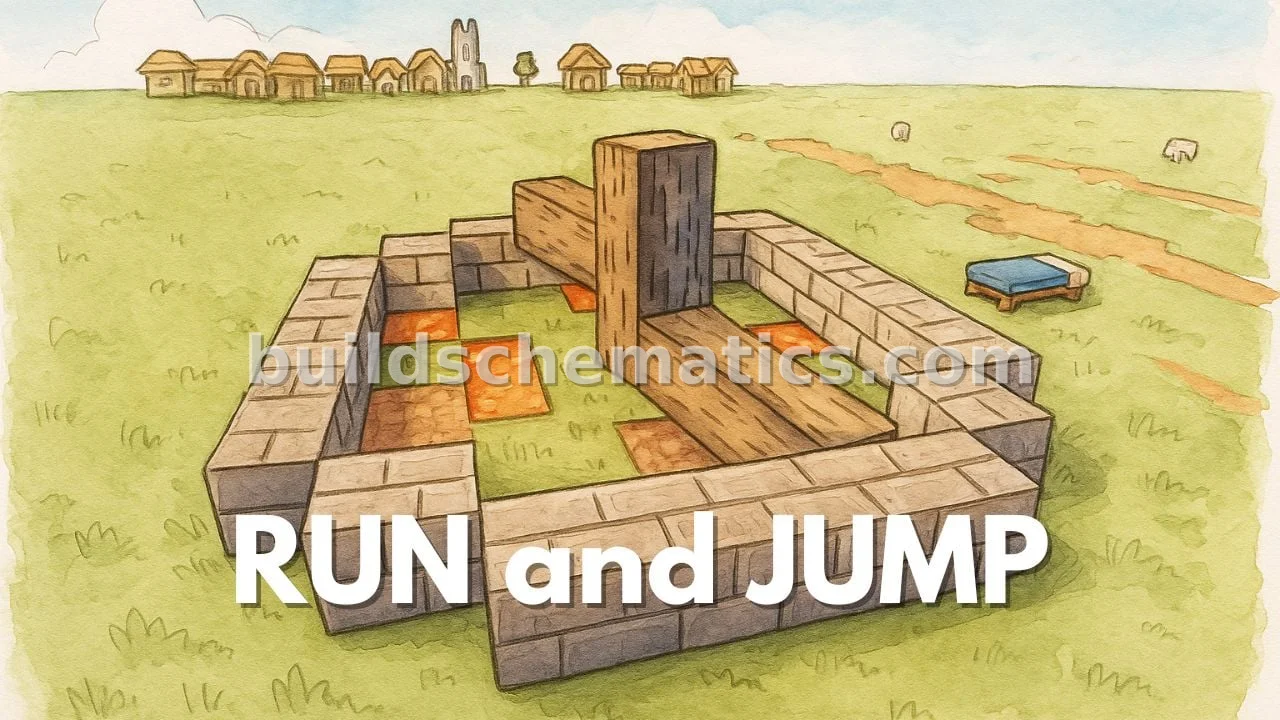 Games · 1.20.1 · 9 x 7 x 9Multiplayer Fun Minigame
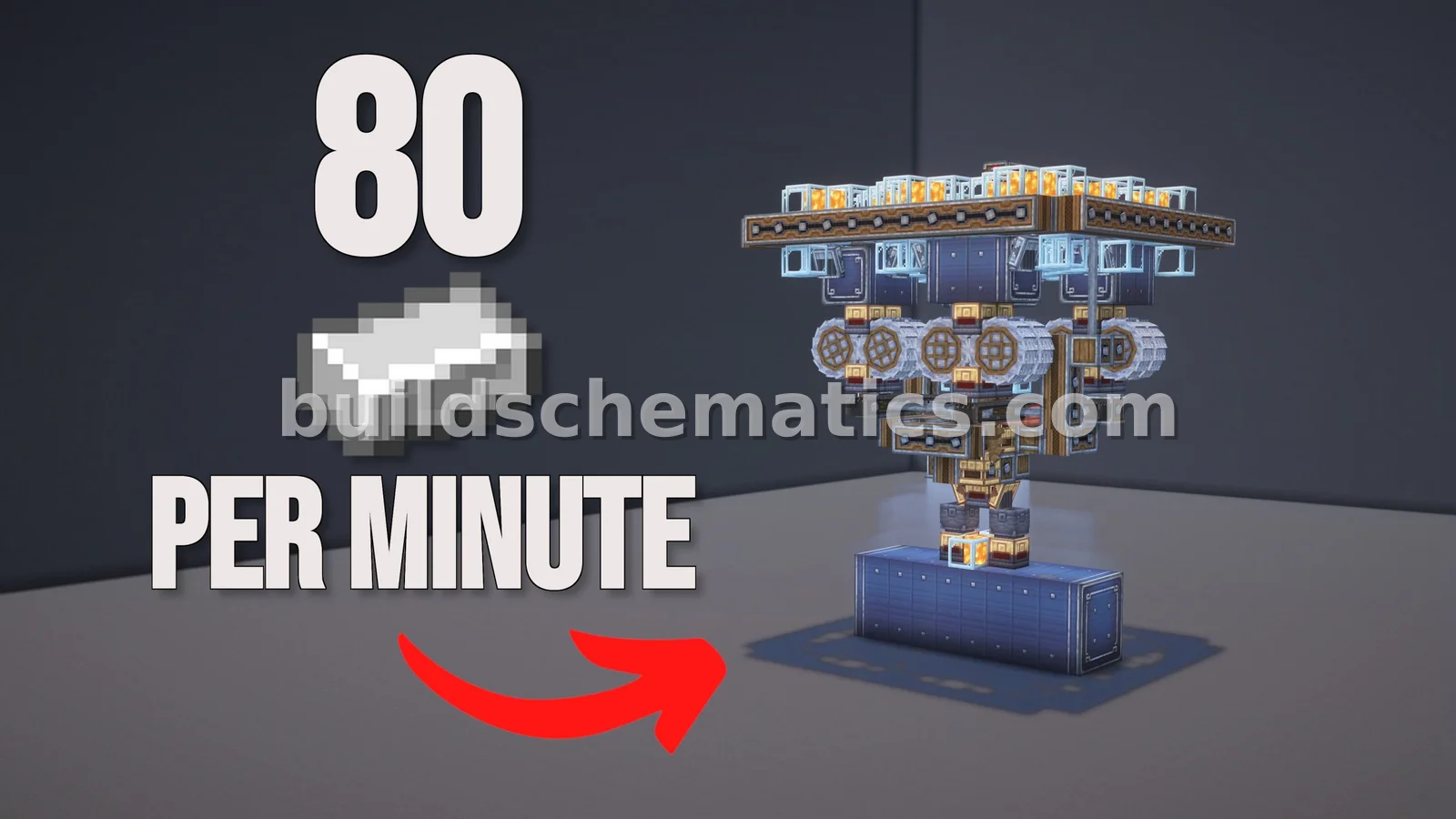 Base · 1.21.1 · 14 x 18 x 14High-Yield Iron Farm - 4800 Per Hour
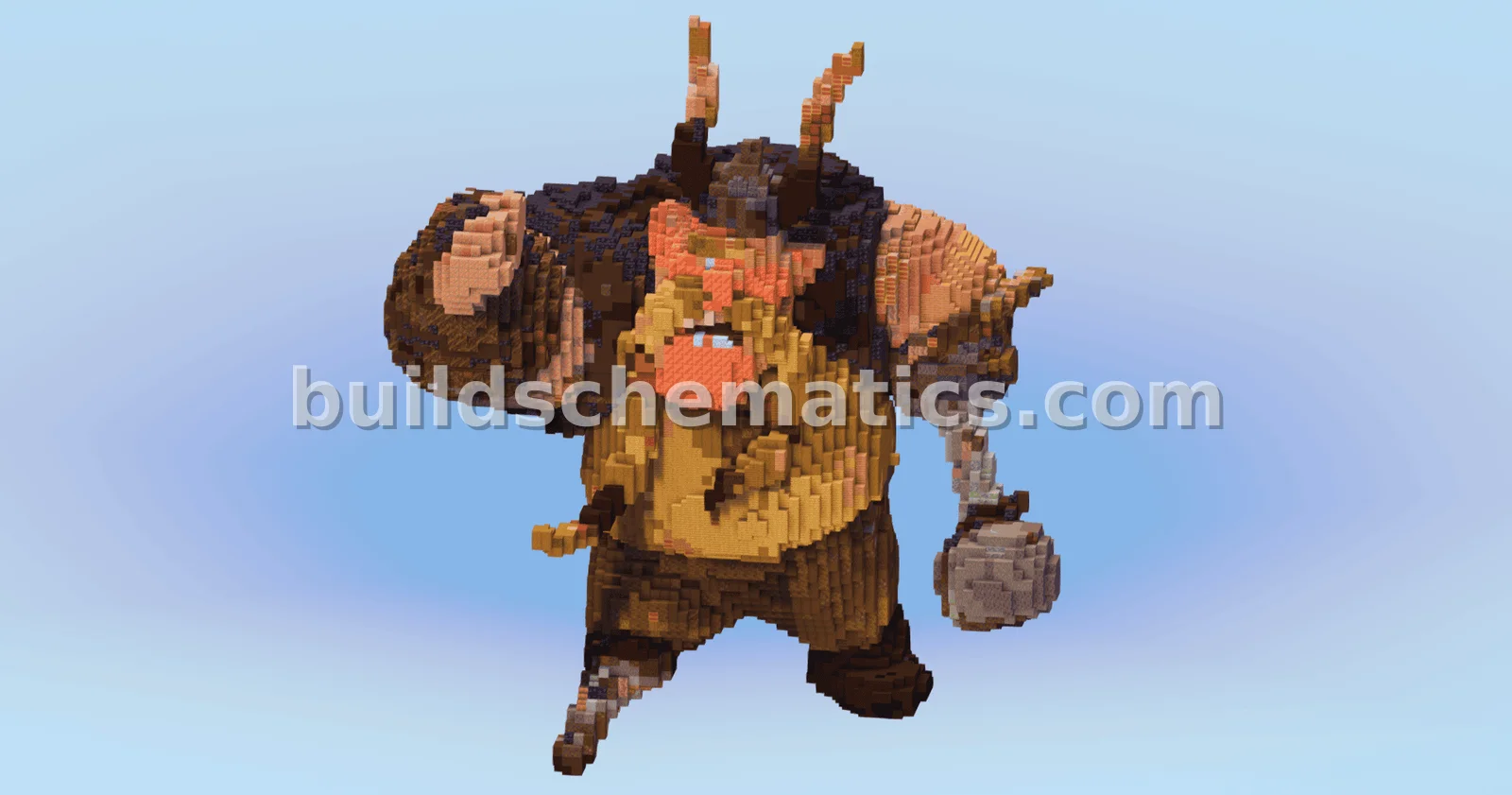 Miscellaneous · 1.21.10 · 52 x 80 x 68Gobber the Belch
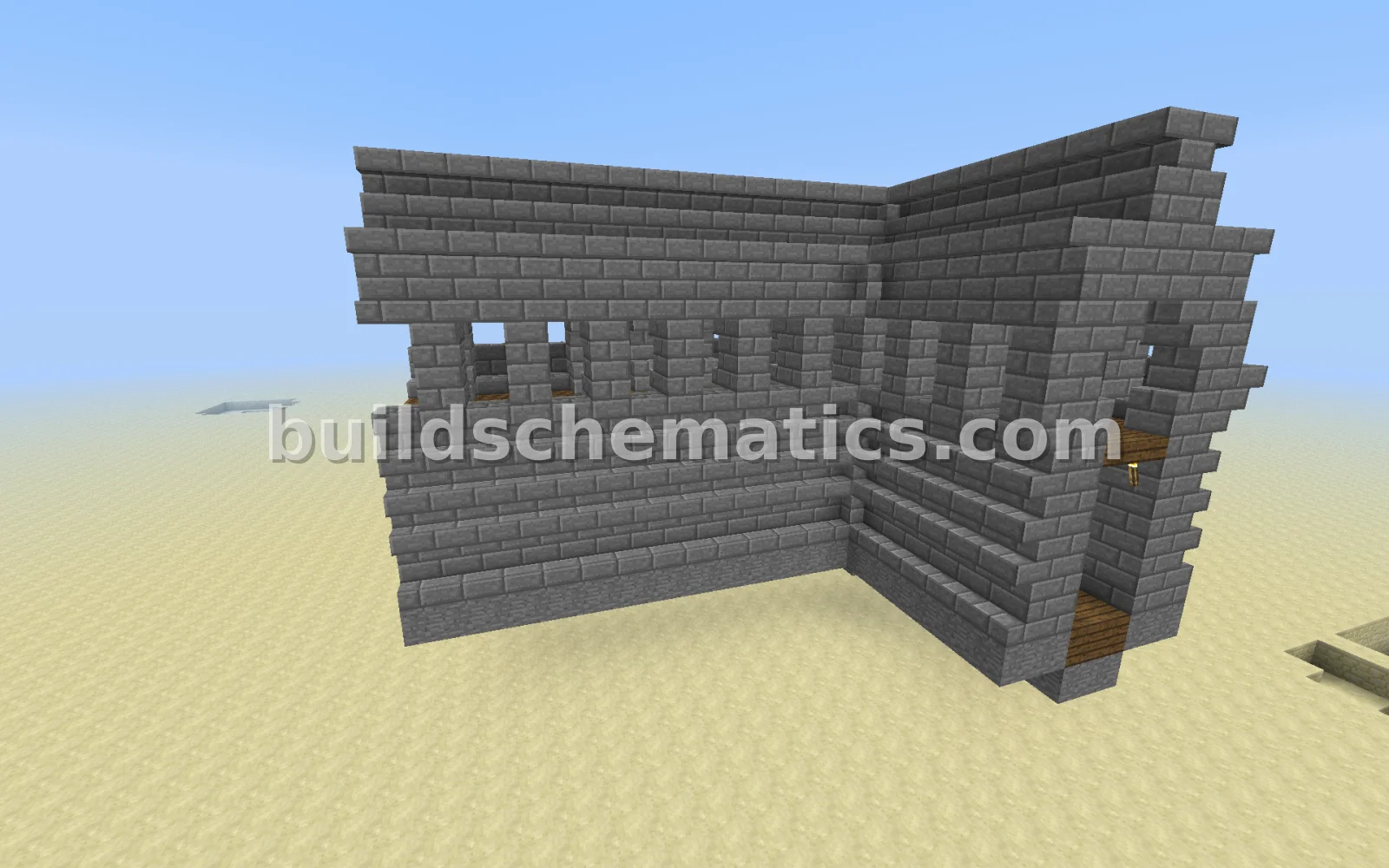 Castles · 13 x 13 x 13Medieval Castle Corner Module
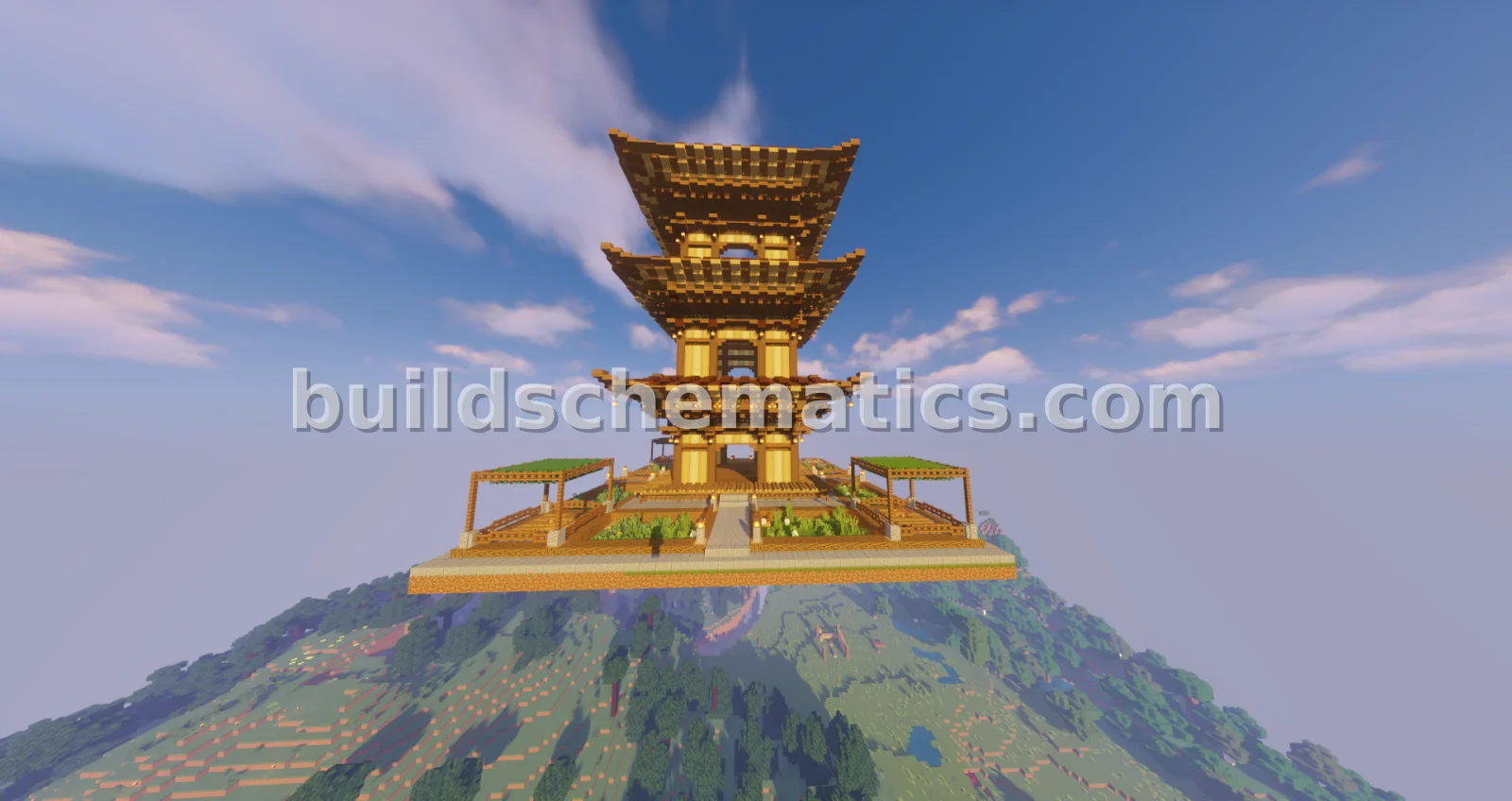 Towers · 1.16.4 · 39 x 50 x 39Traditional Japanese Dojo
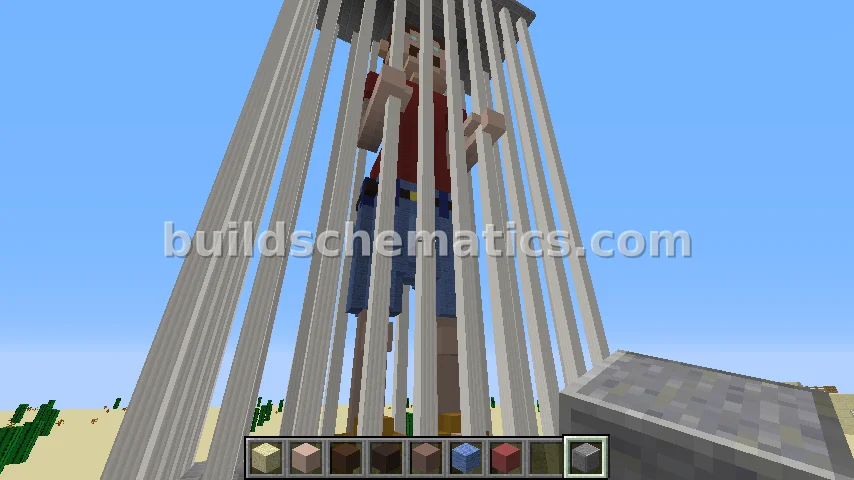 Miscellaneous · 15 x 54 x 30Bad Boy Bob Pixel Art
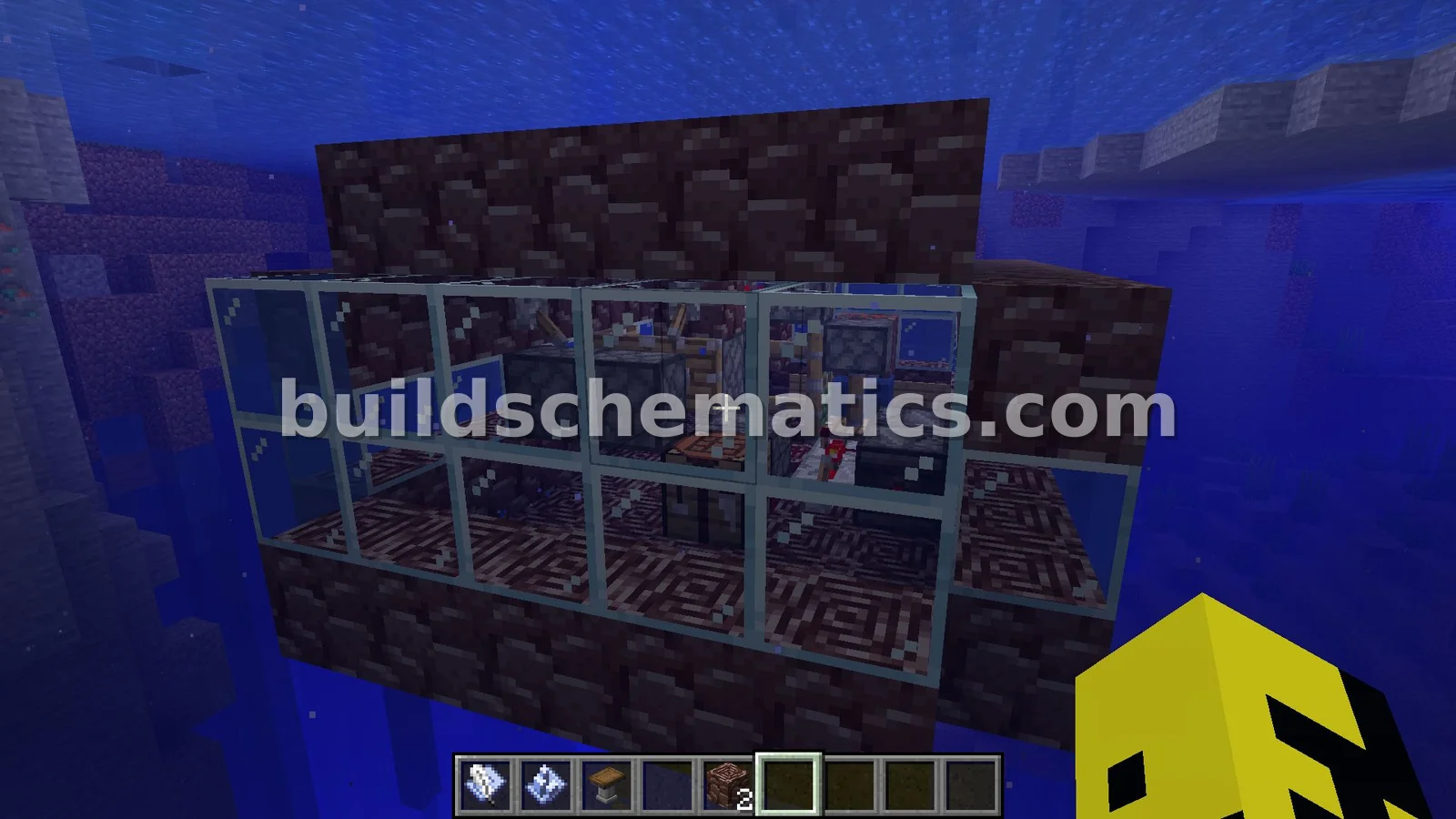 Structure · 1.20.1 · 10 x 7 x 7Water and Ancient Debris Submarine
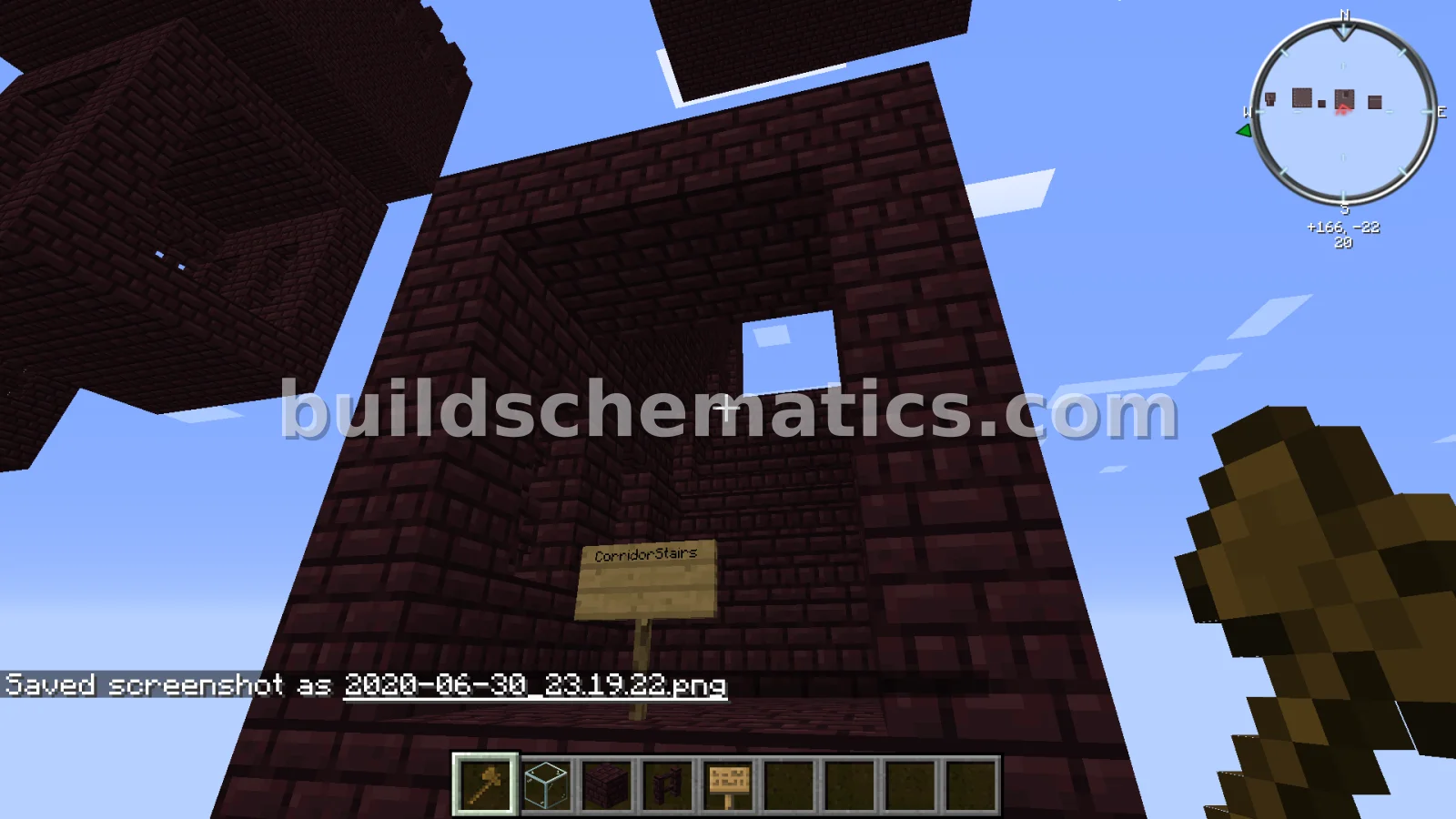 Miscellaneous · 1.16.1 · 5 x 13 x 11Nether Fortress Corridor Stairs Structure
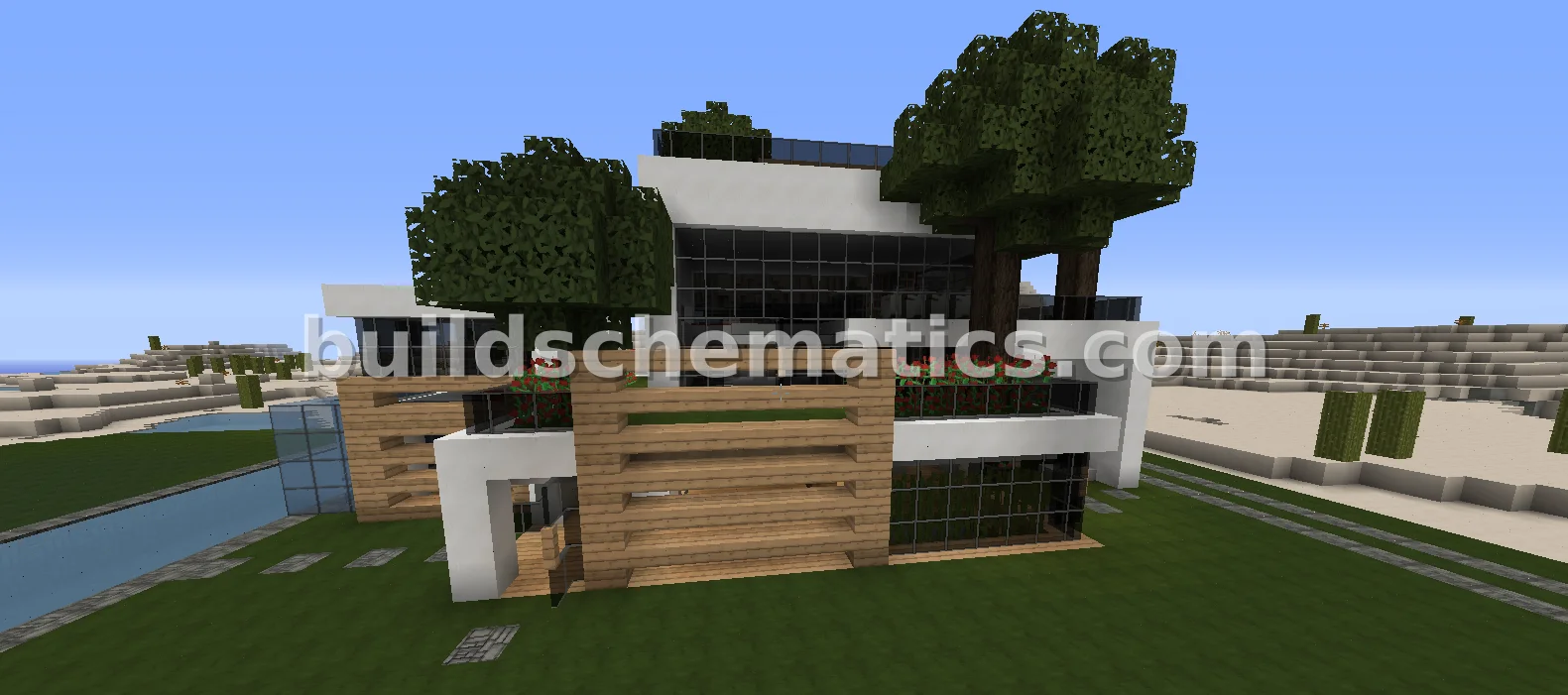 Houses · 50 x 25 x 26Modern Green House
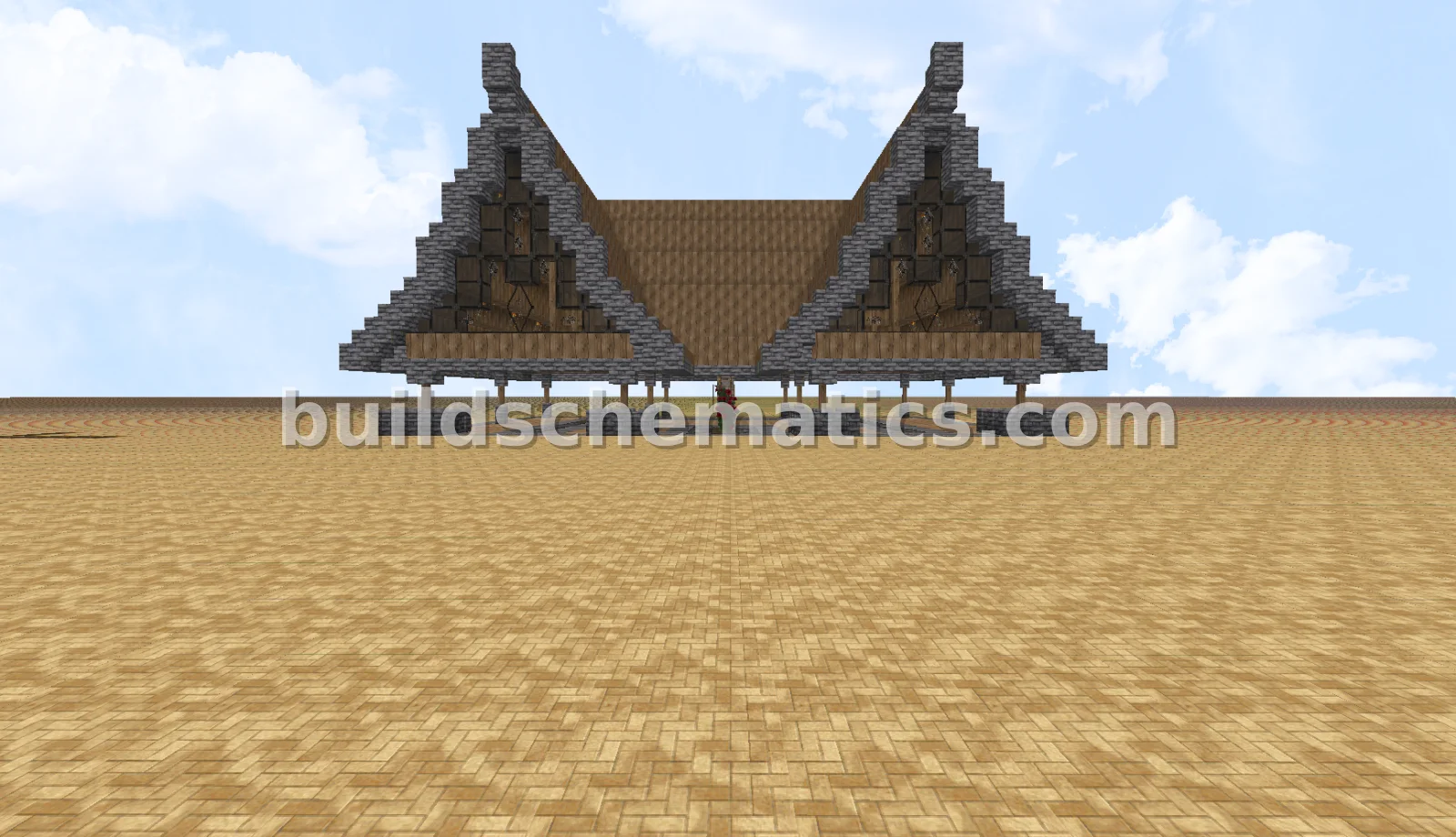 Houses · 33 x 20 x 24Medieval Gathering Pavilion