About the schematic viewer
Three ways to look at a build
Orbit the whole structure, fly through the inside in first person to check rooms and redstone, or slice it one layer at a time like a blueprint. There is also a walkthrough that places the build block by block, in the order you would actually build it.
Five formats, including the old ones
Opens .litematic, .schem, .nbt and Bedrock .mcstructure — plus the legacy .schematic that downloads from before Minecraft 1.13 still use, which stores numeric block ids and is translated to modern blocks as it loads.
Know what it costs before you start
The materials panel counts every block in the build, sorted by how many you need, so you can gather for a build before placing a single block of it.
Nothing leaves your device
The file is read and rendered in your browser. There is no upload, no account, and no install — and no size limit beyond what your own machine can hold.
Need the build in a different format? Convert it to Litematica, WorldEdit, a structure block file or Bedrock — also without uploading anything.
Latest schematics
Browse all »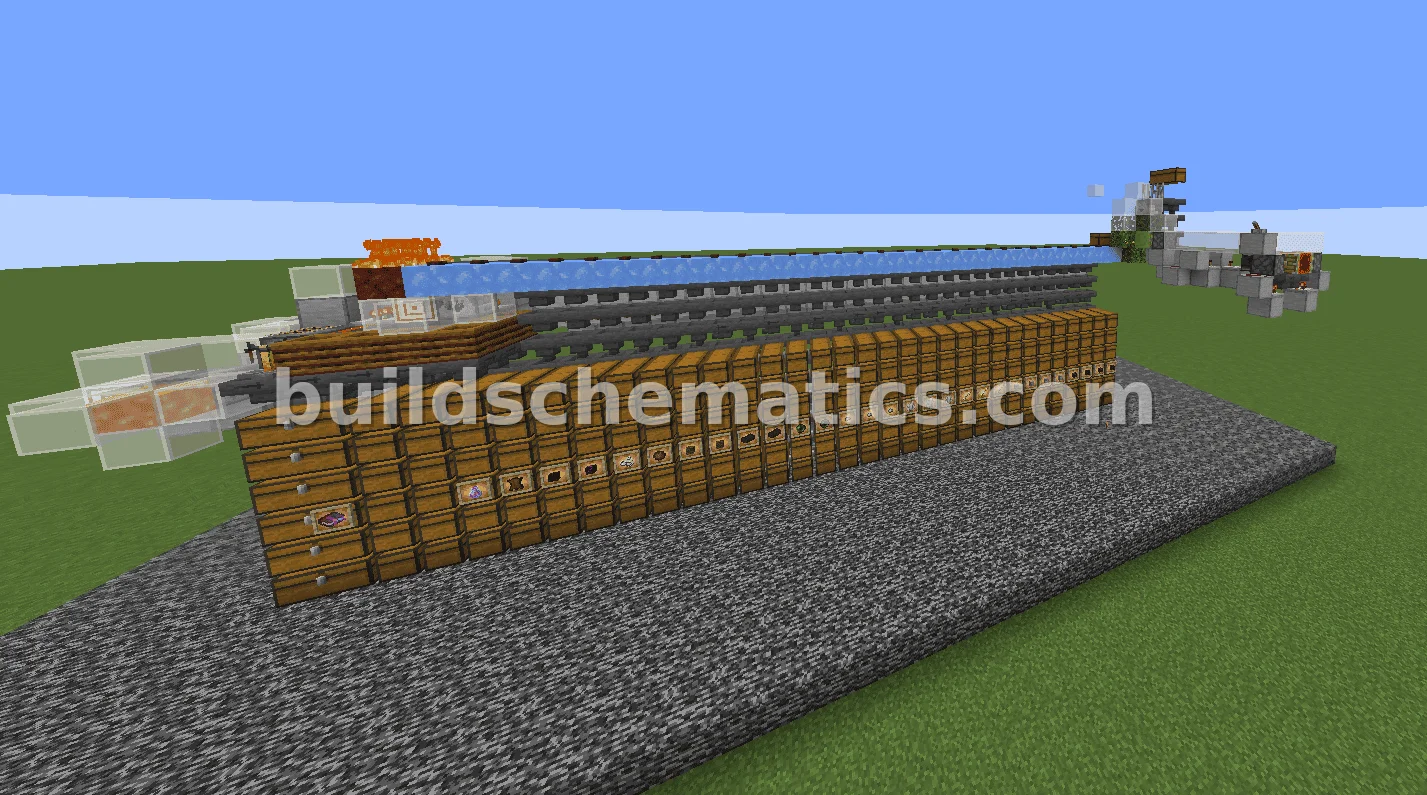 Mob Farm · 1.17.1 · 46 x 16 x 18Automatic Piglin Trading Hall
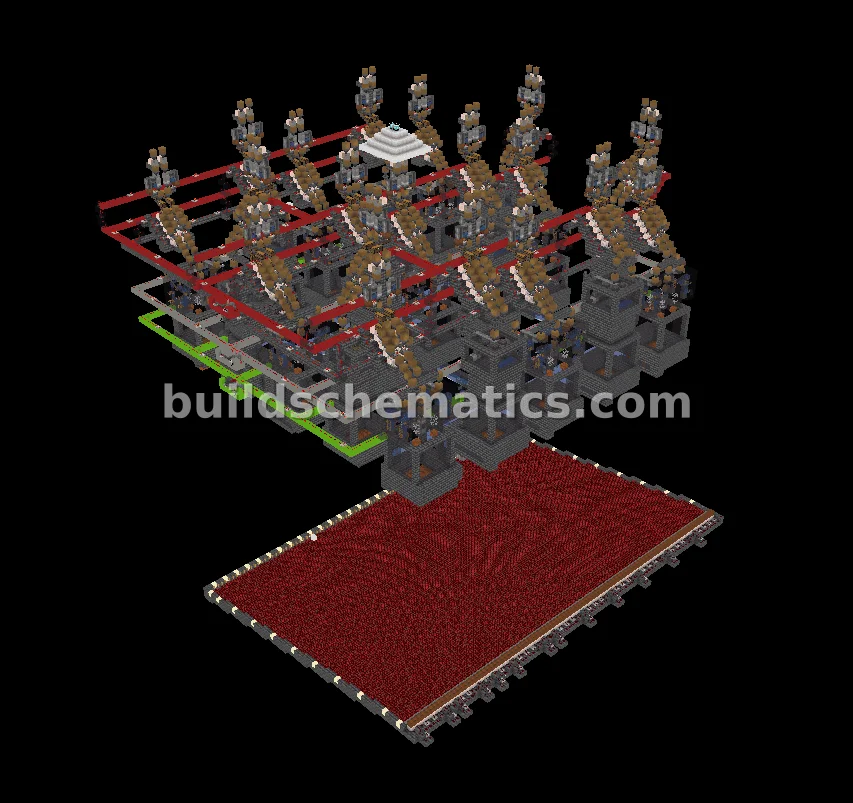 Redstone · 1.21.8 · 99 x 152 x 99Automatic Slime Farm With Infestation Modules
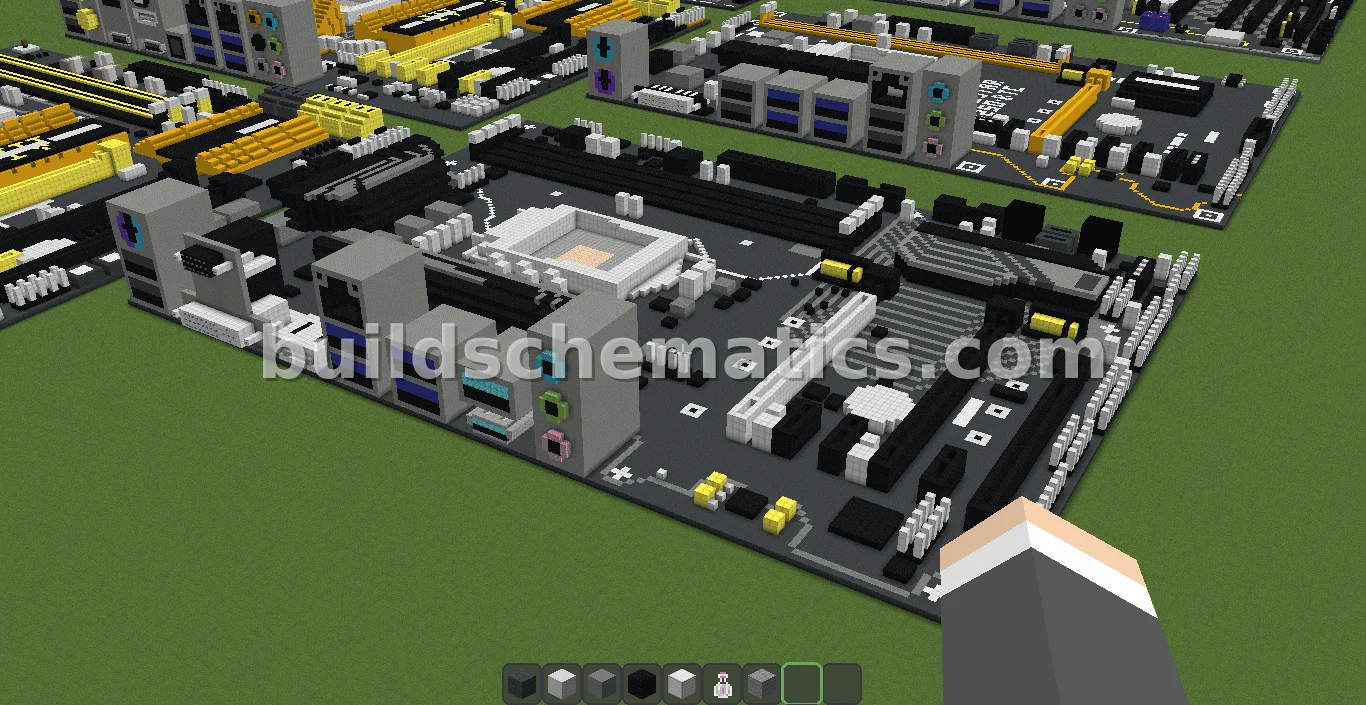 Structure · 110 x 21 x 150MSI Z370 PC PRO Motherboard Structure
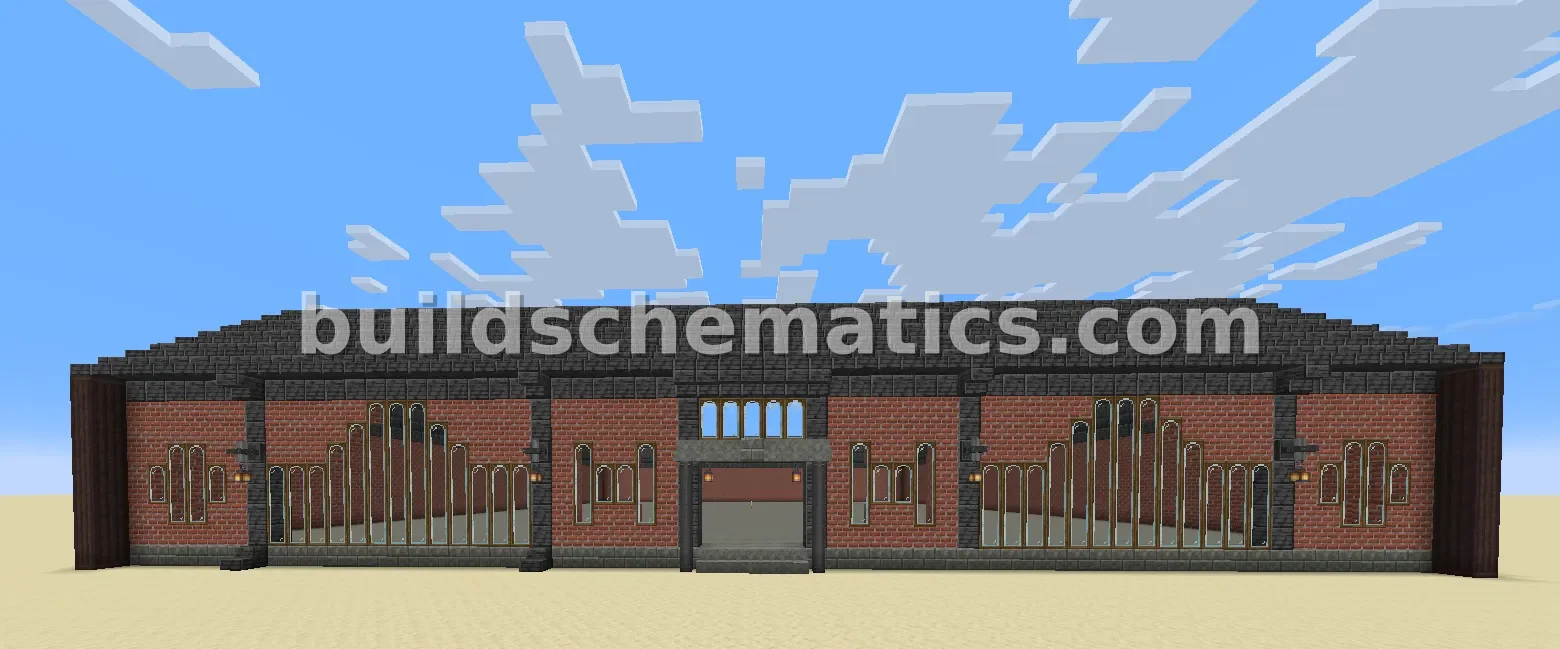 Structure · 1.21.1 · 69 x 17 x 68Storage Warehouse V1
 Base · 57 x 60 x 60Plains Bio-Dome Home
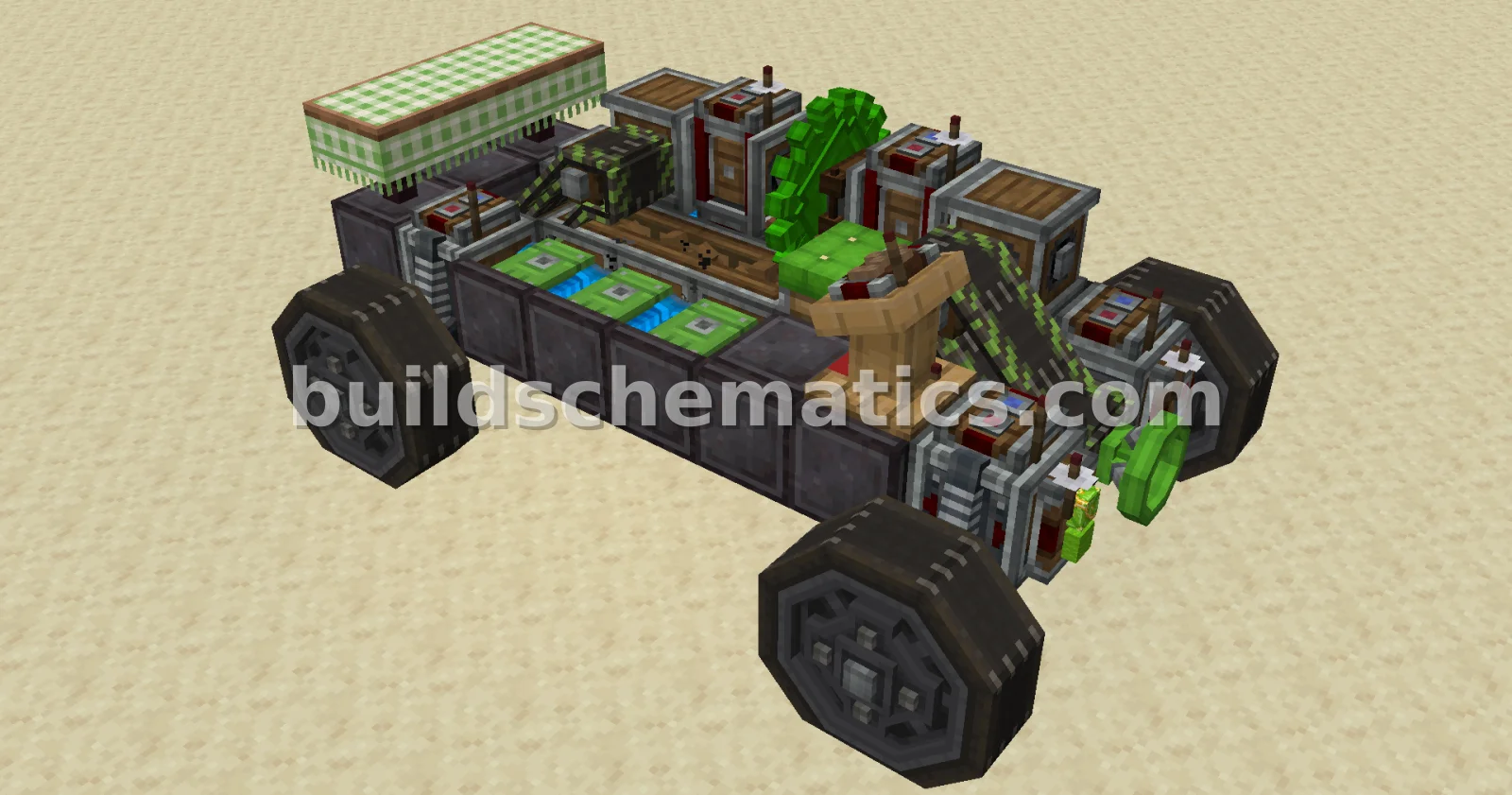 Ground Vehicles · 1.21.1 · 9 x 4 x 5Template Race Car for Multiplayer Events
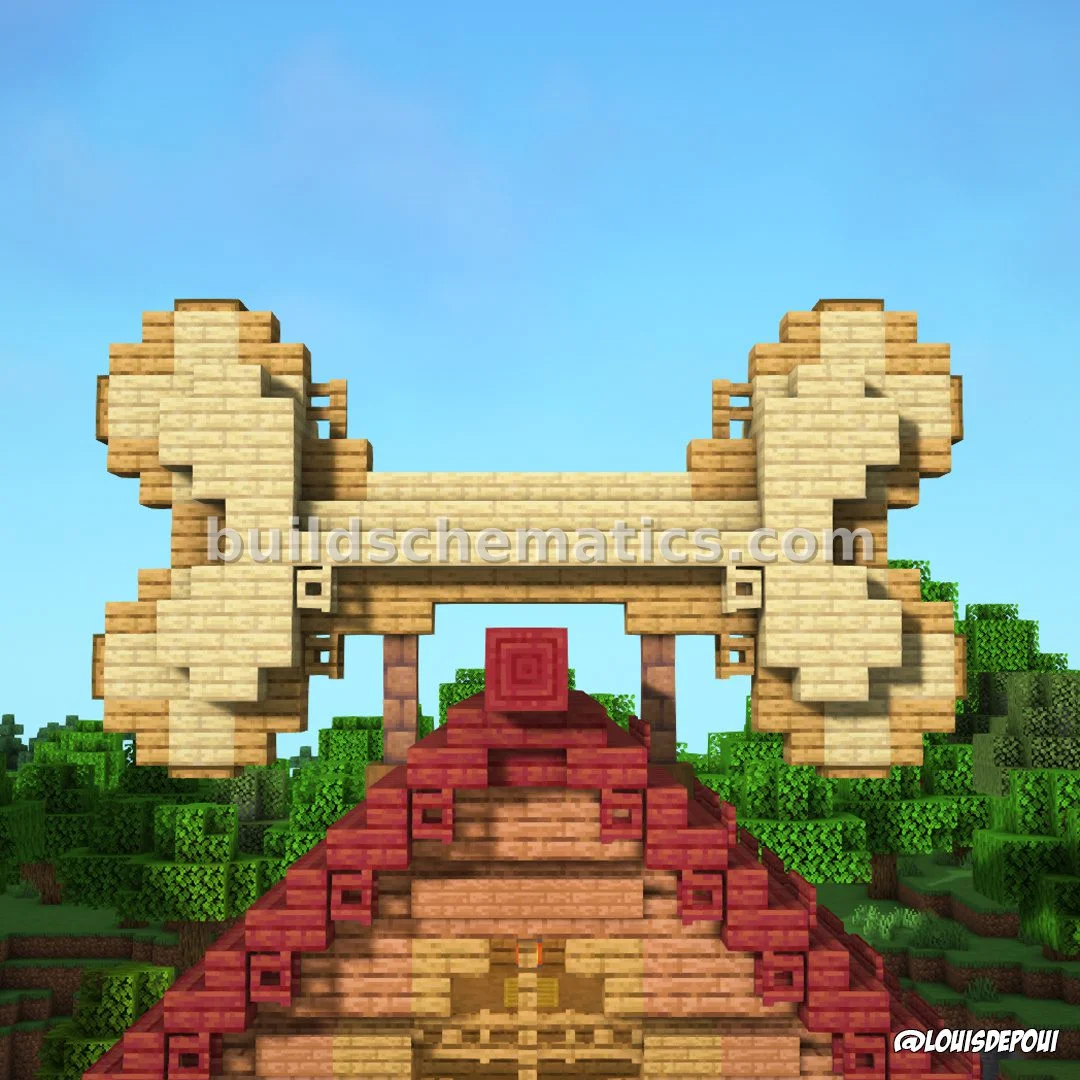 Base · 1.20.1 · 35 x 27 x 29Dog House and Bone
 Miscellaneous · 110 x 21 x 150ASUS Z370-P Motherboard Pixel Art
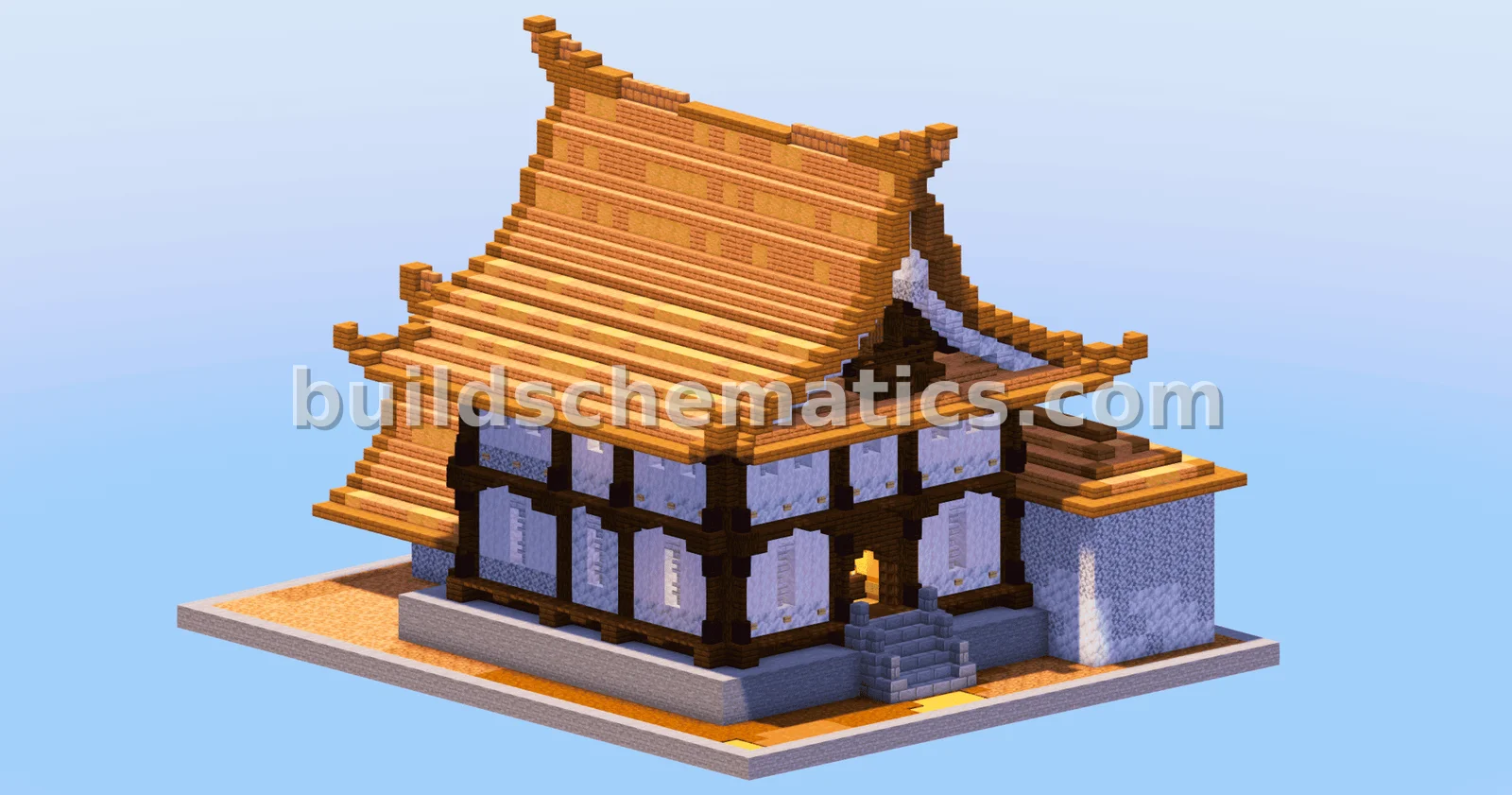 Structure · 1.21.11 · 31 x 27 x 37Japanese Temple House Jungle Style
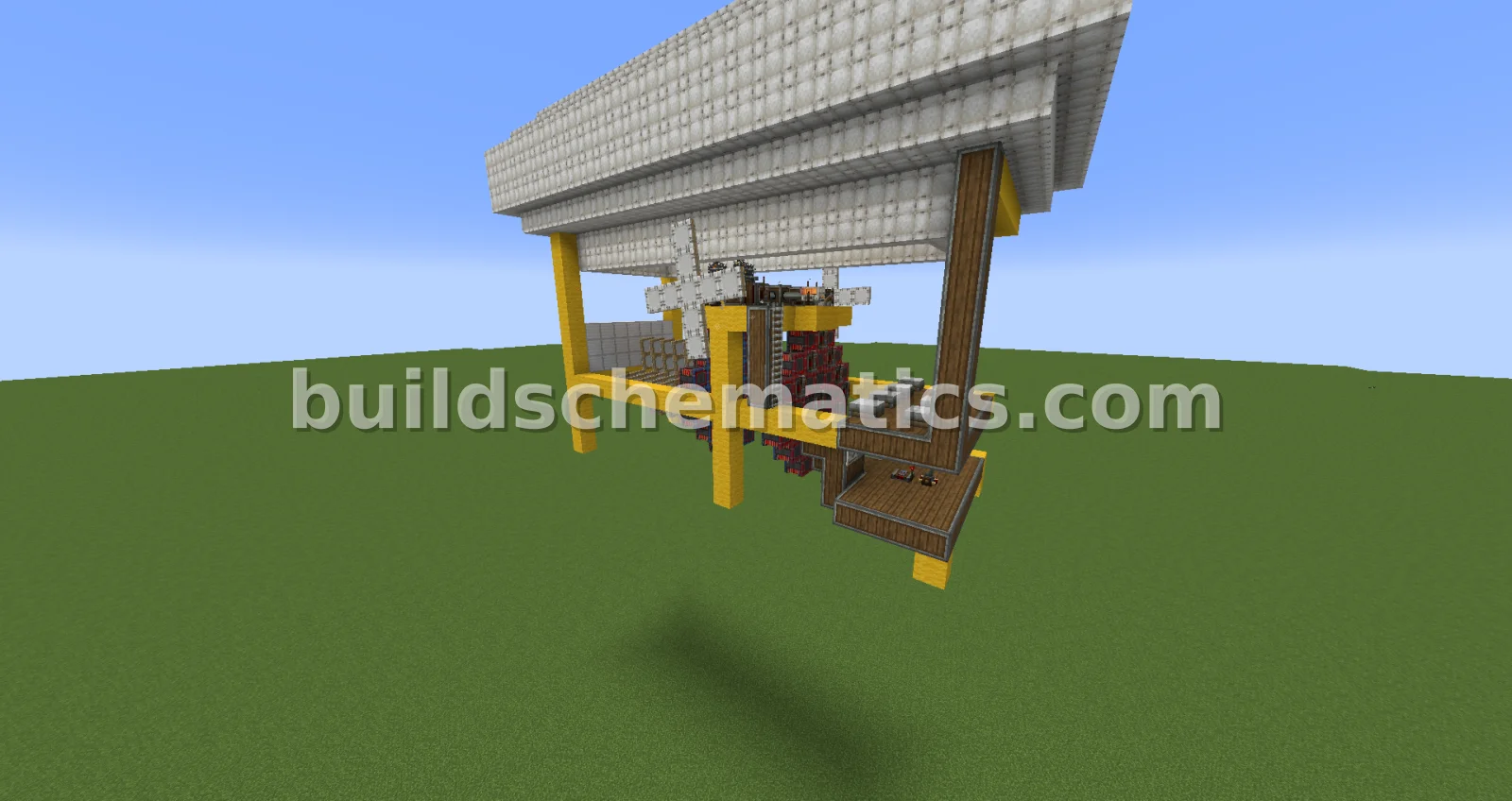 Flying Machines · 1.21.1 · 26 x 20 x 13Magnet Engine Airplane
 Miscellaneous · 1.19 · 24 x 56 x 38Sonic The Hedgehog Minecraft Build
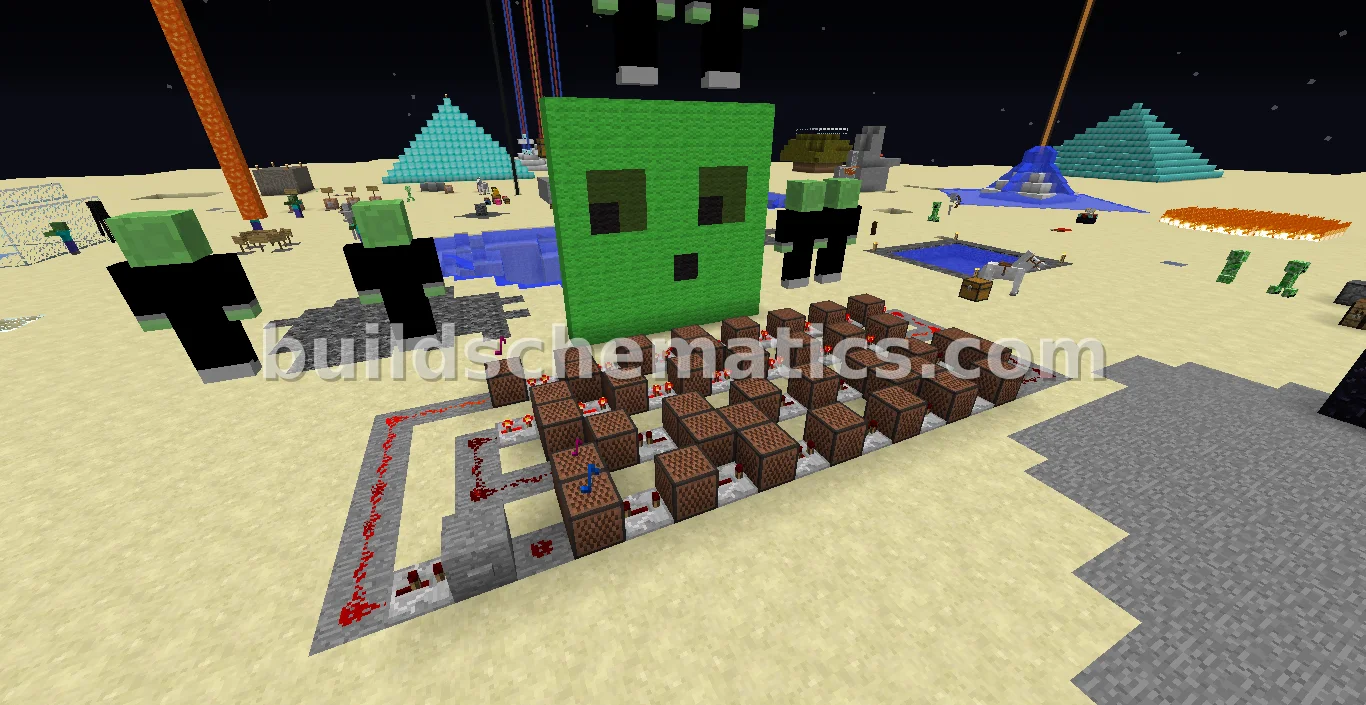 Miscellaneous · 20 x 3 x 8Epic Sax Guy Song Recreation