About the schematic viewer
Three ways to look at a build
Orbit the whole structure, fly through the inside in first person to check rooms and redstone, or slice it one layer at a time like a blueprint. There is also a walkthrough that places the build block by block, in the order you would actually build it.
Five formats, including the old ones
Opens .litematic, .schem, .nbt and Bedrock .mcstructure — plus the legacy .schematic that downloads from before Minecraft 1.13 still use, which stores numeric block ids and is translated to modern blocks as it loads.
Know what it costs before you start
The materials panel counts every block in the build, sorted by how many you need, so you can gather for a build before placing a single block of it.
Edit it before you download
Switch on Edit to place, remove and pick blocks straight in the 3D view, or drag out a box and fill, replace, hollow or clear it in one go. Editing works in Layer view too, one slice at a time. Undo is unlimited, and the edited build downloads as .litematic, .schem, .nbt or .mcstructure — the file you opened is never touched.
Nothing leaves your device
The file is read and rendered in your browser. There is no upload, no account, and no install — and no size limit beyond what your own machine can hold.
Need the build in a different format? Convert it to Litematica, WorldEdit, a structure block file or Bedrock — also without uploading anything.
Latest schematics
Browse all »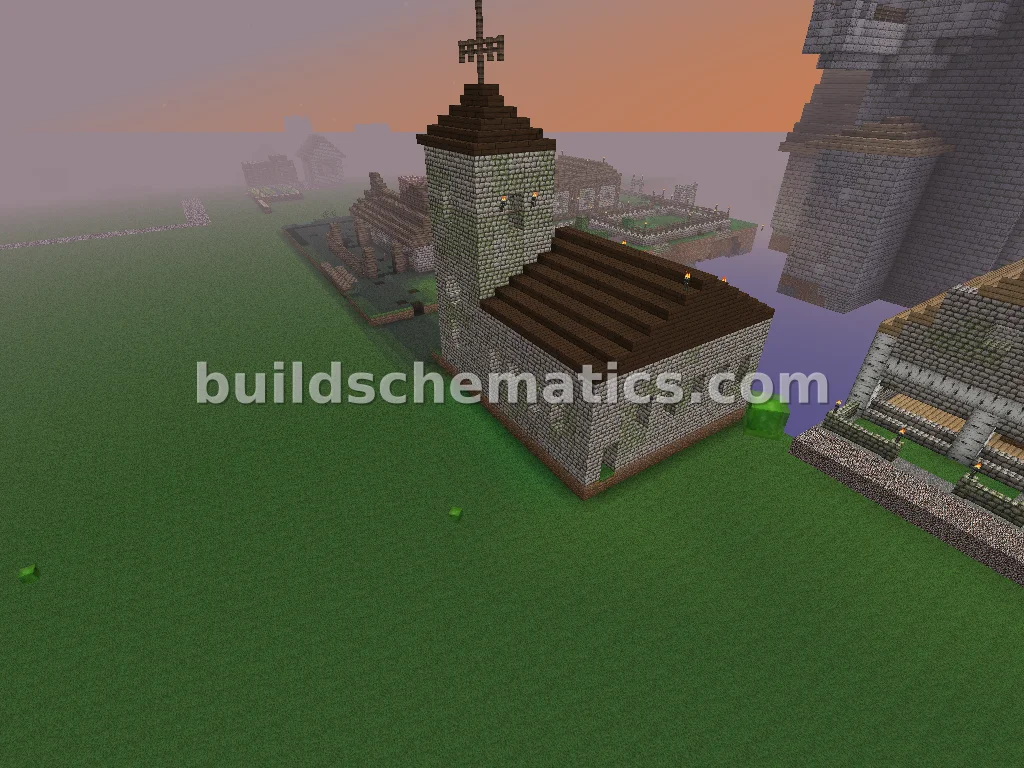 Towns · 13 x 24 x 17Vanilla Church Structure
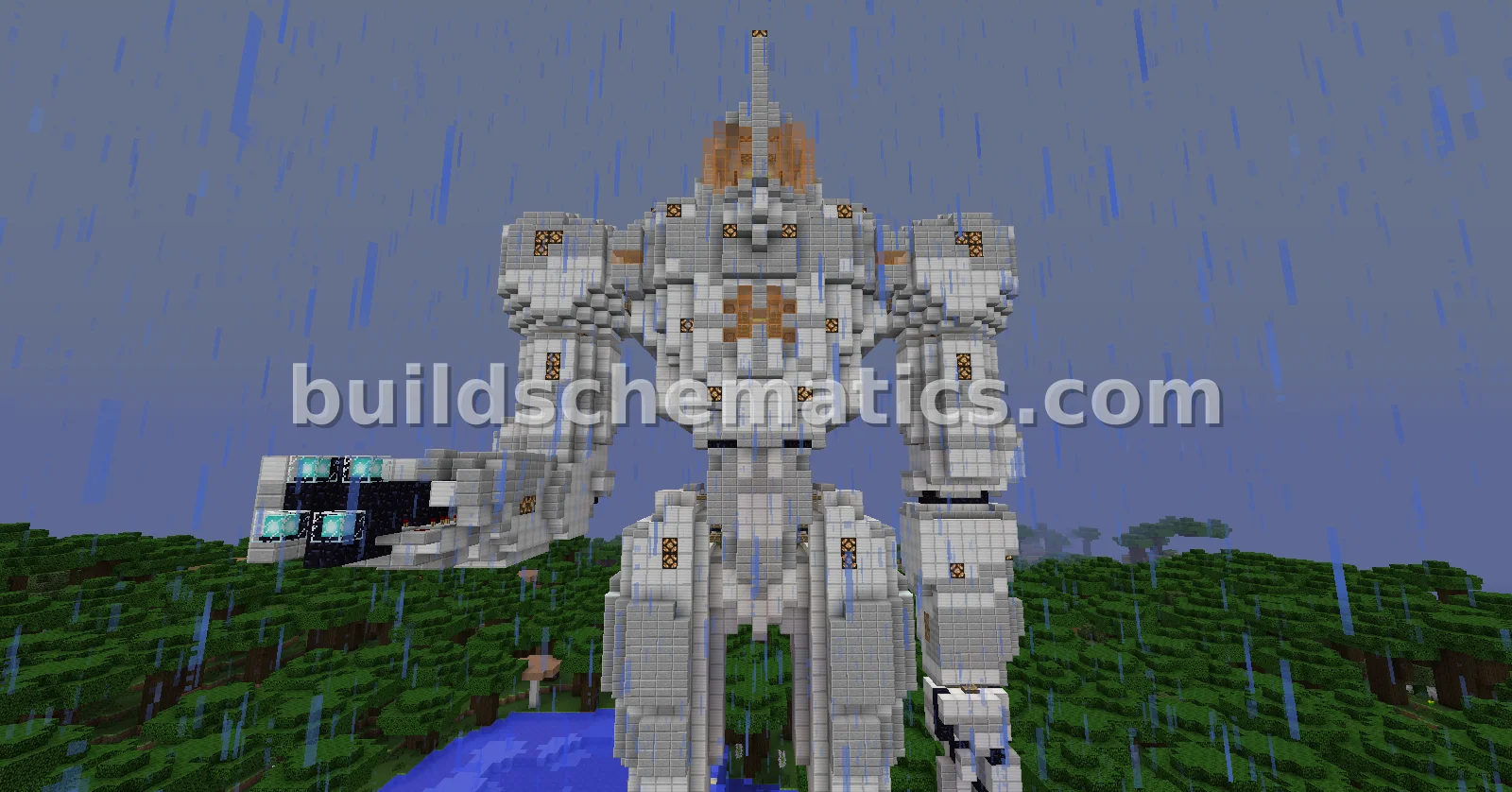 Redstone · 34 x 75 x 41Jaeger Mech with Arm Cannon
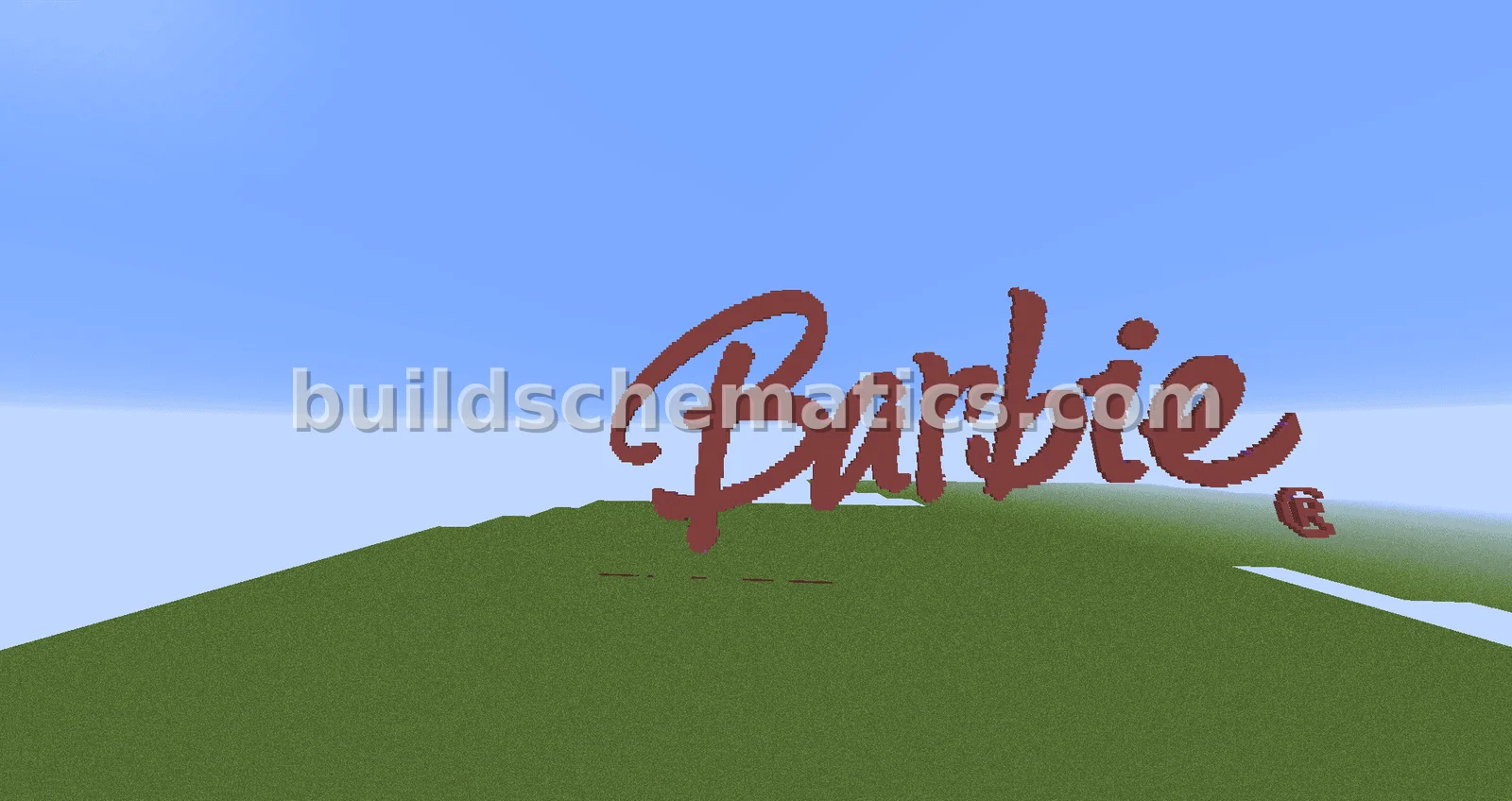 Miscellaneous · 250 x 110 x 1Barbie Logo
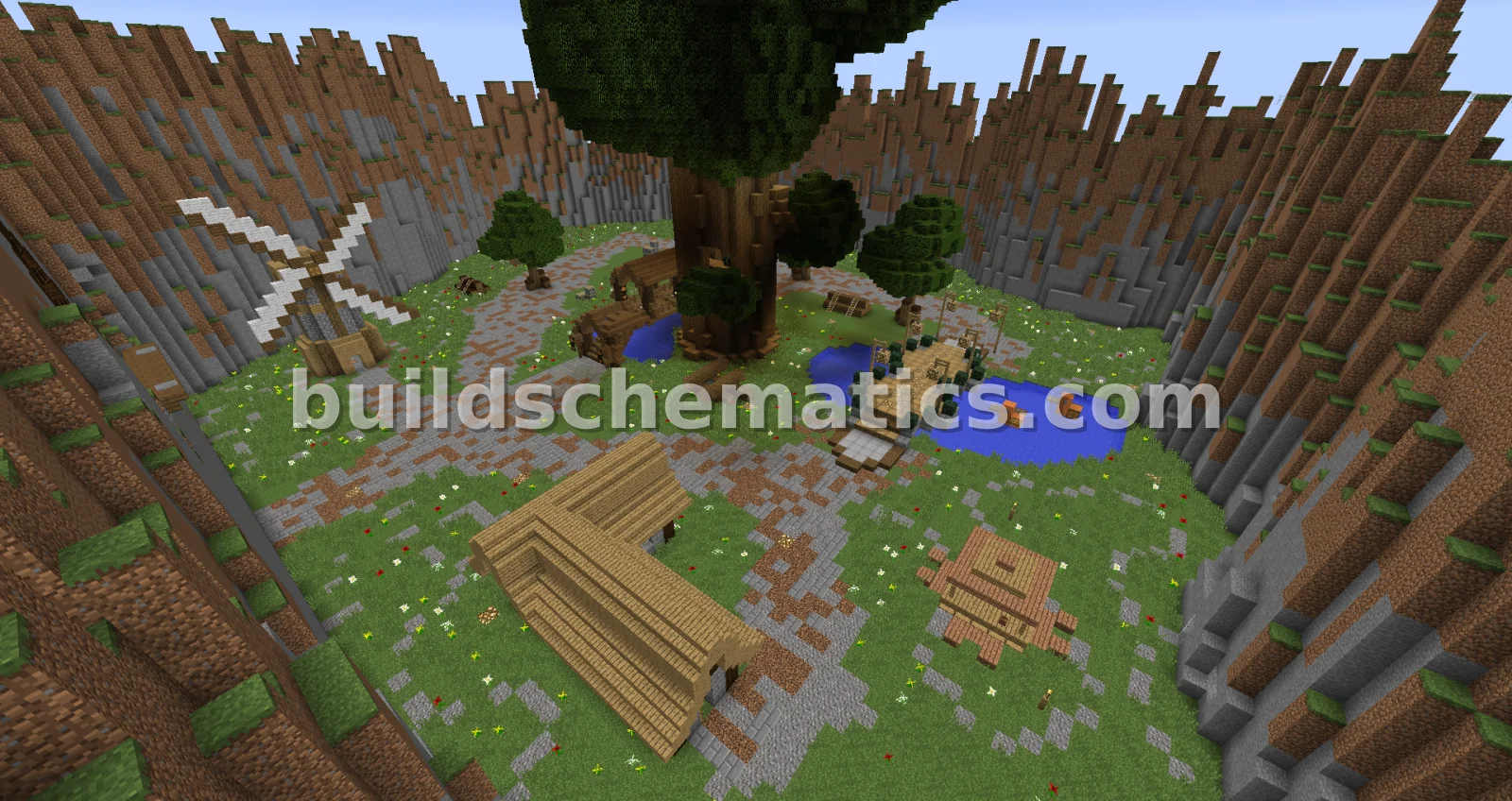 Houses · 166 x 76 x 148KitPvP Arena and Spawn with Shop
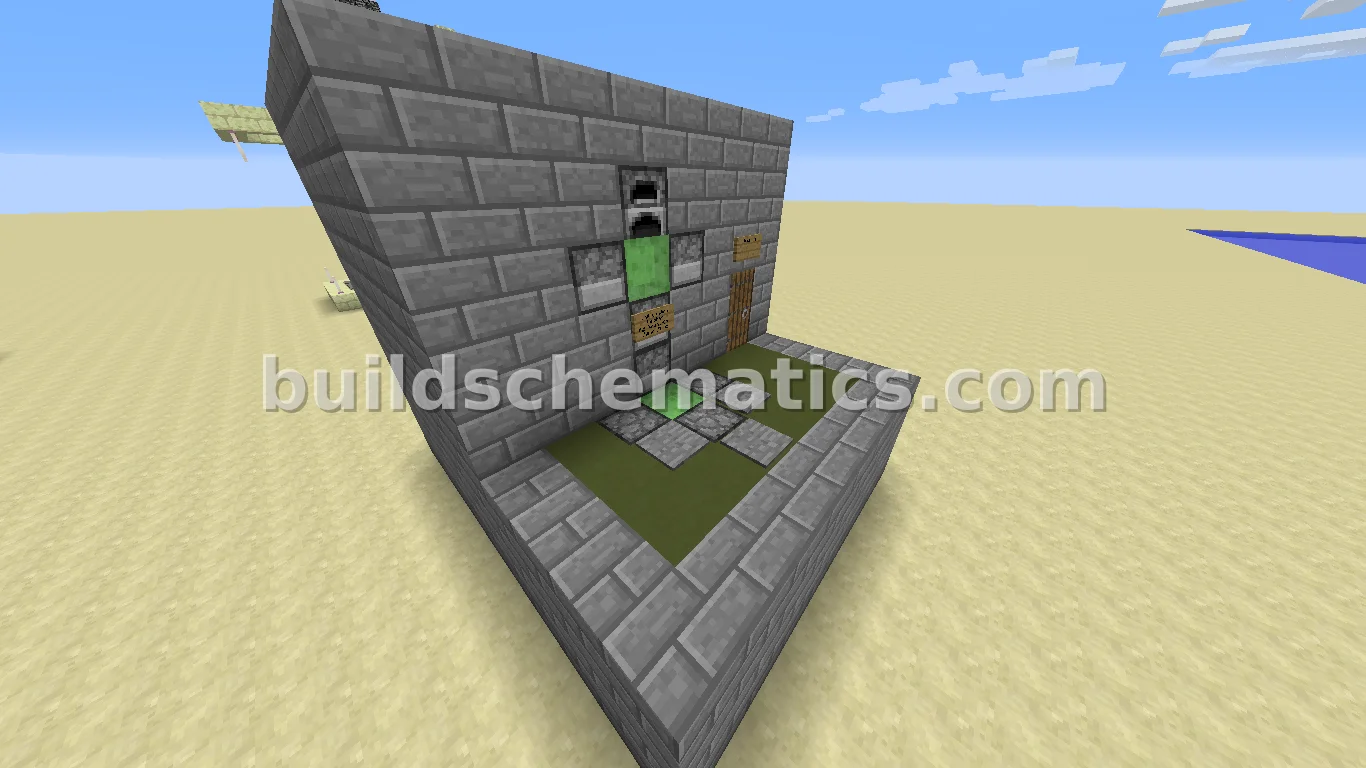 Redstone · 8 x 9 x 10Slime Block Launcher
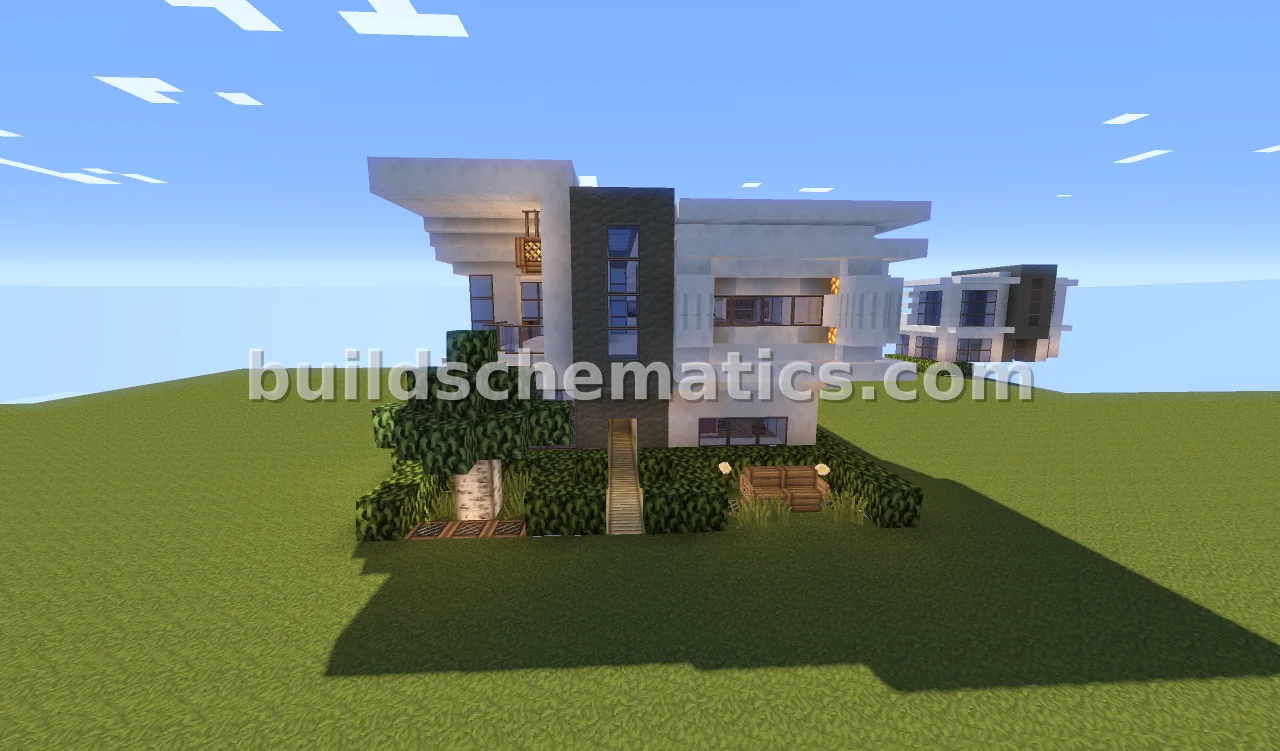 Houses · 16 x 12 x 20Modern Furnished 16x16 Home
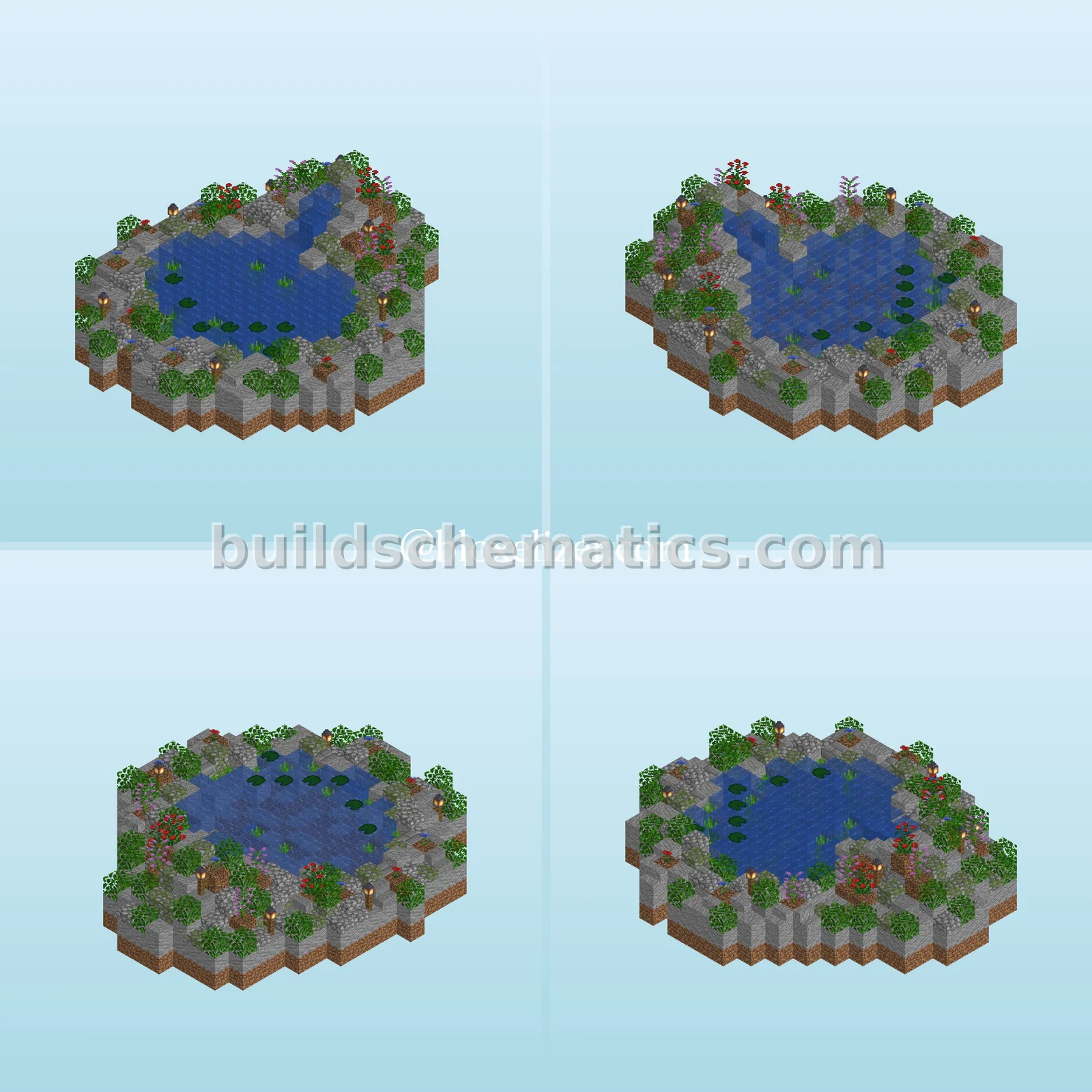 Gardens · 26.1.2 · 32 x 16 x 32Small Pond
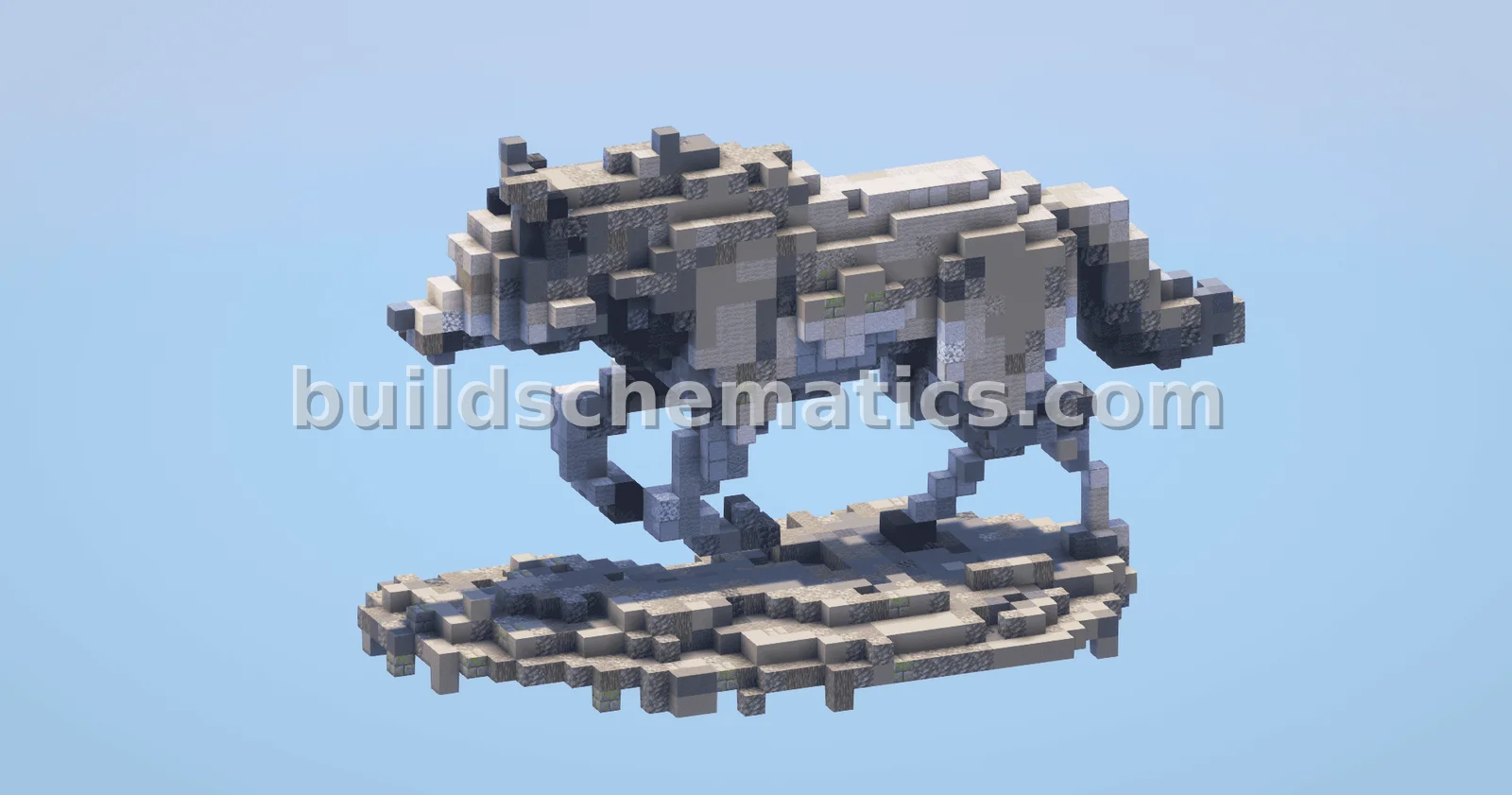 Organics · 1.19 · 20 x 26 x 42Small Wolf Statue
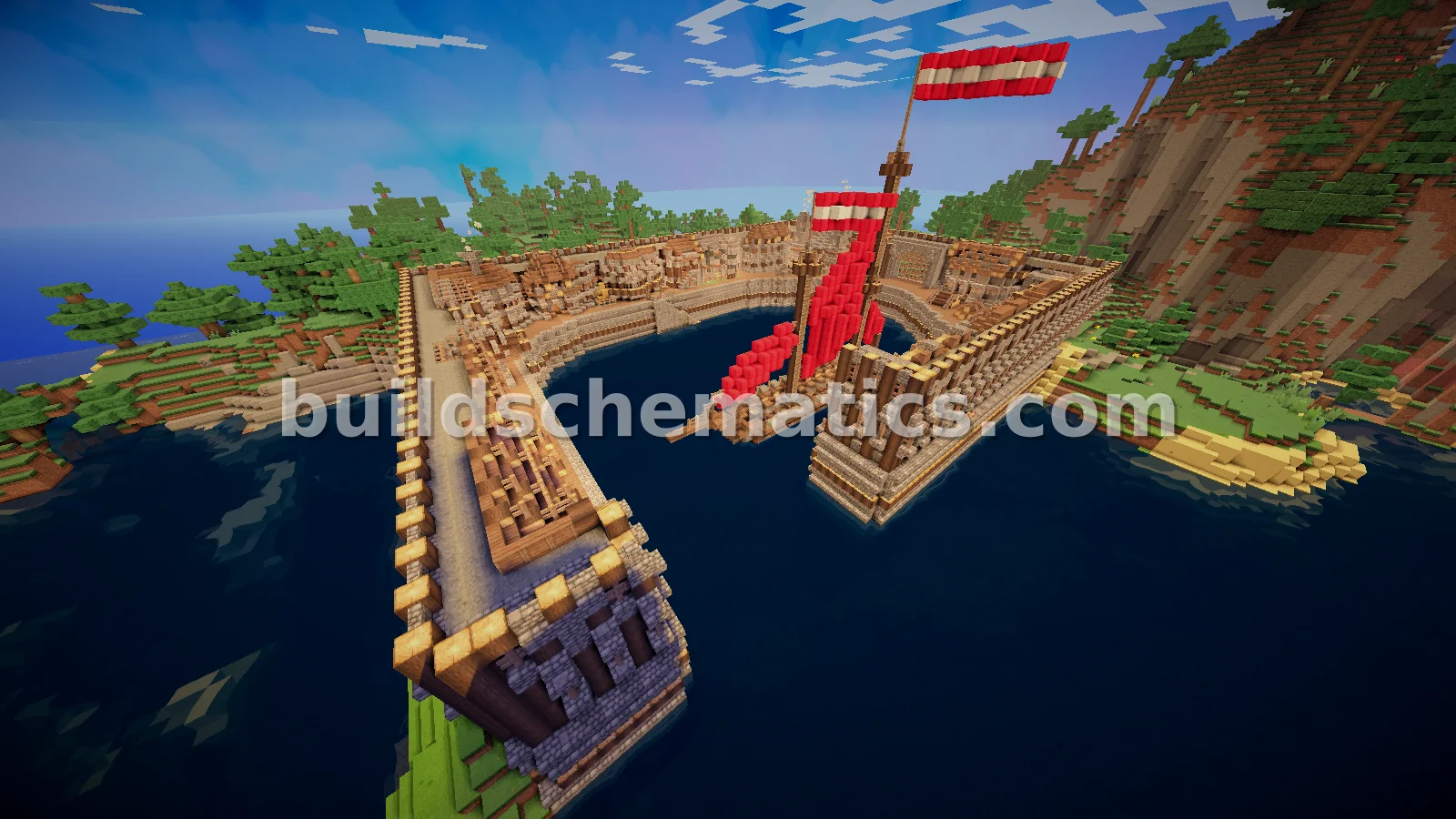 Towns · 87 x 51 x 62Coastal Village With Ship
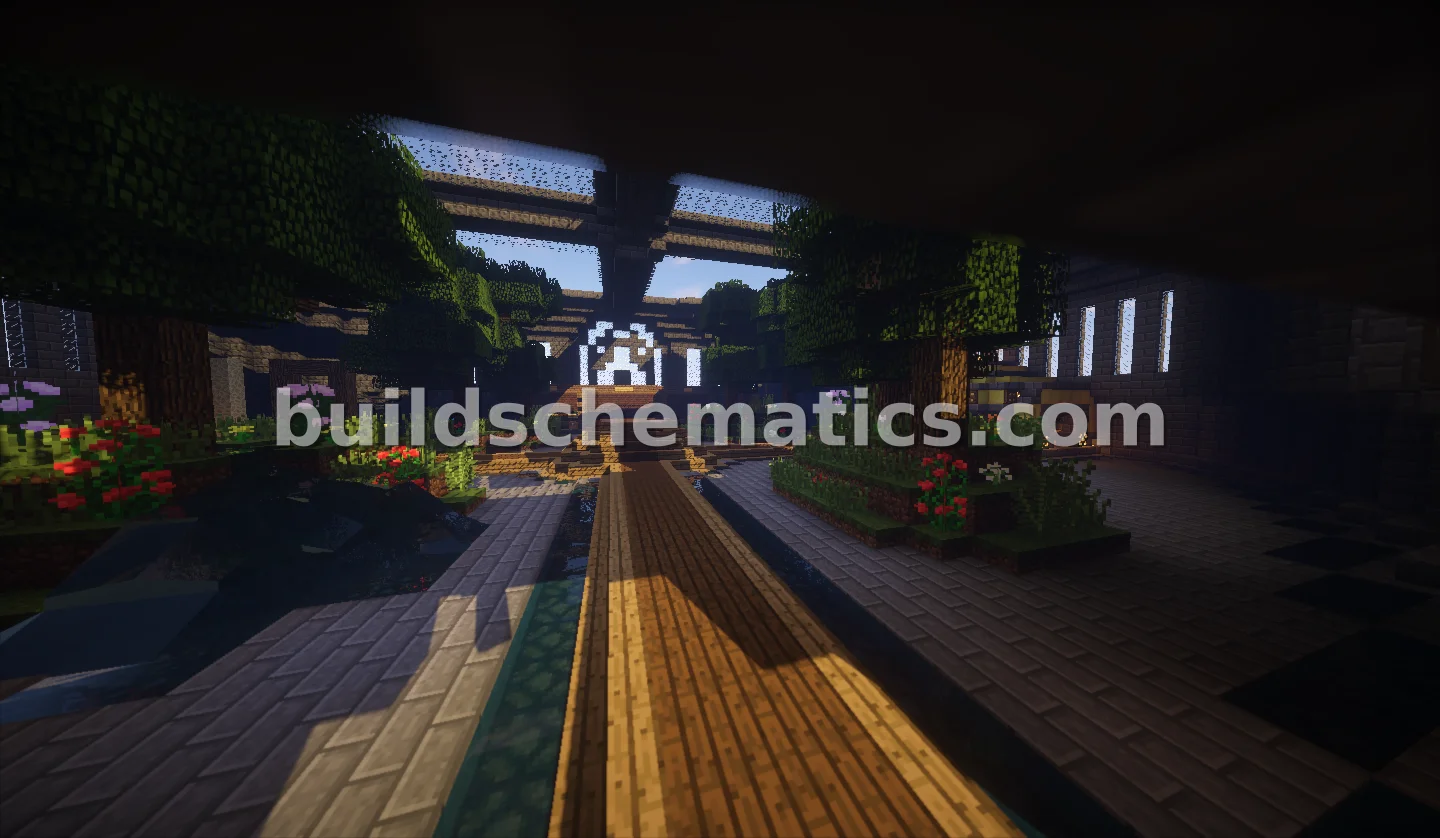 Gardens · 63 x 33 x 77MowenSpawn Castle with Interior Vegetation
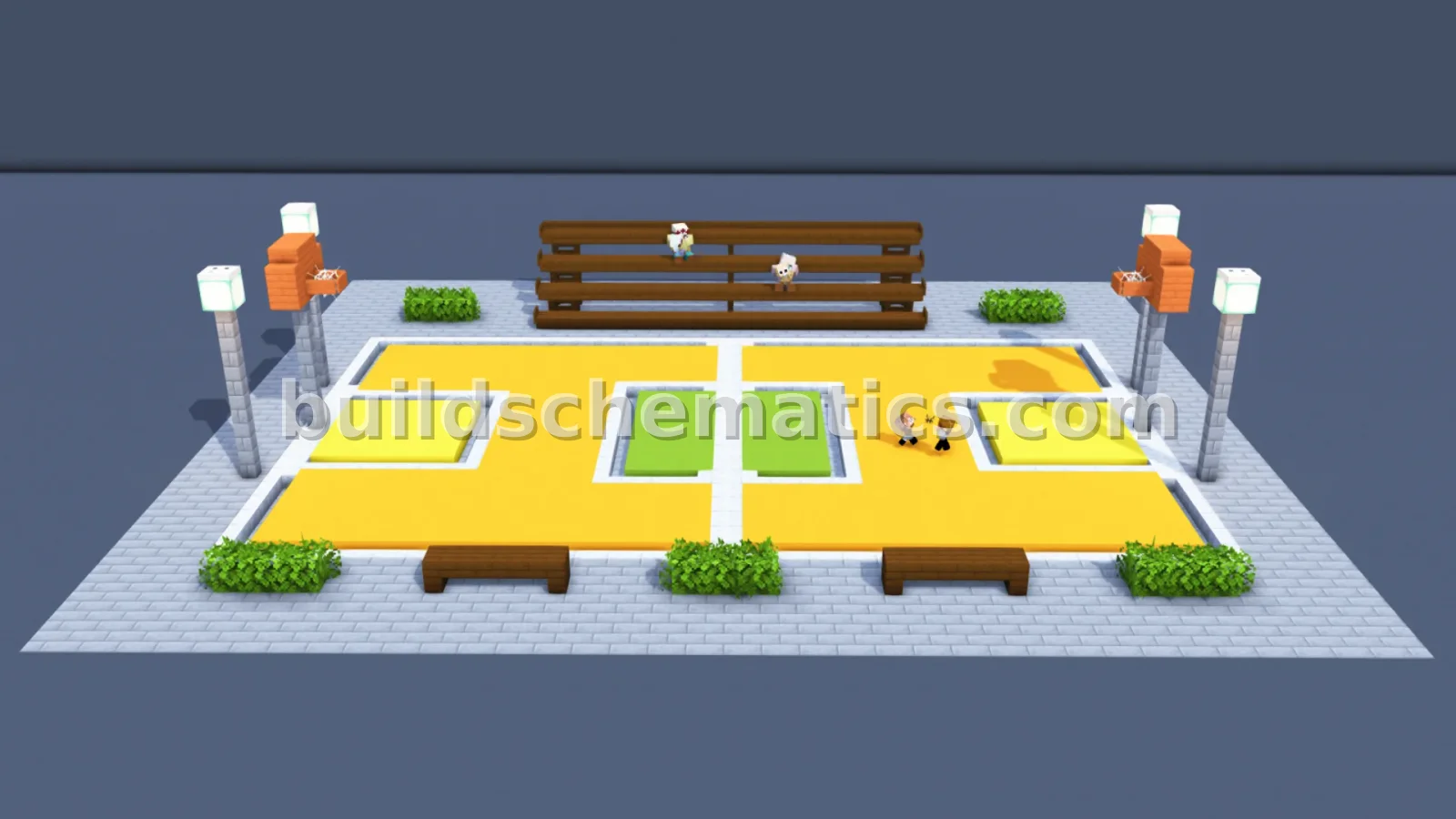 Miscellaneous · 1.21.4 · 37 x 9 x 32Small Basketball Court Minecraft Build
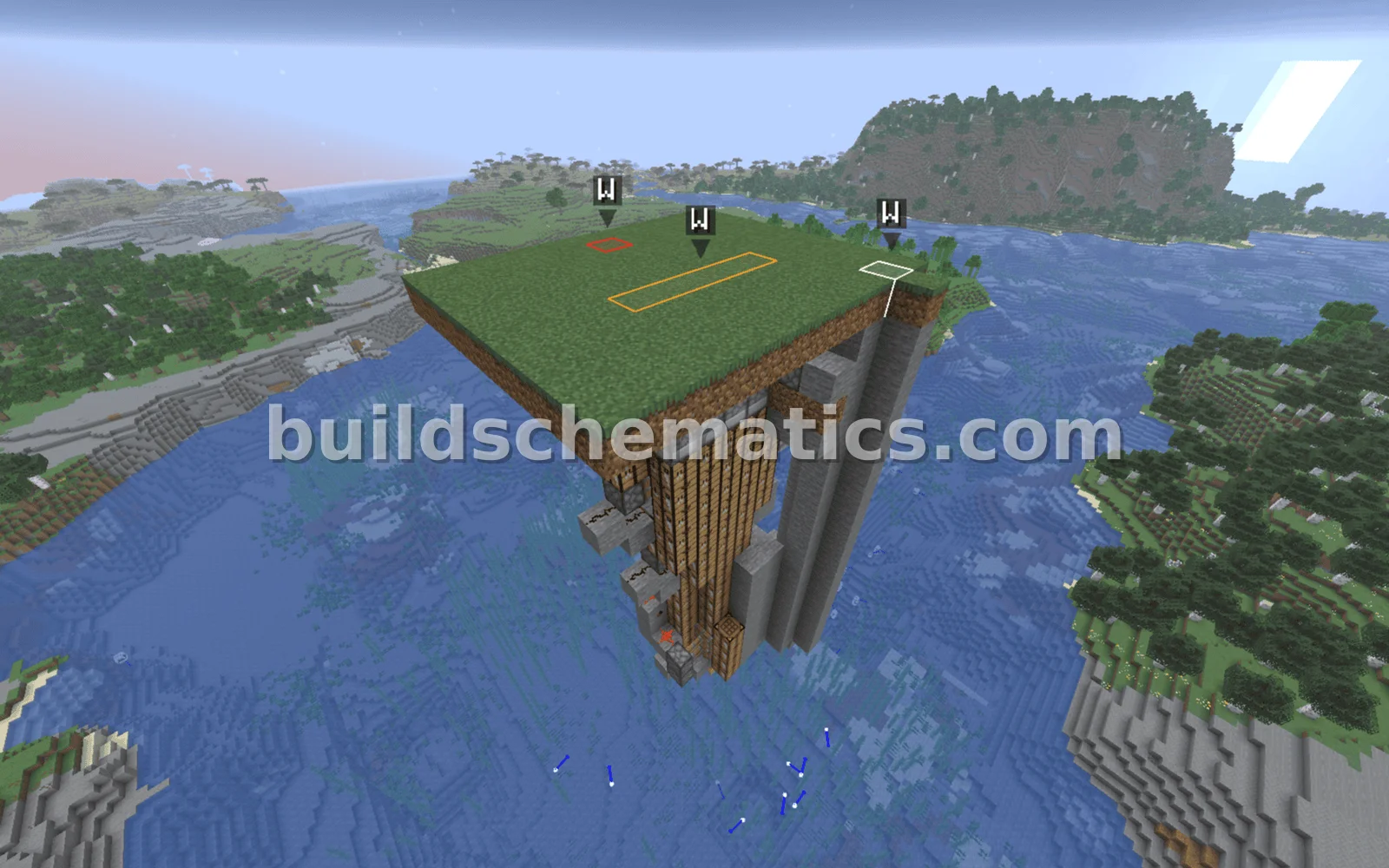 Redstone · 1.21.11 · 12 x 20 x 10Simple Redstone Trap