About the schematic viewer
Three ways to look at a build
Orbit the whole structure, fly through the inside in first person to check rooms and redstone, or slice it one layer at a time like a blueprint. There is also a walkthrough that places the build block by block, in the order you would actually build it.
Five formats, including the old ones
Opens .litematic, .schem, .nbt and Bedrock .mcstructure — plus the legacy .schematic that downloads from before Minecraft 1.13 still use, which stores numeric block ids and is translated to modern blocks as it loads.
Know what it costs before you start
The materials panel counts every block in the build, sorted by how many you need, so you can gather for a build before placing a single block of it.
Nothing leaves your device
The file is read and rendered in your browser. There is no upload, no account, and no install — and no size limit beyond what your own machine can hold.
Need the build in a different format? Convert it to Litematica, WorldEdit, a structure block file or Bedrock — also without uploading anything.
Latest schematics
Browse all »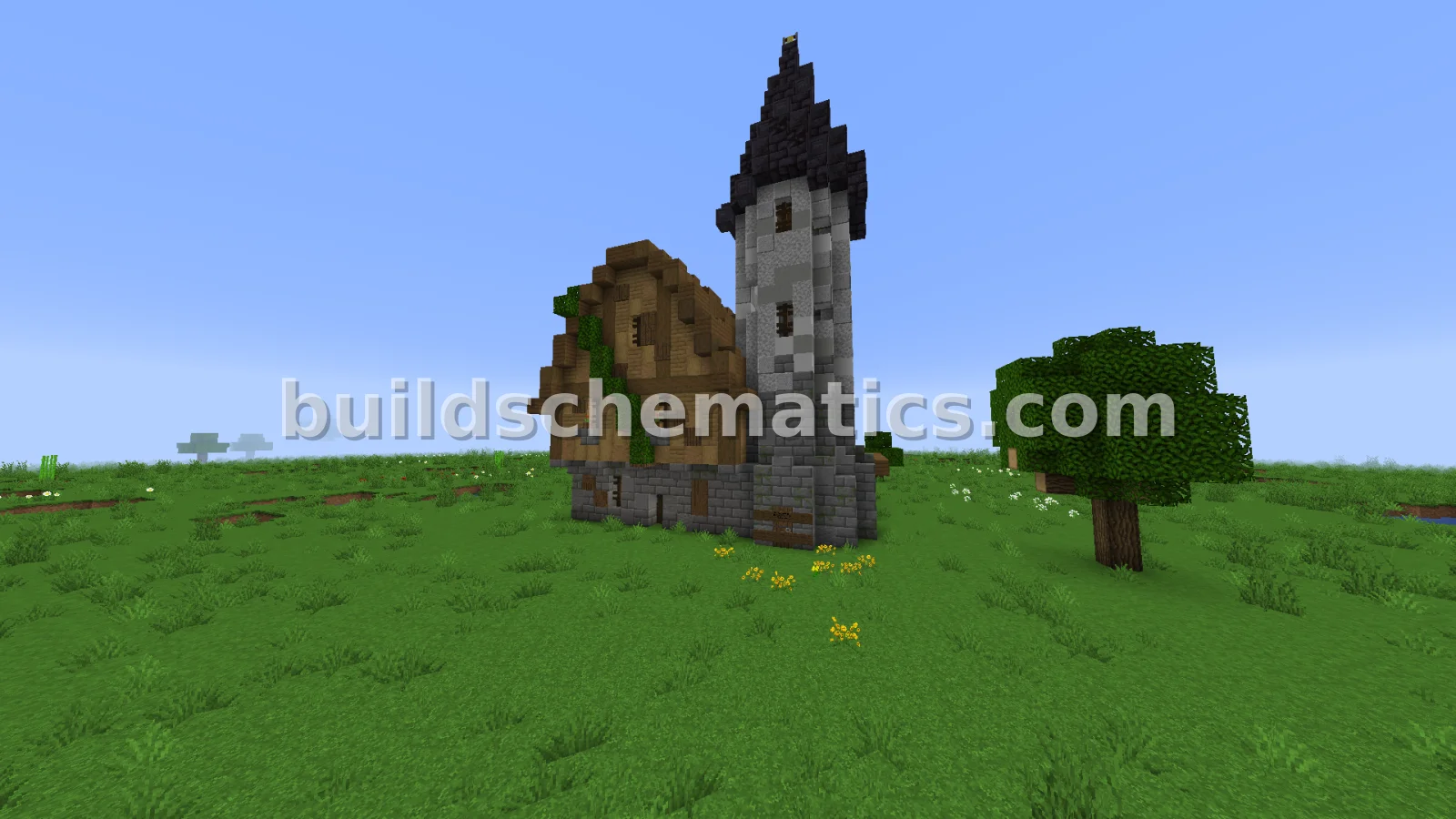 Houses · 1.16.4 · 21 x 33 x 23Small Medieval House With Interior
 Statues And Sculptures · 1.21.4 · 58 x 198 x 58Copper Statue of Freedom Build
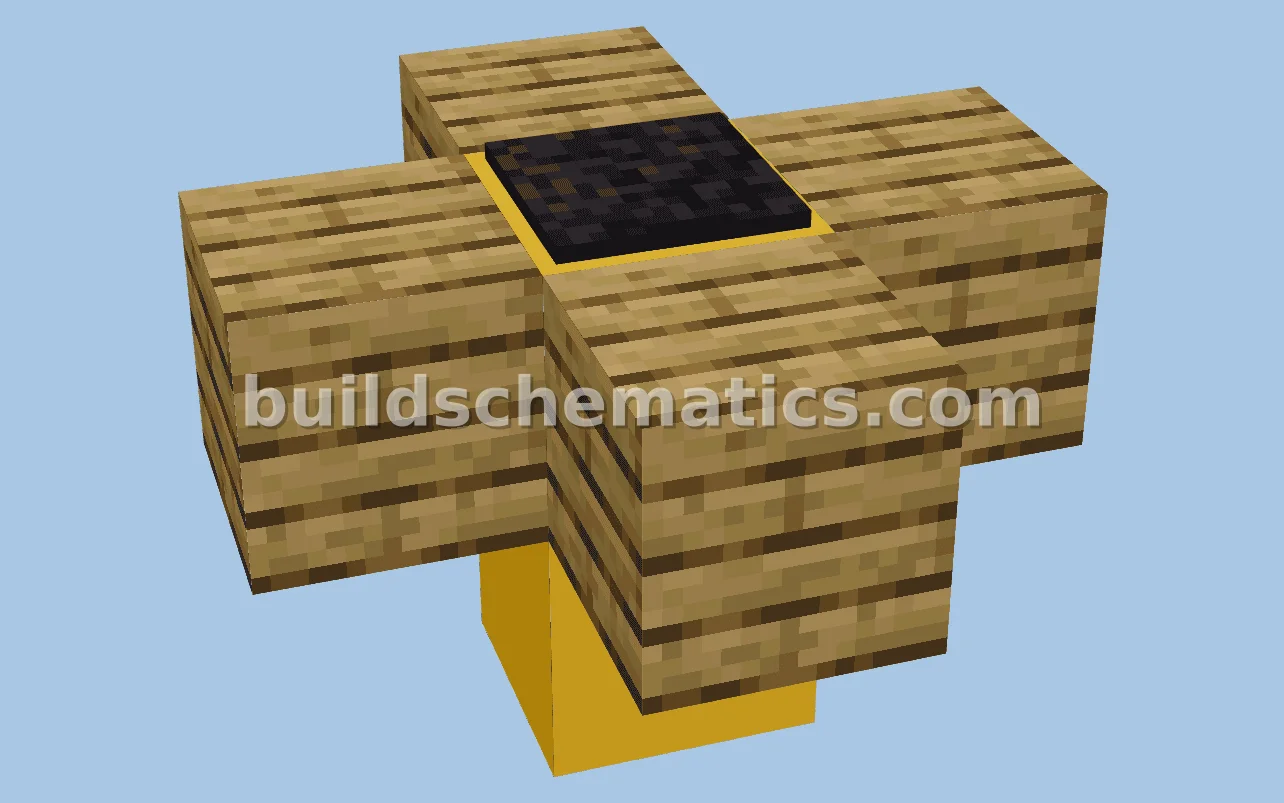 Miscellaneous · 1.21.4 · 3 x 3 x 3Radioactive Waste Barrel Decoration
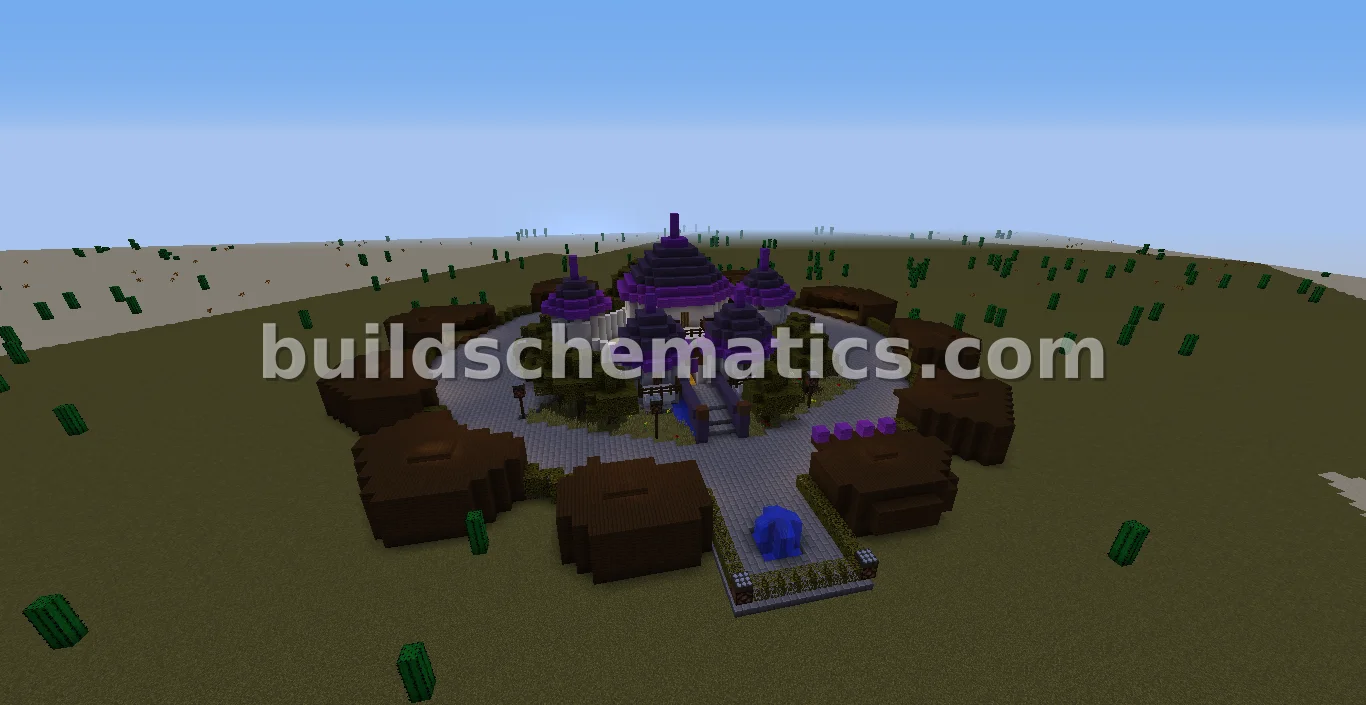 Houses · 91 x 64 x 93Pokemon Festival Plaza
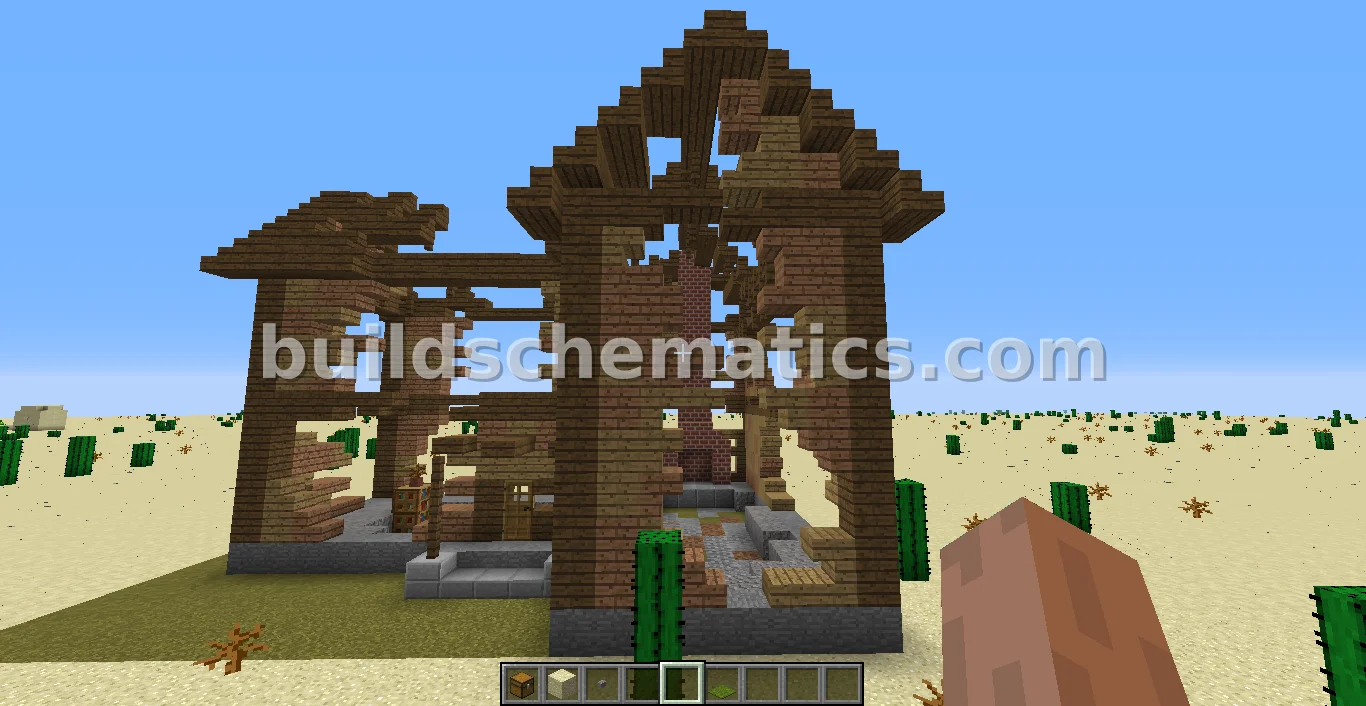 Houses · 19 x 18 x 23Fallout 3 Ruined House
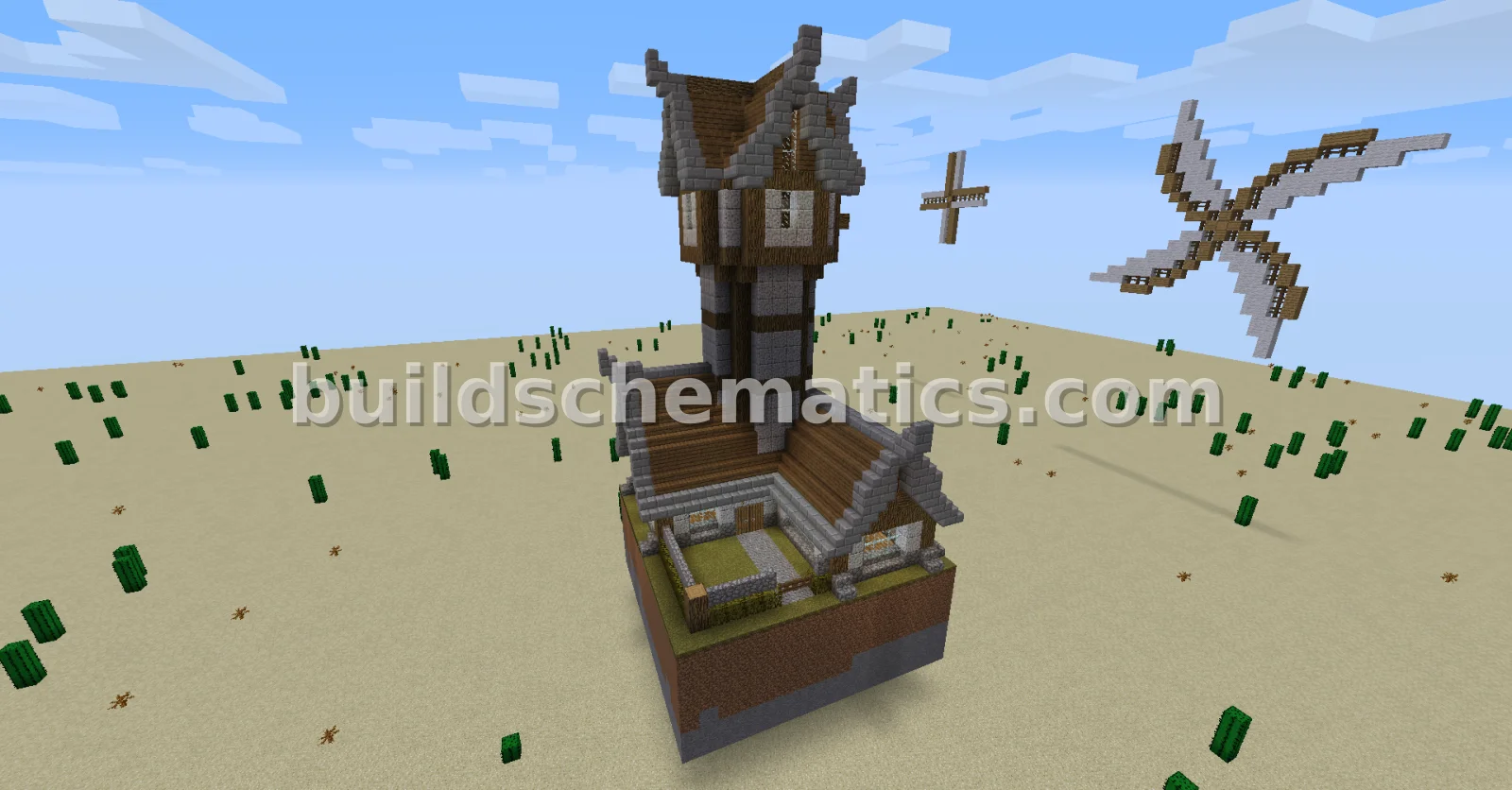 Houses · 20 x 35 x 18Windmill Home With Basement and Attic
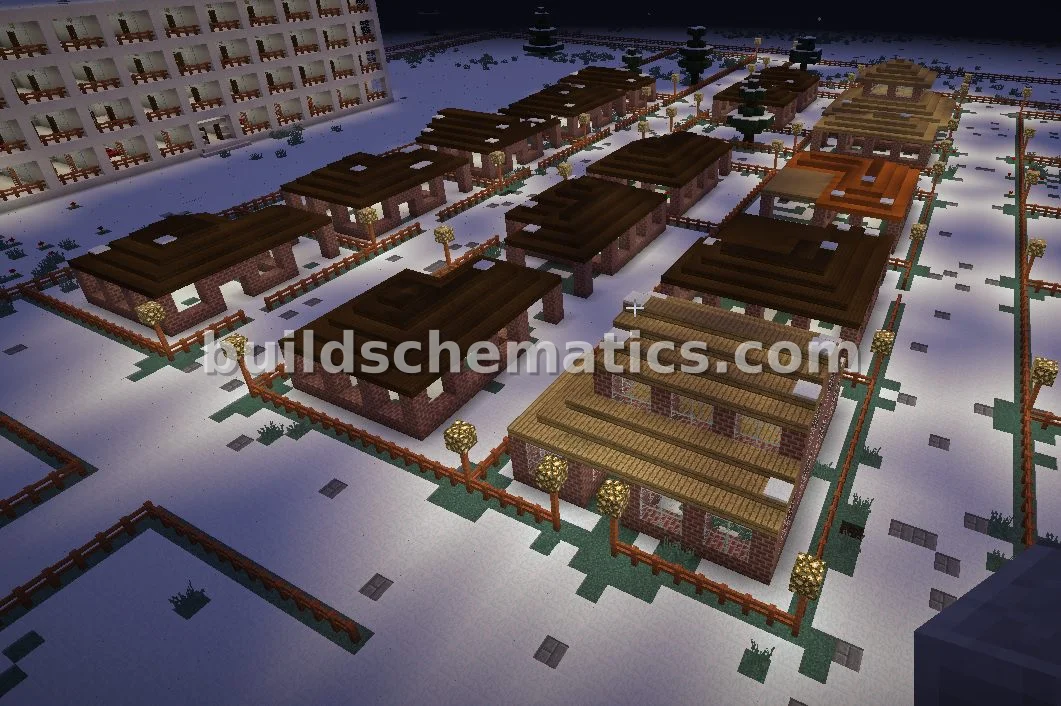 Houses · 100 x 14 x 67Suburban Houses For Your World
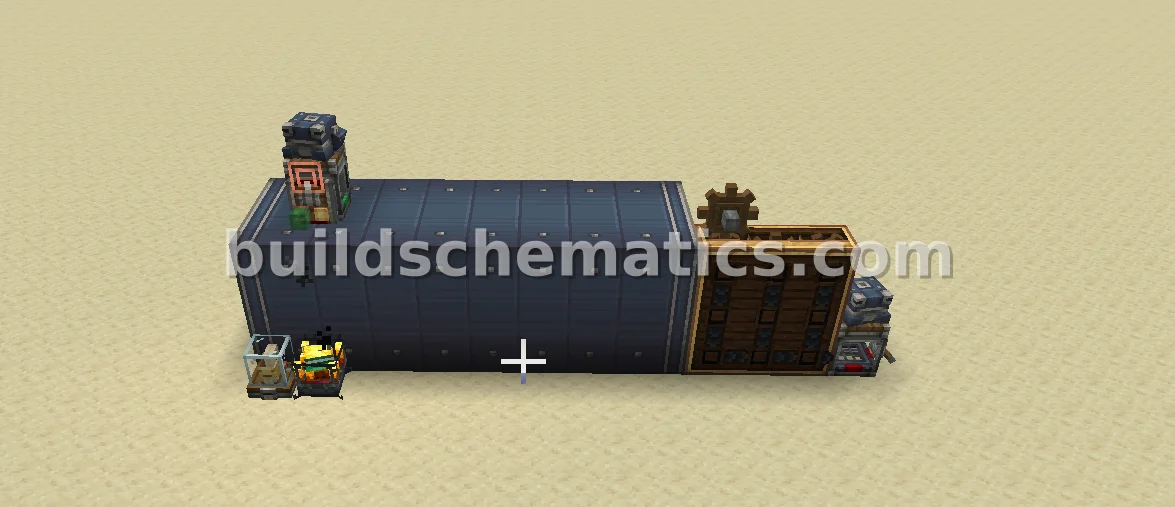 Storage · 1.21.1 · 4 x 5 x 13Automated Crafting and Storage System
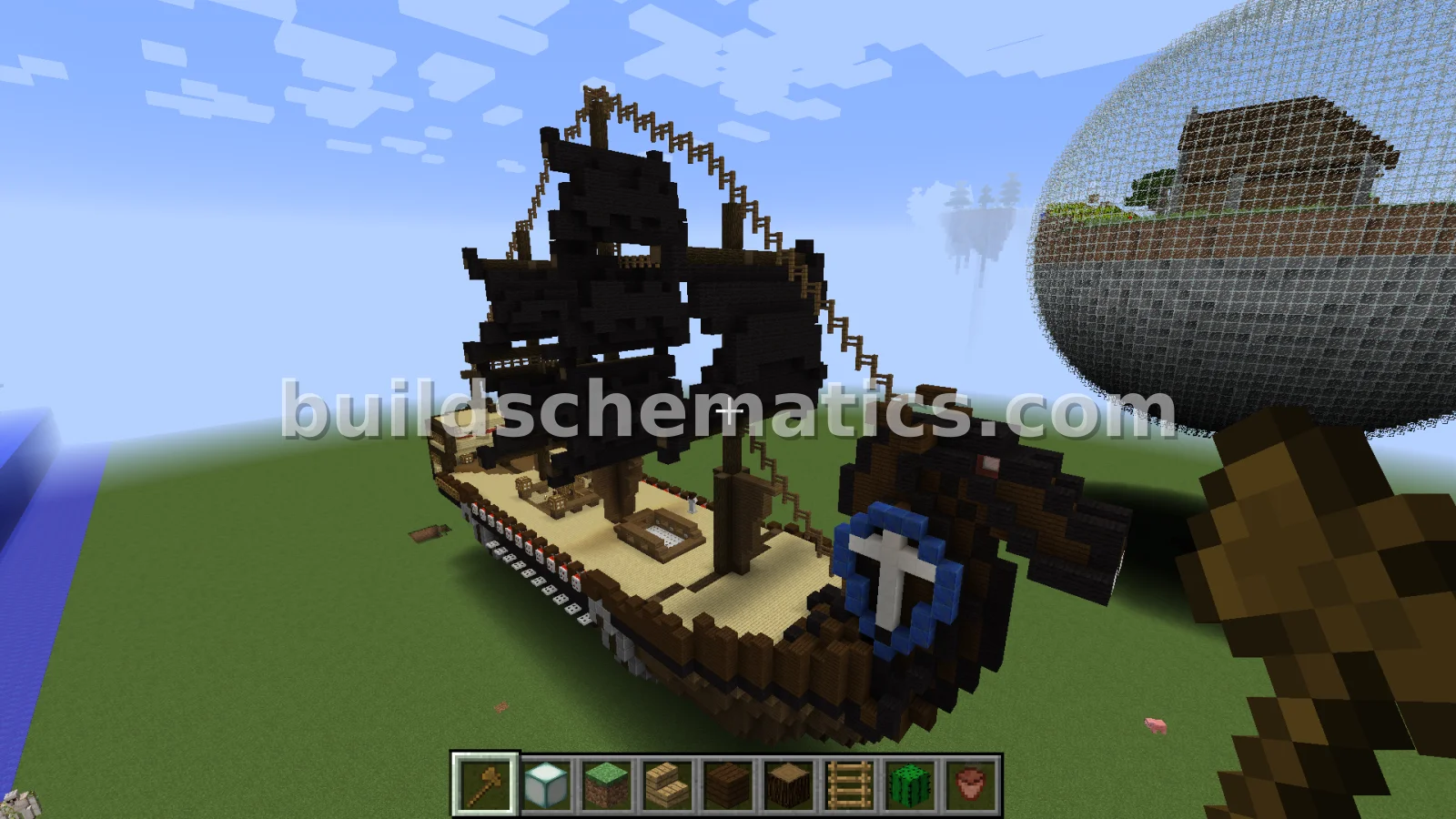 Structure · 27 x 54 x 78Ancient Warship Design
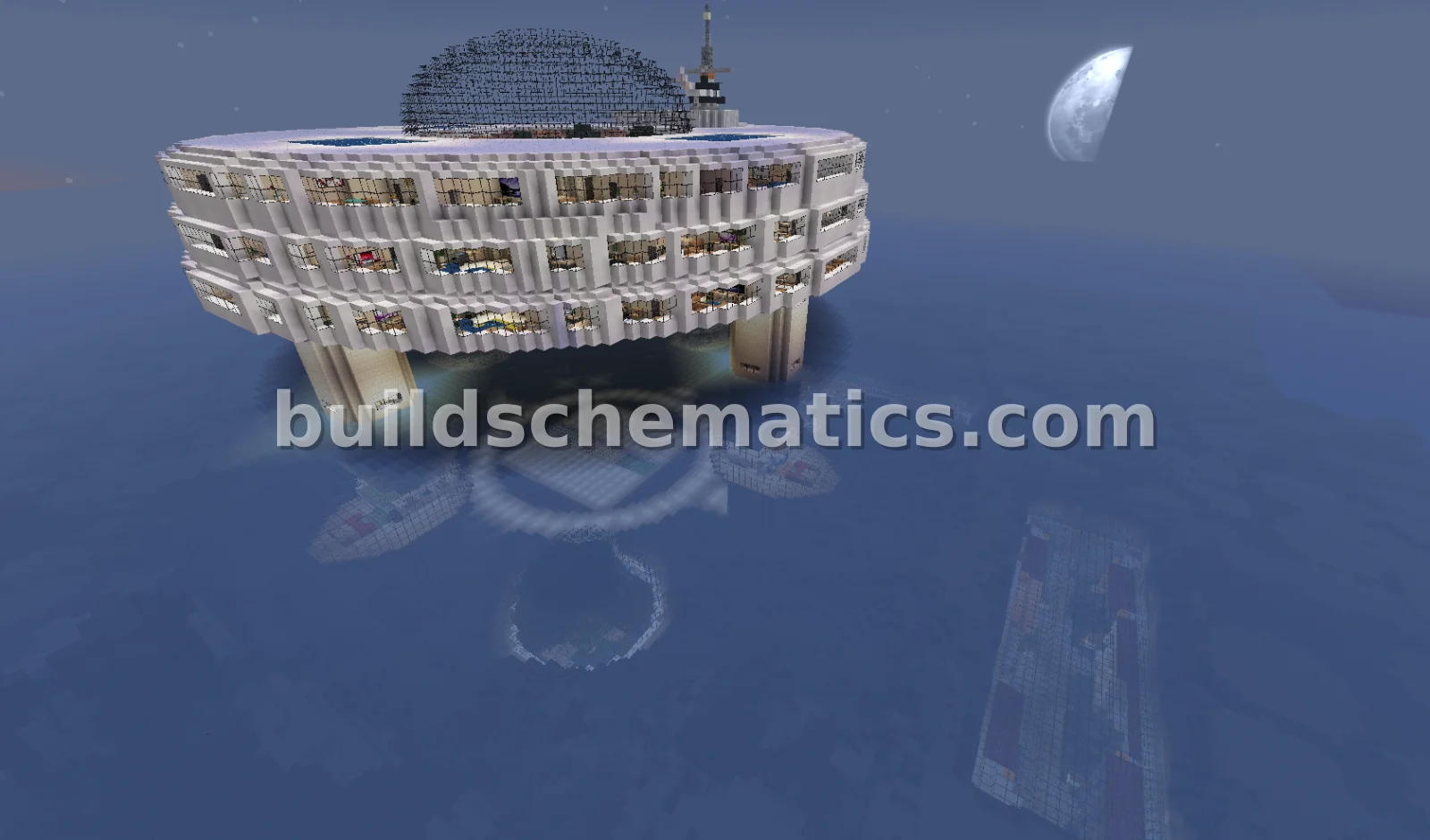 Miscellaneous · 119 x 103 x 193Waterworld: Aquatic Living and Recreation
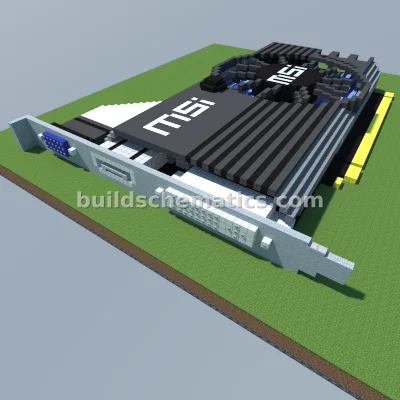 Miscellaneous · 74 x 10 x 61MSI Radeon R7 240 Graphics Card
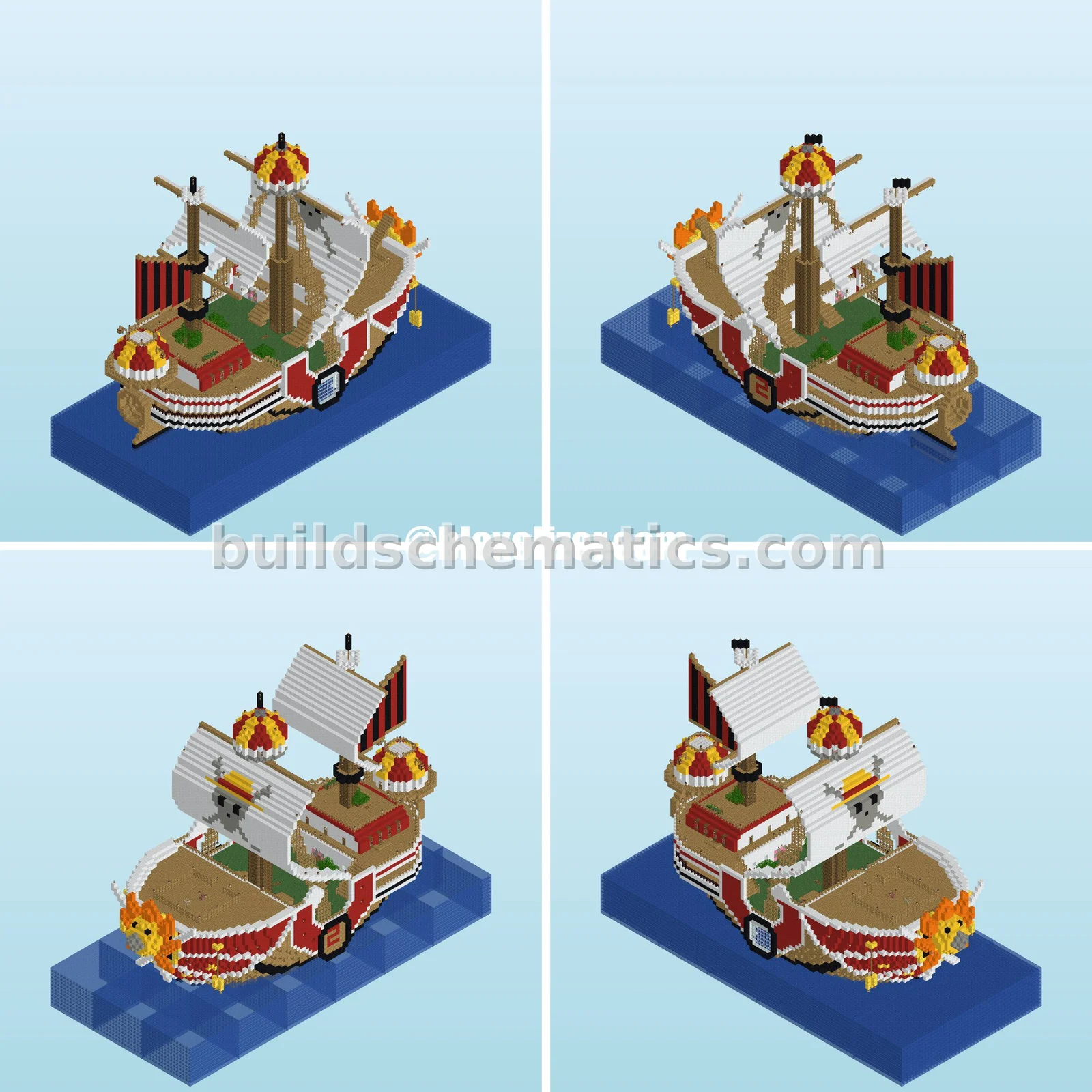 Structure · 1.21.10 · 48 x 80 x 112Thousand Sunny Ship